161
Advanced Guide
Basic Guide
1
Camera Basics
2
Auto Mode /
Hybrid Auto Mode
3
Other Shooting Modes
Tv, Av, and M Mode
6
Playback Mode
7
Wi-Fi Functions
8
Set-Up Menu
9
Accessories
10
Appendix
Index
4
P Mode
5
Tv, Av, M, and C Modes
Before Use
Conguring Print Settings
Still Images
Movies
1
Access the printing screen.
● Follow steps 1 – 6 in “Easy Print”
(
=
160) to access this screen.
2
Congure the settings.
● Press the [ ][ ] buttons or turn the [ ]
dial to select an option. Press the [ ]
button, and on the next screen, press
the [ ][ ] buttons or turn the [ ] dial to
adjust the option. Press the [ ] button to
return to the print screen.
Default Matches current printer settings.
Date Prints images with the date added.
File No. Prints images with the le number added.
Both
Prints images with both the date and le
number added.
Off
–
Default Matches current printer settings.
Off
–
On
Uses information from the time of shooting
to print under optimal settings.
Red-Eye 1 Corrects red-eye.
Copies Choose the number of copies to print.
Cropping
–
Specify a desired image area to print
(
=
162).
Paper
Settings
–
Specify the paper size, layout, and other
details (
=
162).
3
Turn the printer on.
4
Turn the camera on.
● Press the [ ] button to turn the camera
on.
5
Choose an image.
● Press the [ ][ ] buttons or turn the [ ]
dial to choose an image.
6
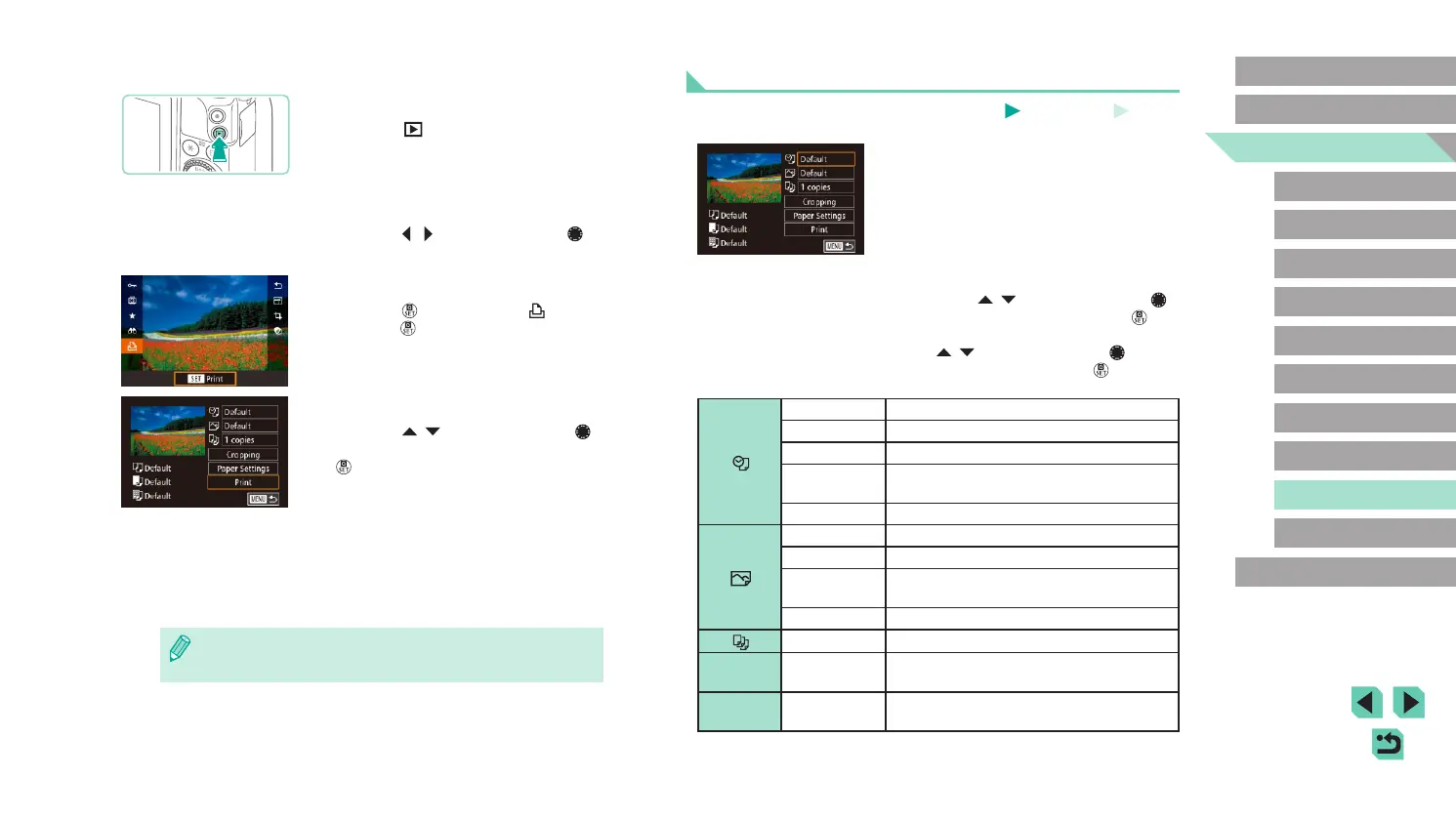
Access the printing screen.
● Press the [ ] button, choose [ ], and
press the [ ] button again.
7
Print the image.
● Press the [ ][ ] buttons or turn the [ ]
dial to choose [Print], and then press the
[ ] button.
● Printing now begins.
● To print other images, repeat the above
procedures starting from step 5 after
printing is nished.
● When you are nished printing, turn the
camera and printer off and disconnect
the cable.
● For Canon-brand PictBridge-compatible printers (sold separately),
see “Printers” (
=
150).















 To Next Page