38
Advanced Guide
Basic Guide
1
Camera Basics
2
Auto Mode /
Hybrid Auto Mode
3
Other Shooting Modes
Tv, Av, and M Mode
6
Playback Mode
7
Wi-Fi Functions
8
Set-Up Menu
9
Accessories
10
Appendix
Index
4
P Mode
5
Tv, Av, M, and C Modes
Before Use
Movies
● The camera may become warm when shooting movies repeatedly
over an extended period. This does not indicate damage.
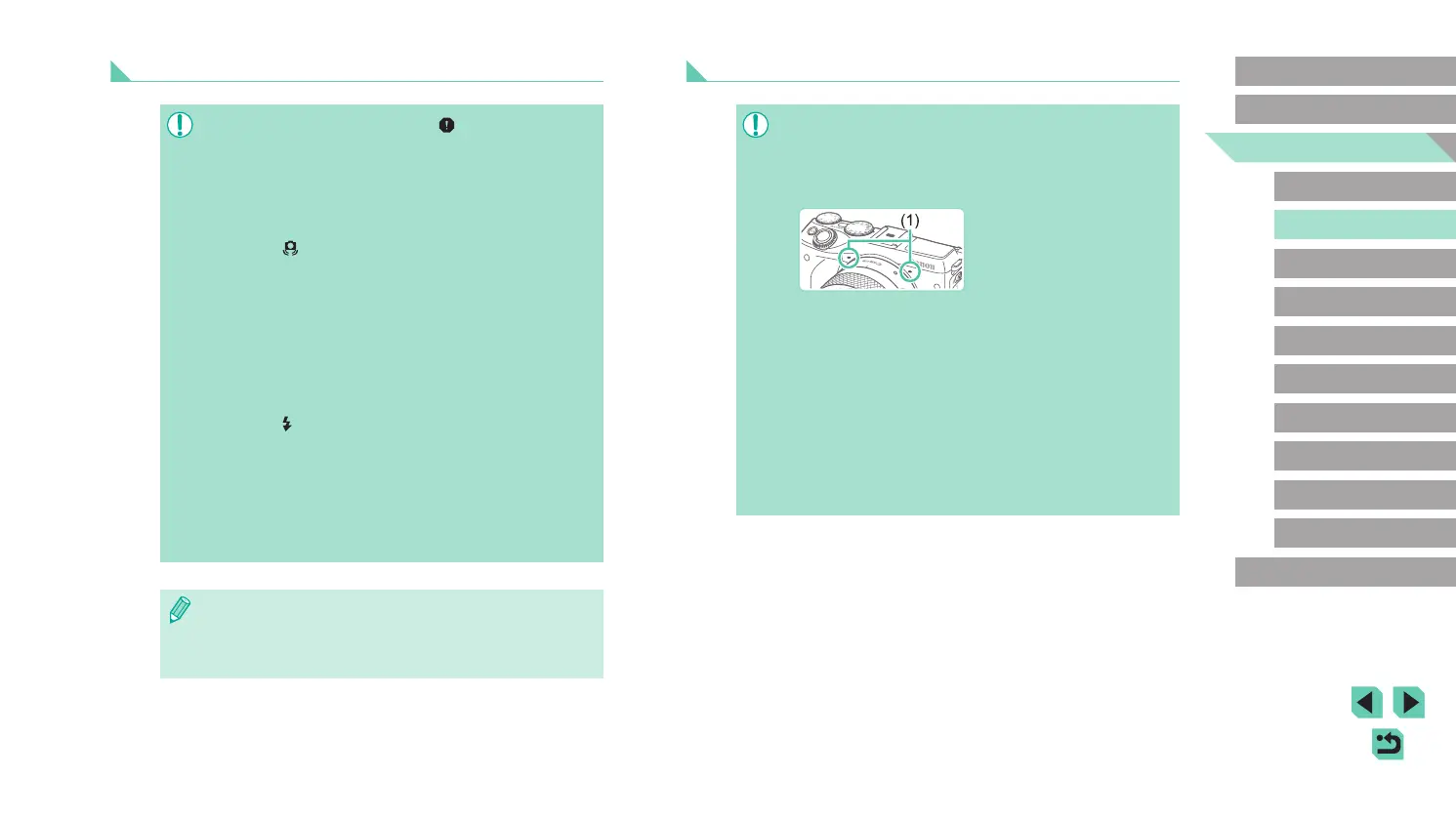
● Keep your ngers away from the microphone (1) while shooting
movies. Blocking the microphone may prevent audio from being
recorded or may cause the recording to sound mufed.
● Avoid touching camera controls other than the movie button
and touch-screen controls when shooting movies. Sounds
made by the camera will be recorded. Touch-screen control is
recommended when adjusting settings while shooting movies.
● The sounds of the lens and camera operating are also recorded.
This can be reduced by using an external microphone (sold
separately) (
=
157).
● If using a lens that supports Dynamic IS (
=
78), the image
display area changes and subjects are enlarged once movie
recording begins to allow correction of signicant camera shake.
To shoot subjects at the same size shown before shooting, adjust
the image stabilization setting (
=
78).
Still Images
● An orange AF frame is displayed with [ ] if the camera cannot
focus when you press the shutter button halfway. No picture is
taken, even if you press the shutter button all the way down.
● When no people or subjects are detected, when the subject
is dark or has no contrast, or in extremely bright conditions, it
may take longer to achieve focus, or correct focus may not be
achieved.
● A blinking [
] icon warns that images are more likely to be
blurred by camera shake. In this case, mount the camera on a
tripod or take other measures to keep it still.
● If your shots are dark despite the ash ring, move closer to the
subject. For details on the ash range, see “Internal Flash Range
Guide” (
=
196).
● To reduce red-eye and to assist in focusing, the lamp may be lit
when the shutter button is pressed halfway in low-light conditions.
● If the ash res, vignetting may occur depending on the lens
being used.
● A blinking [
] icon displayed when you attempt to shoot
indicates that shooting is not possible until the ash has nished
recharging. Shooting can resume as soon as the ash is ready,
so either press the shutter button all the way down and wait, or
release it and press it again.
● Although you can shoot again before the shooting screen
is displayed, your previous shot may determine the focus,
brightness, and colors used.
● The display shown right after shooting and before the saved
image is shown will feature vignetting.
● You can change how long images are displayed after shots
(
=
47).















 To Next Page