77
Advanced Guide
Basic Guide
1
Camera Basics
2
Auto Mode /
Hybrid Auto Mode
3
Other Shooting Modes
Tv, Av, and M Mode
6
Playback Mode
7
Wi-Fi Functions
8
Set-Up Menu
9
Accessories
10
Appendix
Index
4
P Mode
5
Tv, Av, M, and C Modes
Before Use
Resetting Flash Settings
Still Images
Movies
You can reset the internal ash settings to their defaults.
● Press the [
] button, choose [Flash
Control] on the [ 3] tab, and select
[Clear settings].
● Choose [Clear built-in ash set.] and
press the [
] button. On the next screen,
press the [ ][ ] buttons or turn the [ ]
dial to choose [OK], and then press the
[ ] button.
Changing the Flash Timing
Still Images
Movies
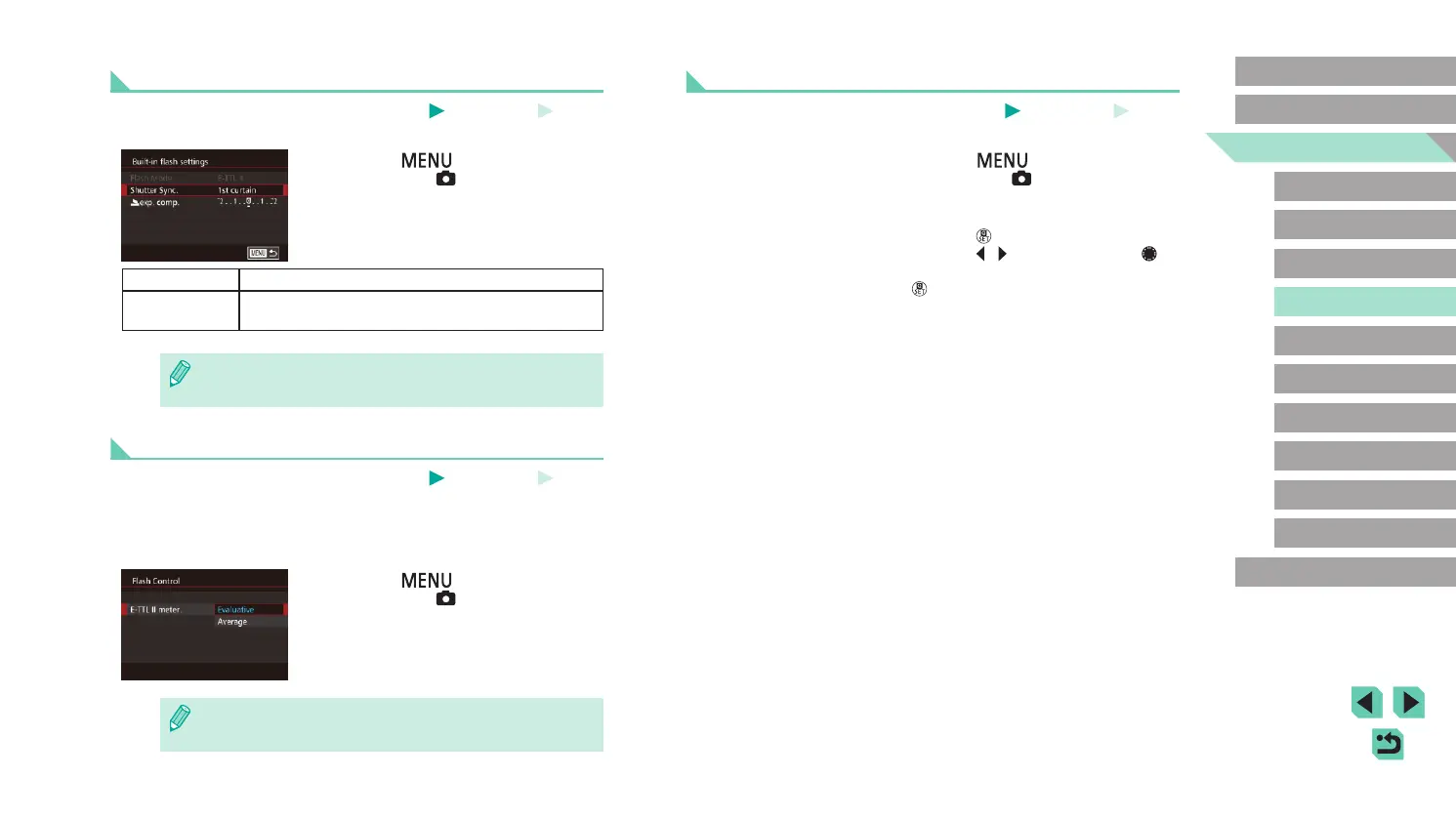
Change the timing of the ash and shutter release as follows.
● Press the [
] button, choose [Flash
Control] on the [ 3] tab, and select
[Built-in ash settings].
● Choose [Shutter Sync.], and then choose
the desired option (
=
32).
1st curtain The ash res immediately after the shutter opens.
2nd curtain
The ash res immediately before the shutter
closes.
● If the shutter speed is set to 1/100 or faster, the ash res on [1st
curtain], even if [2nd curtain] is selected.
Changing the Flash Metering Mode
Still Images
Movies
When shooting with the ash, [Evaluative] is used for a standard ash
exposure. This metering method can be changed to average ash
metering mode across the overall ash region, such as when using an
externally metered ash.
● Press the [
] button, choose [Flash
Control] on the [ 3] tab, select [E-TTL II
meter.], and then select [Average].
● When using [Average], adjust your ash metering compensation
for the scene to be shot.















 To Next Page