100
Advanced Guide
Basic Guide
1
Camera Basics
2
Auto Mode /
Hybrid Auto Mode
3
Other Shooting Modes
Tv, Av, and M Mode
6
Playback Mode
7
Wi-Fi Functions
8
Set-Up Menu
9
Accessories
10
Appendix
Index
4
P Mode
5
Tv, Av, M, and C Modes
Before Use
Image Viewing Options
Magnifying Images
Still Images
Movies
1
Magnify an image.
● Pressing the [ ] button will zoom in and
magnify the image. You can magnify
images up to about 10x by continuing to
hold the button down.
● The approximate position of the displayed
area (1) is shown for reference.
● To zoom out, press the [
] button. You
can return to single-image display by
continuing to hold it.
2
Move the display position and
switch images as needed.
● To move the display position, press
the [ ][ ][ ][ ] buttons. Press [ ] to
move to the focus frame area used when
shooting.
● To switch to other images while zoomed,
turn the [
] dial.
● You can return to single-image display from magnied display by
pressing the [
] button.
● Go to [Magnify (approx.)] on the [
4] tab of the menu to dene
the magnication used when pressing the [
] button during
single-image display. If set to [Reuse last magnication], the
display will be magnied to the level before the [
] button
was pressed in the previous magnied image.
Touch-Screen Operations
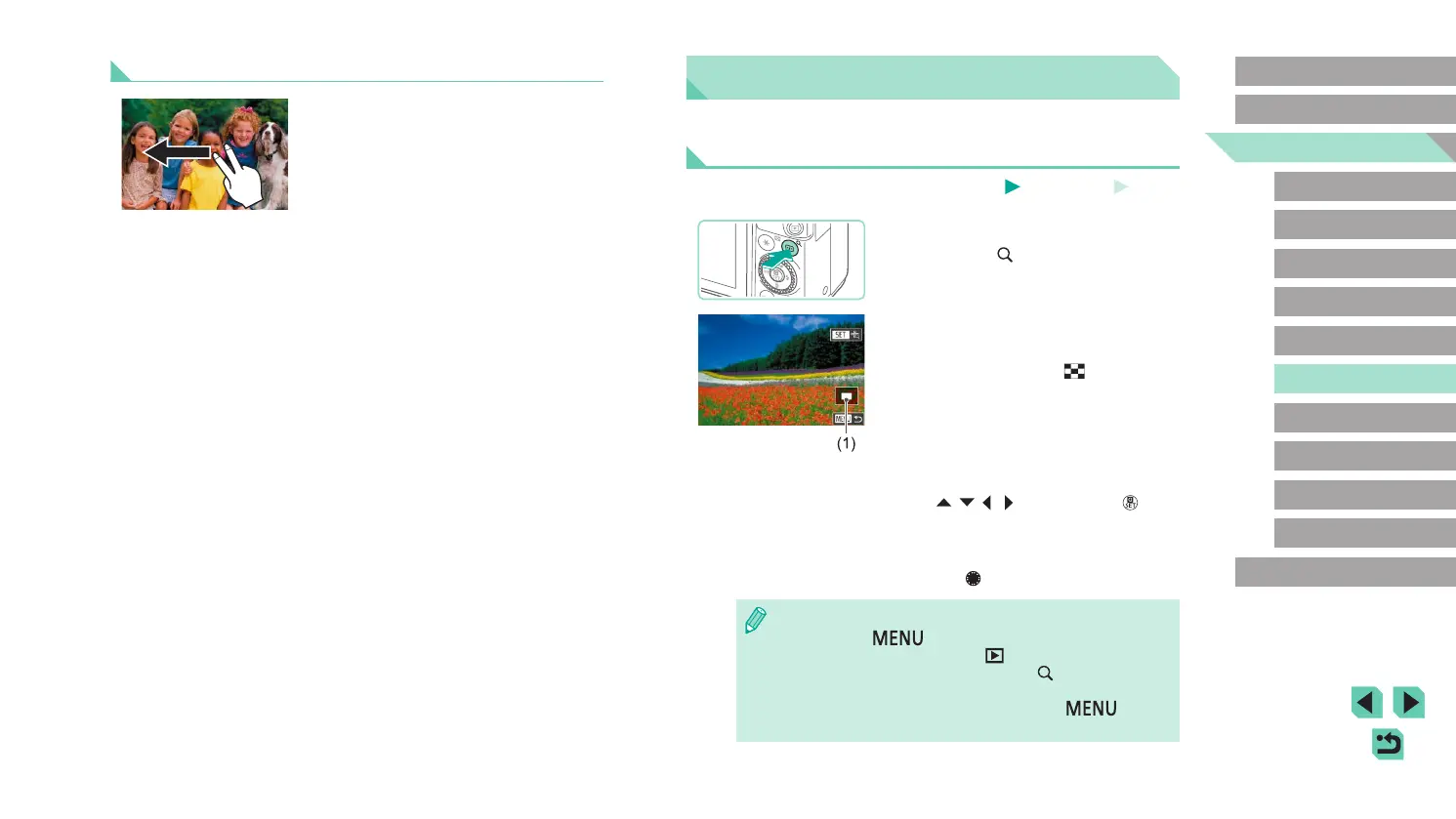
● You can also jump to the previous or next
image according to your jump method
chosen in step 1 of “Using the Front Dial
to Jump between Images” (
=
99) by
dragging left or right with two ngers.






 To Next Page