99
Advanced Guide
Basic Guide
1
Camera Basics
2
Auto Mode /
Hybrid Auto Mode
3
Other Shooting Modes
Tv, Av, and M Mode
6
Playback Mode
7
Wi-Fi Functions
8
Set-Up Menu
9
Accessories
10
Appendix
Index
4
P Mode
5
Tv, Av, M, and C Modes
Before Use
Using the Front Dial to Jump between Images
Displays images with dened ratings
(
=
108).
Jumps to the rst image in each group of
images that were shot on the same date.
Jumps by 10 images at a time.
Jumps by 100 images at a time.
1
Choose a condition.
● Choose a condition (or jump method)
in single-image display by turning the
[
] dial and then pressing the [ ][ ]
buttons.
2
View images matching your
specied condition, or jump by the
specied amount.
● Turn the [ ] dial to view only images
matching the condition or jump by the
specied number of images forward or
back.
● [ ], [ ], [ ], [ ], and [ ] are displayed when there are
images for each corresponding rating. [
] and [ ] are displayed
whenever there are any images with ratings applied to them.
● [
] allows you to jump to the Favorites screen with all ratings
displayed.
● Turning the [
] dial when browsing images in index display
will jump to the previous or next image according to the jump
method chosen in single-image display. However, if you have
chosen [
] or [ ], the jump method will be switched to [ ].
3
View the ltered images.
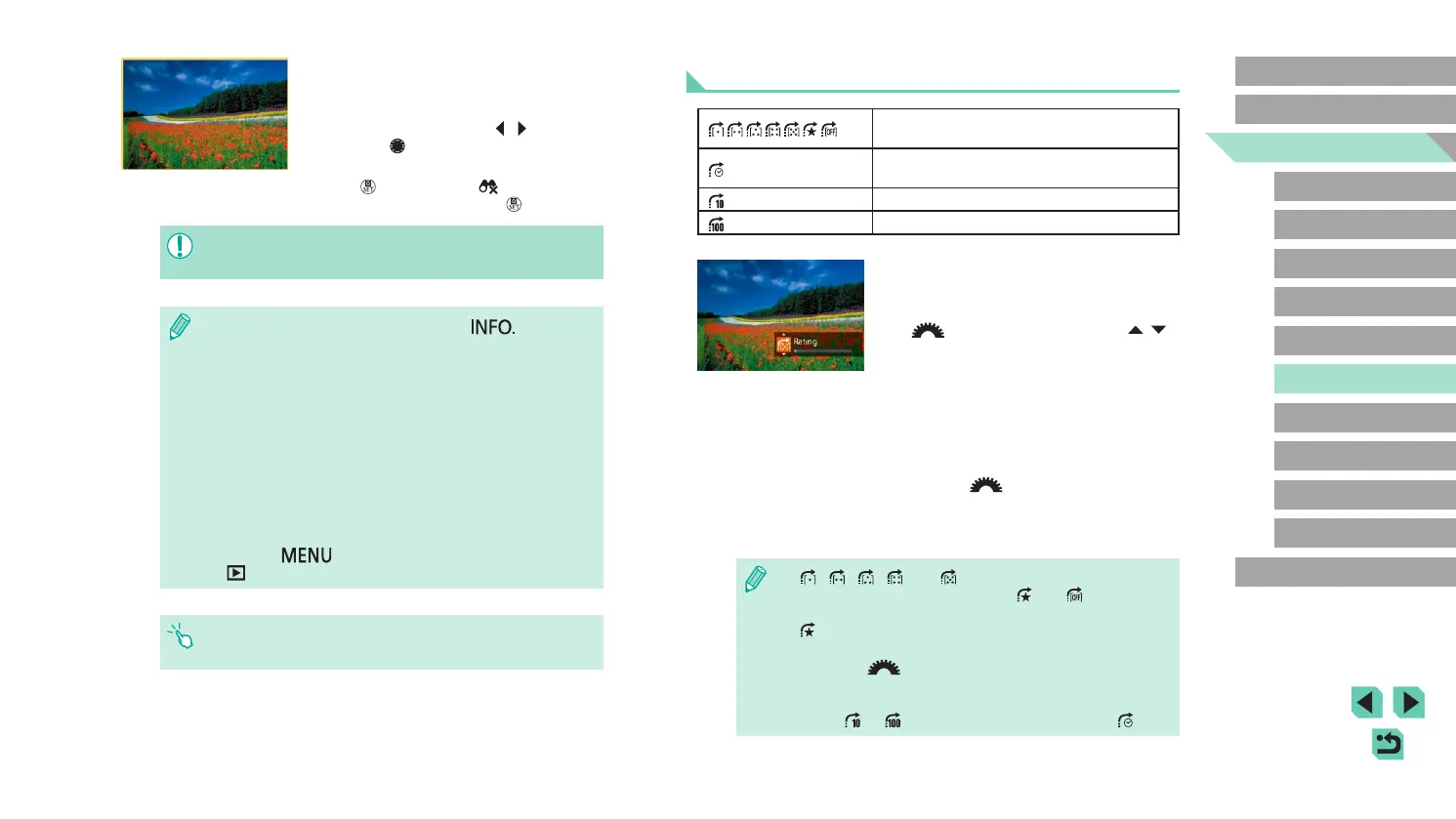
● Images matching your conditions are
displayed in yellow frames. To view only
these images, press the [ ][ ] buttons or
turn the [ ] dial.
● To leave the ltered image display, press
the [
] button, select [ ] from the
menu, and then press the [ ] button.
● When the camera has found no corresponding images for some
conditions, those conditions will not be available.
● To hide or view other information, press the [ ] button in
step 2.
● Options for viewing the images found (in step 3) include
“Navigating through Images in an Index” (
=
97), “Magnifying
Images” (
=
100), and “Viewing Slideshows” (
=
101). You can
also apply image operations to all images found, by choosing
[Protect All Images in Search] in “Protecting Images” (
=
102),
“Erasing Multiple Images at Once” (
=
105), “Adding Images to
the Print List (DPOF)” (
=
164), or [Select All Images in Search]
in “Adding Images to a Photobook” (
=
166).
● If you edit images and save them as new images (
=
109 –
=
112), a message is displayed, and the images that were
found are no longer shown.
● Press the [
] button and select [Image Search] on the
[
1] tab for the same function.
● You can also choose conditions by touching the screens in steps
1 and 2.















 To Next Page