90
Advanced Guide
Basic Guide
1
Camera Basics
2
Auto Mode /
Hybrid Auto Mode
3
Other Shooting Modes
Tv, Av, and M Mode
6
Playback Mode
7
Wi-Fi Functions
8
Set-Up Menu
9
Accessories
10
Appendix
Index
4
P Mode
5
Tv, Av, M, and C Modes
Before Use
Saving Shooting Settings ([C] Mode)
Still Images
Movies
Save commonly used shooting modes and your congured function
settings for reuse. To access saved settings later, simply turn the mode
dial to [ ]. Even settings that are usually cleared when you switch
shooting modes or turn the camera off (such as self-timer settings) can be
retained this way.
Settings that can be saved
● Shooting modes ([ ], [ ], [ ], and [ ])
● Items set in [
], [ ], [ ], and [ ] modes (
=
61 –
=
84)
● Shooting menu settings
● My Menu settings (
=
91)
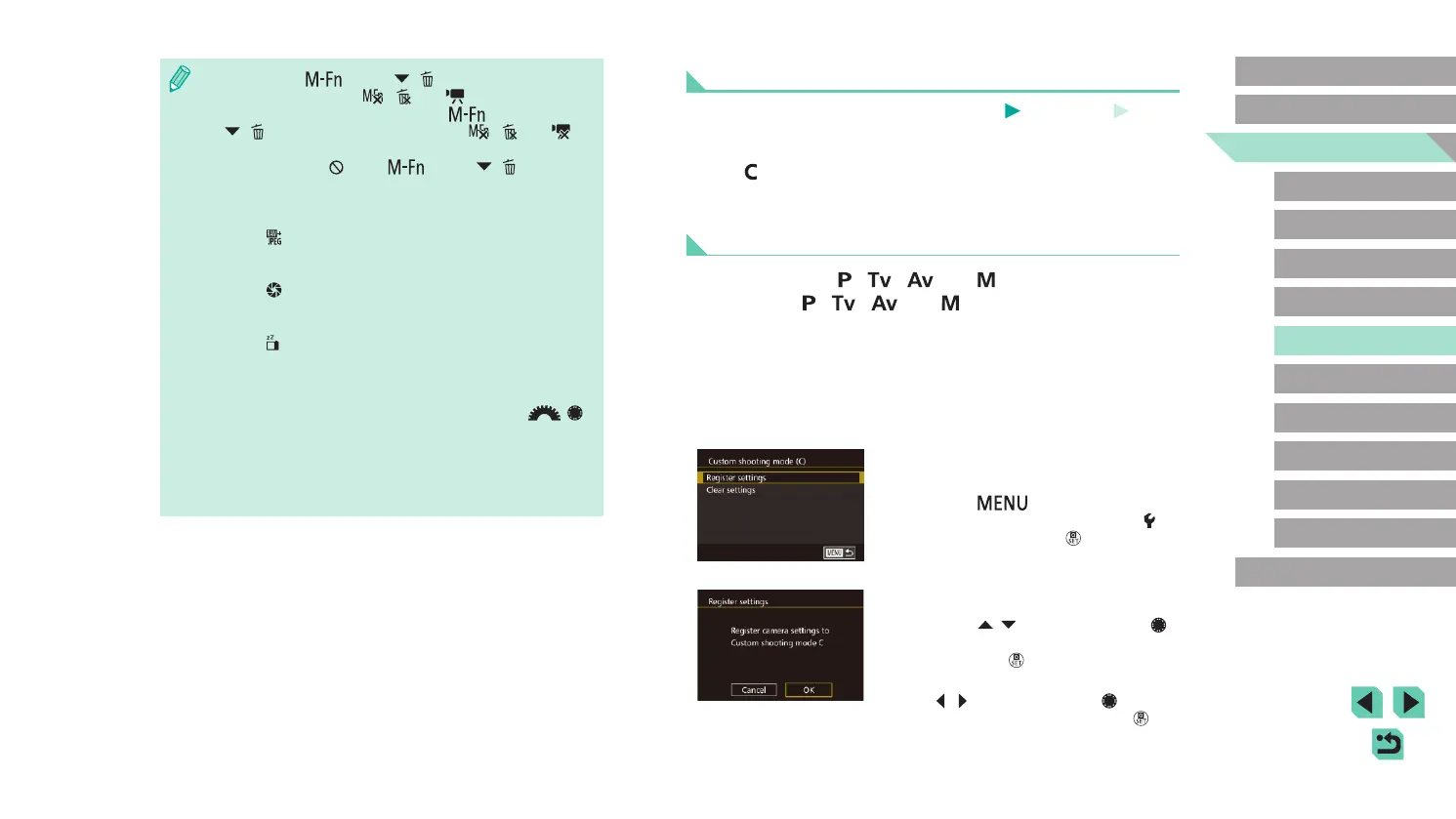
1
Enter a shooting mode with settings
you want to save, and change the
settings as desired.
2
Access the Register Settings
screen.
● Press the [ ] button, choose
[Custom shooting mode (C)] on the [ 4]
tab, and then press the [ ] button.
3
Register.
● Press the [ ][ ] buttons or turn the [ ]
dial to choose [Register settings], and
then press the [ ] button.
● A conrmation screen will appear. Press
the [
][ ] buttons or turn the [ ] dial
to select [OK], and then press the [ ]
button.
● To restore the [ ] button, [ ]([ ]) button, and movie button
to their defaults, choose [
], [ ] and [ ] respectively.
● If you don’t want to add functions to the [
] button,
[
]([ ]) button, and movie button, choose [ ], [ ] and [ ]
respectively.
● Icons labeled with [
] in the [ ] button, [ ]([ ]) button and
movie button assignment screen indicate that the function is not
available in the current shooting mode or under current function
conditions.
● Assign [
] to a button, and every time the button is pressed, the
camera will switch between saving or not saving simultaneous
RAW images.
● Assign [
] to a button, and the camera will use the dened
aperture value while the button is pressed, letting you preview the
depth of eld.
● Assign [
] to a button, and the screen display will disappear
when the button is pressed. Perform one of the following actions
to restore the display.
- Press a button other than the power button
- Turn the exposure compensation dial, mode dial, or [
][ ]
dials
- Change the camera’s vertical/horizontal orientation
- Open or close the ash
- Open the LCD monitor and rotate it upward all the way, or close
the LCD monitor when rotated upward all the way















 To Next Page