91
Advanced Guide
Basic Guide
1
Camera Basics
2
Auto Mode /
Hybrid Auto Mode
3
Other Shooting Modes
Tv, Av, and M Mode
6
Playback Mode
7
Wi-Fi Functions
8
Set-Up Menu
9
Accessories
10
Appendix
Index
4
P Mode
5
Tv, Av, M, and C Modes
Before Use
Saving Commonly Used Shooting Menu Items
(My Menu)
Still Images
Movies
You can save up to six commonly used shooting menu items on the
[ 1] tab. By customizing the [ 1] tab, you can access to these items
quickly from a single screen.
1
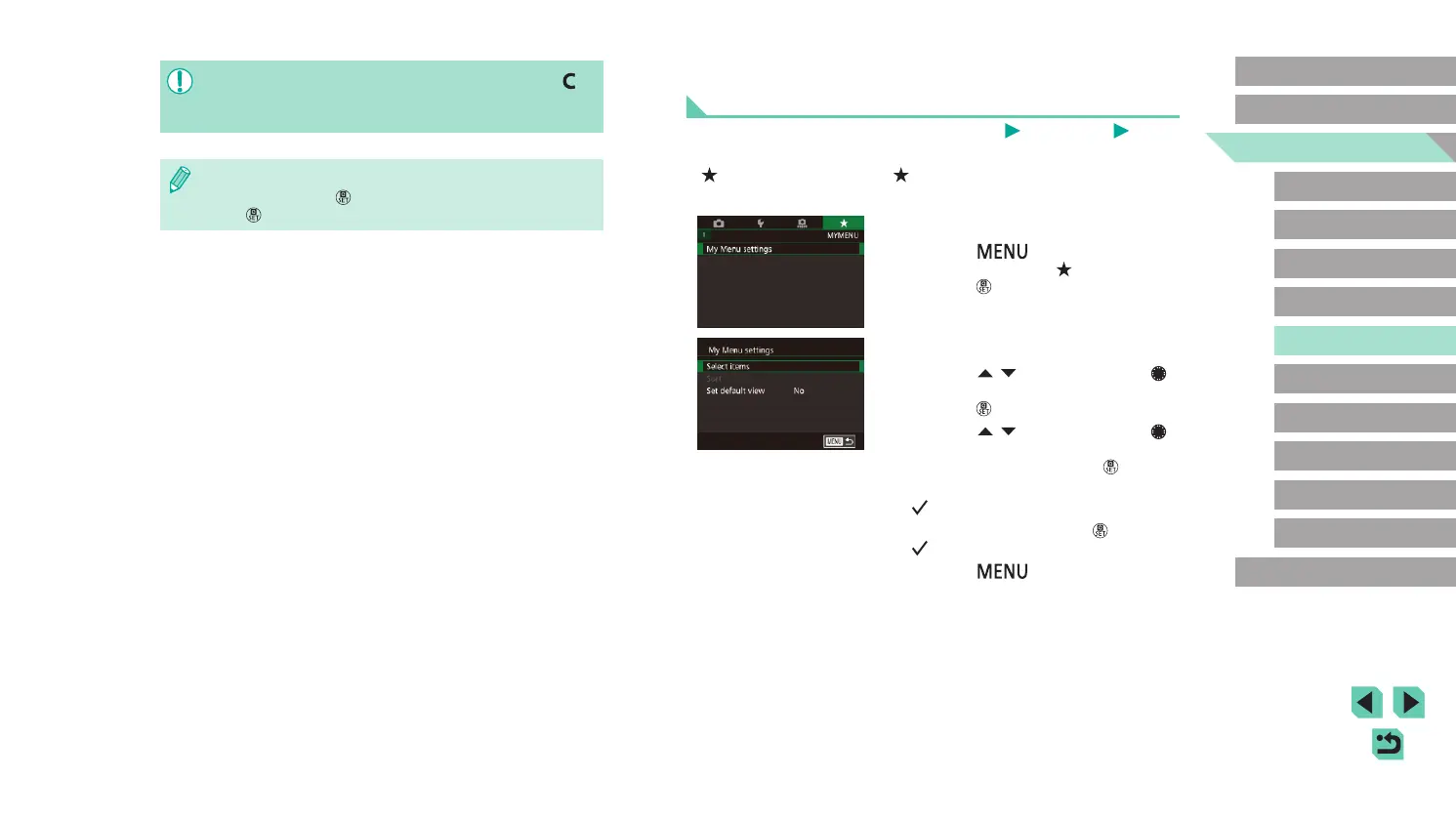
Access the setting screen.
● Press the [ ] button, choose [My
Menu settings] on the [ 1] tab, and then
press the [ ] button (
=
32).
2
Congure the setting.
● Press the [ ][ ] buttons or turn the [ ]
dial to choose [Select items], and then
press the [ ] button.
● Press the [
][ ] buttons or turn the [ ]
dial to choose a menu item to save (max.
six items) and then press the [ ] button
to save it.
● [
] is displayed.
● To cancel saving, press the [
] button.
[ ] is no longer displayed.
● Press the [
] button.
● To edit saved settings (except their shooting mode), choose [ ],
change the settings, and then repeat steps 2 – 3. These setting
details are not applied in other shooting modes.
● To reset saved settings to their defaults, choose [Clear settings]
in step 2, press the [
] button, and then choose [OK] and press
the [
] button.















 To Next Page