92
Advanced Guide
Basic Guide
1
Camera Basics
2
Auto Mode /
Hybrid Auto Mode
3
Other Shooting Modes
Tv, Av, and M Mode
6
Playback Mode
7
Wi-Fi Functions
8
Set-Up Menu
9
Accessories
10
Appendix
Index
4
P Mode
5
Tv, Av, M, and C Modes
Before Use
3
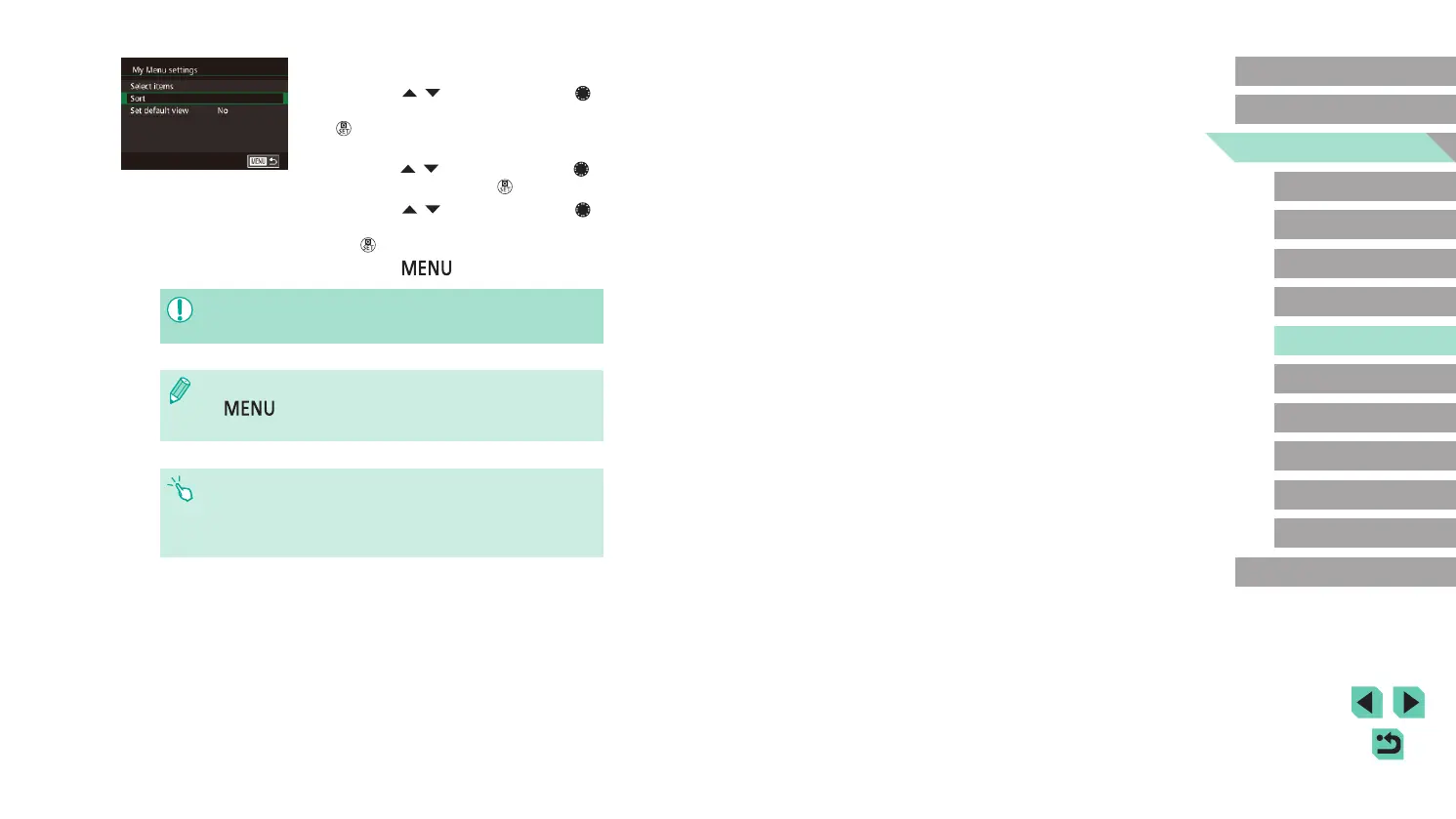
Rearrange menu items as needed.
● Press the [ ][ ] buttons or turn the [ ]
dial to choose [Sort], and then press the
[ ] button.
● Choose a menu item to move (either
press the [
][ ] buttons or turn the [ ]
dial), and then press the [ ] button.
● Press the [
][ ] buttons or turn the [ ]
dial to change the order, and then press
the [ ] button.
● Press the [
] button.
● Grayed-out items in step 2 can also be specied, but they may
not be available in some shooting modes.
● To make My Menu immediately accessible by pressing the
[
] button in Shooting mode, choose [Set default view] to
choose [Yes].
● On the [Select items] screen for saving or clearing items, you can
also touch items to select them.
● On the [Sort] screen, you can also drag items to change the
display order.















 To Next Page