COPYRIGHT
©
2000 CANON INC. 2000 2000 2000 2000 CANON iR5000/iR6000 REV.0 JULY 2000
CHAPTER 4 IMAGE FORMATION SYSTEM
4-50 P
7.1 Pre-Exposure Lamp Unit
7.1.1 Removing the Pre-Exposure Lamp Unit
1) Open the front cover, and slide out the
hopper unit to draw out the fixing/feed-
ing unit.
2) Take out the process unit. (See p. 4-
54P.)
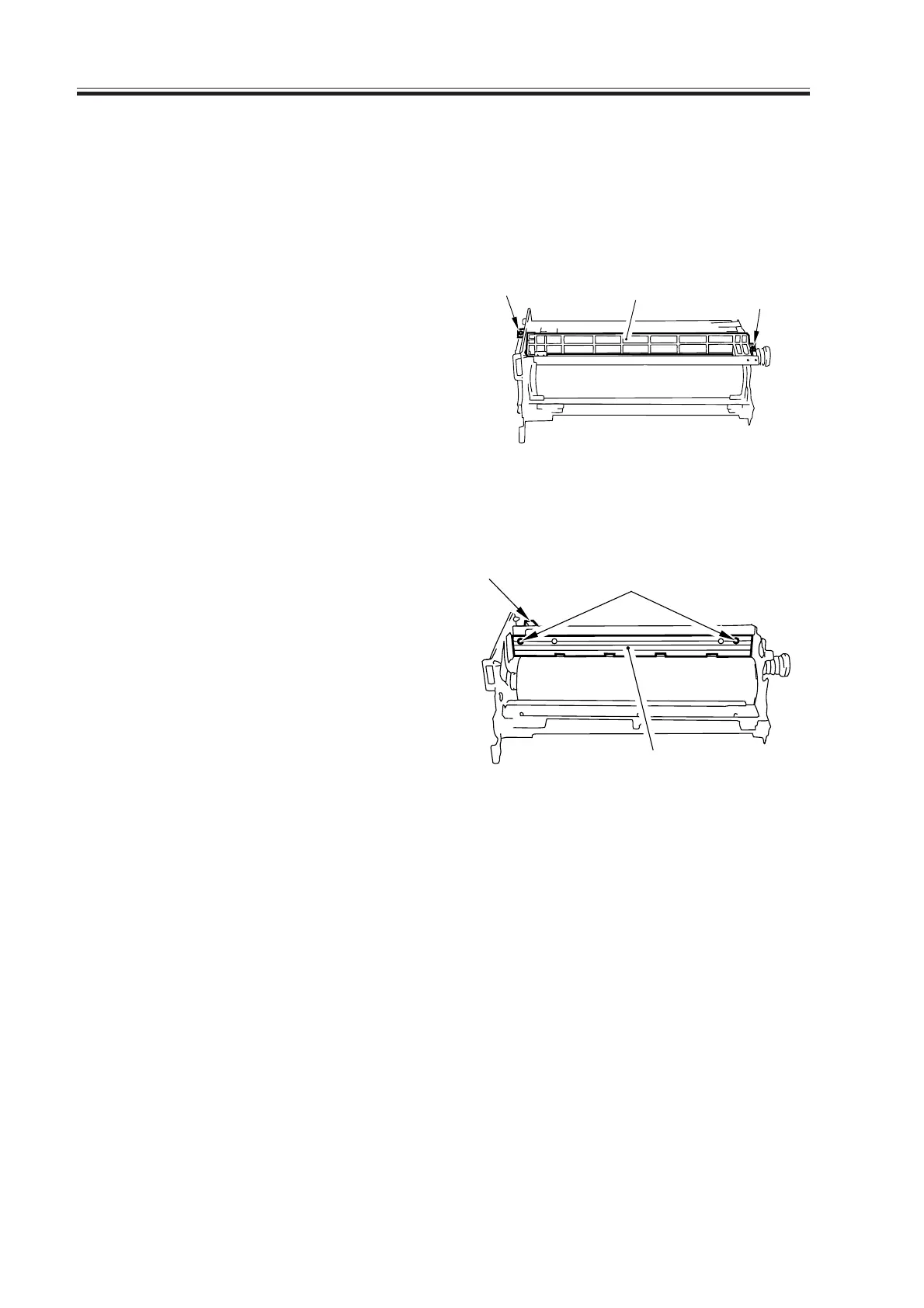
3) Remove the primary charging assembly.
4) Remove the potential sensor unit.
5) Remove the two mounting screws [1],
and remove the potential sensor rail stay
[2].
6) Disconnect the connector [3], and re-
move the two mounting screws [4];
then, detach the pre-exposure lamp unit
[5].
F04-701-01
F04-701-02
[1]
[1]
[2]
[3]
[4]
[5]
Download Free Service Manual at http://printer1.blogspot.com



 To Next Page