COPYRIGHT
©
2000 CANON INC. 2000 2000 2000 2000 CANON iR5000/iR6000 REV.0 JULY 2000
CHAPTER 3 INSTALLATION
3-20 S
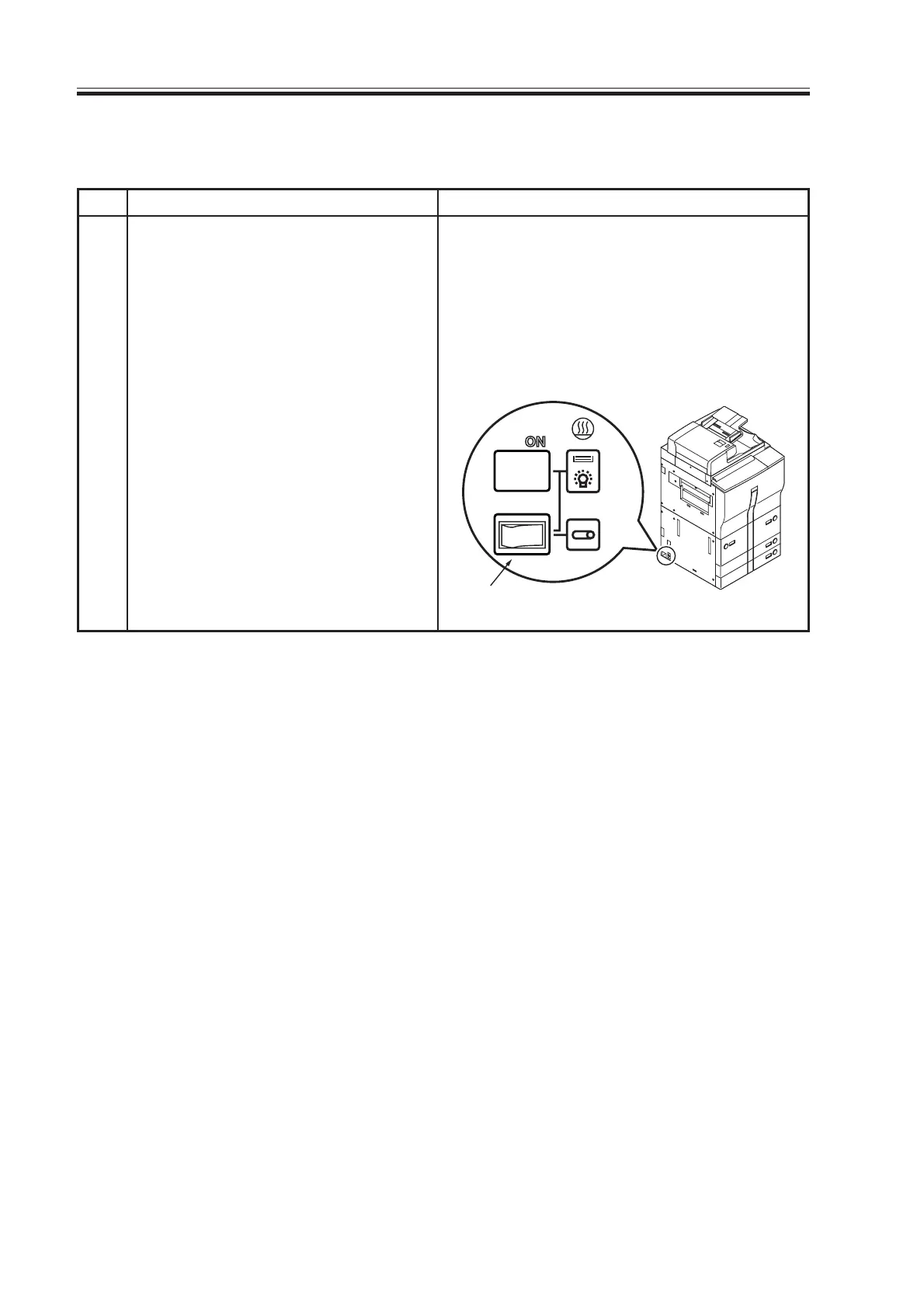
2.14 Checking the Environment Switch
Environment switch
Step
1
Work
The environment of the site deter-
mines how the environment switch
must be used.
If the site requires that the drum/cas-
sette heater remain on while the main
power switch is turned off, operate
the following two switches:
Environment Switch
It is designed for the drum heater
and all night heaters, and func-
tions as follows:
ON: all night switch remains on;
the main power supply switch
may be off or on.
OFF: heater remains on only when
the main power switch is on.
Checks/remarks
Download Free Service Manual at http://printer1.blogspot.com



 To Next Page