COPYRIGHT
©
2000 CANON INC. 2000 2000 2000 2000 CANON iR5000/iR6000 REV.0 JULY 2000
CHAPTER 5 SERVICE MODE
5-58 T
4.3 SORTER
PNCH-HLE
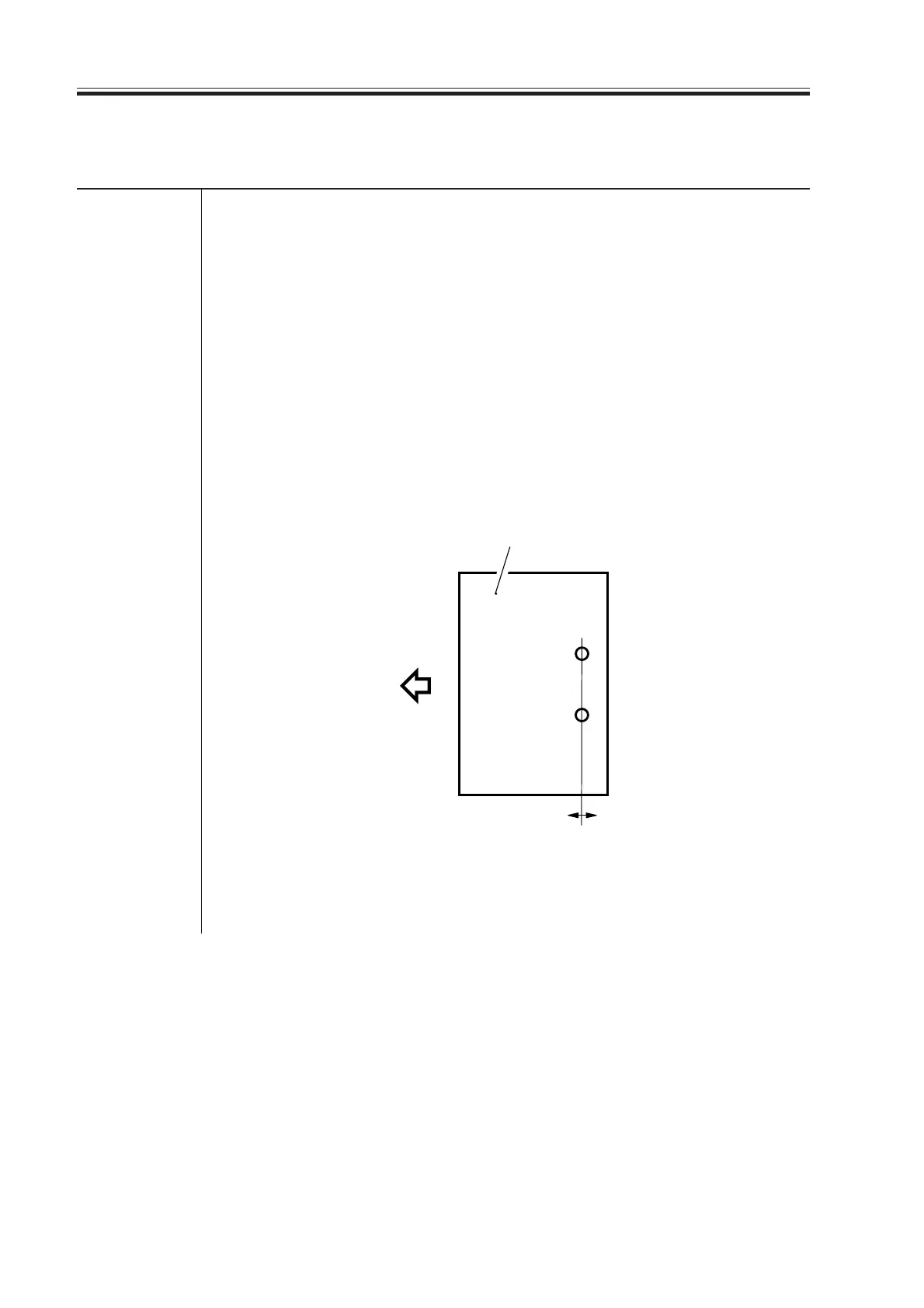
Use it to adjust the position of the punch holes (paper feeding direction)
when the puncher unit is used.
• A higher setting moves the punch holes toward the leading edge
(middle) of the sheet.
Range of -4 to +2 (unit; mm)
adjustment
Using the Mode
1) Make a print of the Test Chart, and check the position of the holes.
2) Select this item, and change the setting as needed.
3) Press the OK key.
4) Make a print of the Test Chart once again, and see that the position for
the holes is as indicated.
SORTER>ADJUST
Feeding direction
Higher setting Lower setting
Paper
F05-403-01
Download Free Service Manual at http://printer1.blogspot.com



 To Next Page