COPYRIGHT
©
2000 CANON INC. 2000 2000 2000 2000 CANON iR5000/iR6000 REV.0 JULY 2000
CHAPTER 4 IMAGE FORMATION SYSTEM
4-80 P
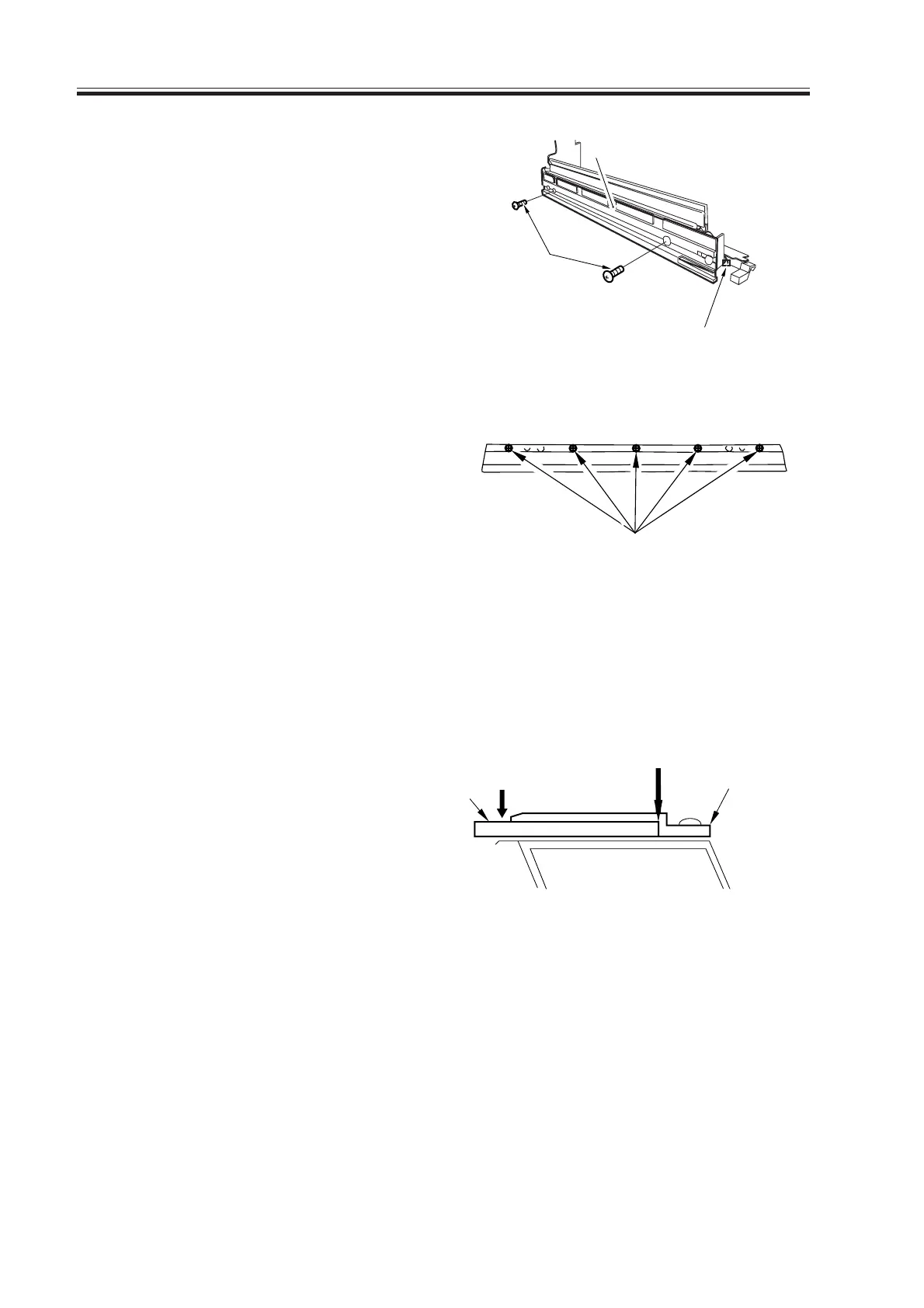
6) Disconnect the connector [6], and re-
move the two screws [7]; then, detach
the pre-exposure LED assembly [8].
F04-711-04
7) Loosen the five mounting screws [9],
and detach the blade support plate from
the cleaning blade.
F04-711-05
7.11.3 Mounting the Cleaning Blade
When mounting the cleaning blade, be sure that the side with the marking [1] will be the
face.
1) Push in the cleaning blade [2] until it
butts slightly again the rear.
F04-711-06
No gap Blade retaining
plate
[2]
[1]
[9]
[6]
[7]
[8]
Download Free Service Manual at http://printer1.blogspot.com



 To Next Page