COPYRIGHT
©
2000 CANON INC. 2000 2000 2000 2000 CANON iR5000/iR6000 REV.0 JULY 2000
CHAPTER 7 EXTERNALS AND CONTROLS
7-34 P
[8] [9]
[8]
[10][12]
[10] [11]
[13]
[14]
[13]
[15]
[16]
[15]
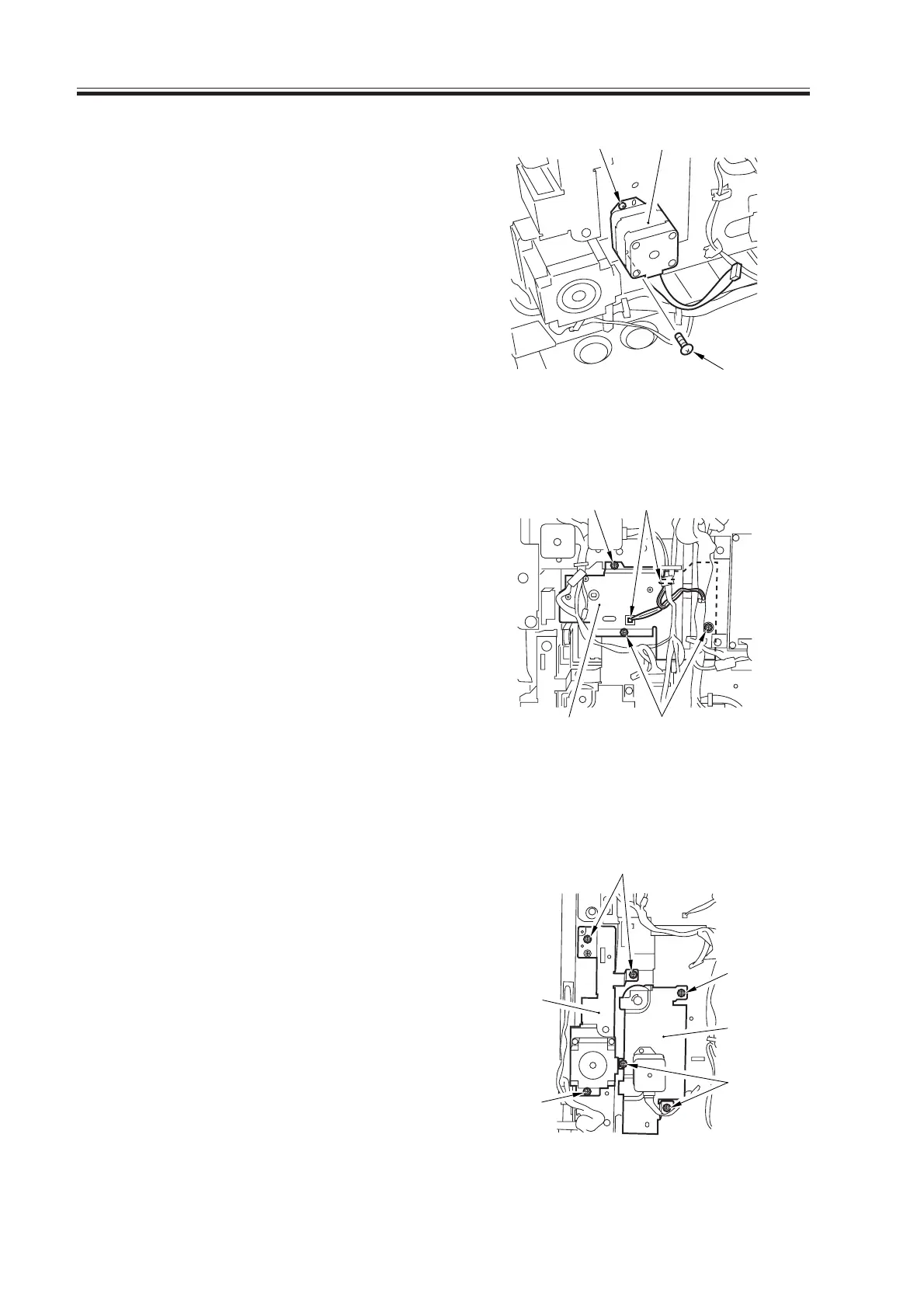
7) Remove the two screws [8], and detach
the cassette pickup motor [9].
F07-506-13
8) Remove the three screws [10], and dis-
connect the two connectors [11]; then,
remove the lifter drive assembly [12].
F07-506-14
9) Remove the three screws [13], and de-
tach the vertical path drive assembly
[14].
10) Remove the cassette 3/4 pickup assem-
bly. (See p. 5-55P.)
11) Remove the three screws [15], and de-
tach the cassette pickup drive assembly
[16].
F07-506-15
Download Free Service Manual at http://printer1.blogspot.com



 To Next Page