COPYRIGHT
©
2000 CANON INC. 2000 2000 2000 2000 CANON iR5000/iR6000 REV.0 JULY 2000
CHAPTER 2 MAIN CONTROLLER
2-4 S
1.3 Start-Up Sequence
1.3.1 Outline
The system software used to control the machine is stored on the had disk drive (HDD).
The CPU on the main controller PCB is programmed to read the system software from the
hard disk and write it to the SDRAM mounted to the DIMM socket on the main controller
PCB. (For this reason, it will be a while before the control panel becomes ready after the
main power switch is turned on.
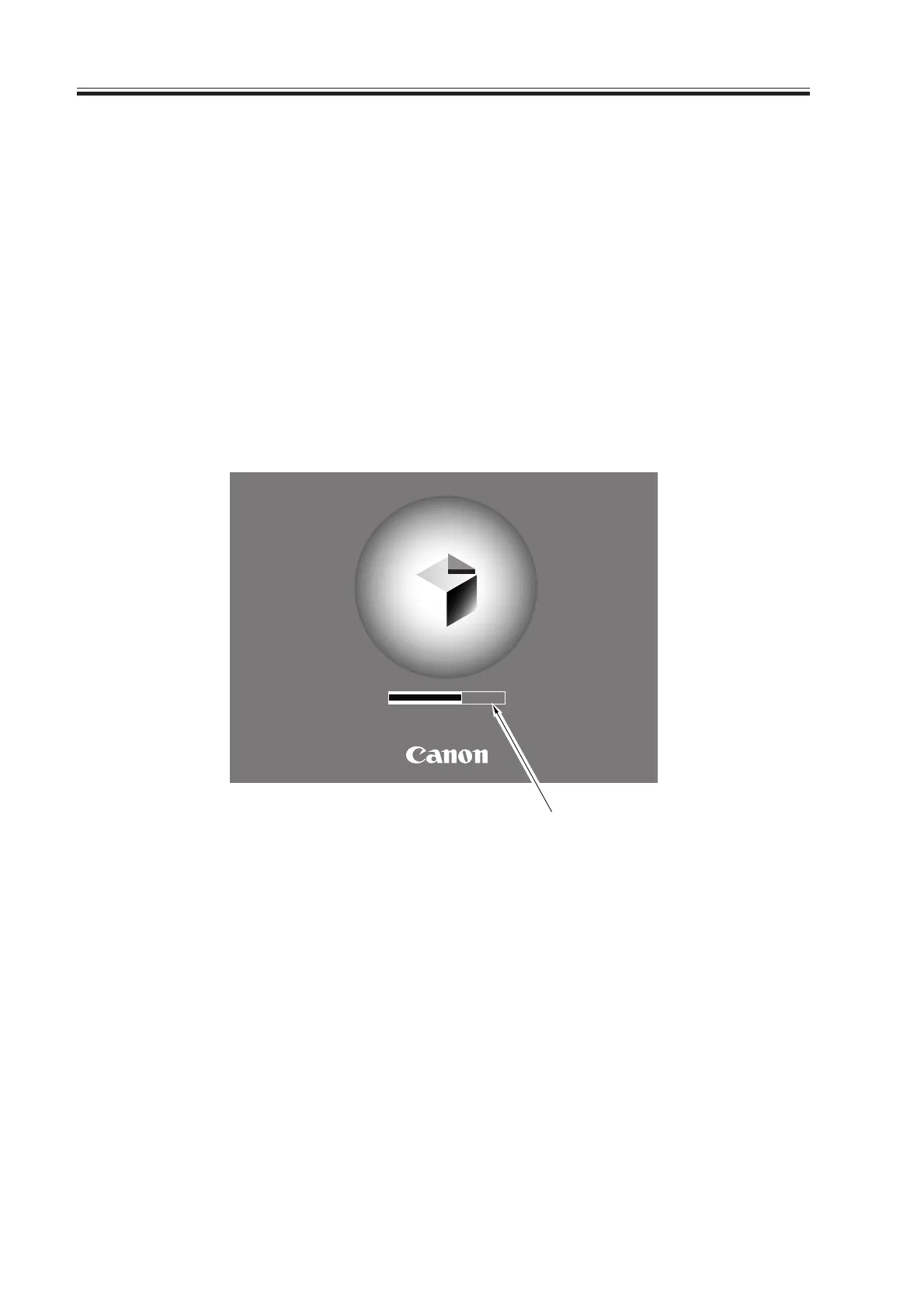
The control panel shows the following screen while the CPU writes the system software
to the SDRAM, and the progress of the start-up sequence is indicated by means of a bar on
the screen.
Start-Up Screen
F02-103-01
Progressive bar
Wait…
Download Free Service Manual at http://printer1.blogspot.com



 To Next Page