Chapter 14 Appendix 149
Chapter
14
Appendix
This section describes how to change the machine settings, and provides a description of each
setting item.
How To Change Settings And Explanation Of Their Content
Before changing any settings, you can print the USER’S DATA LIST to check the current settings
of your machine. For details, see page 94.
X Accessing The Machine Settings
Follow this procedure to change the settings of each mode:
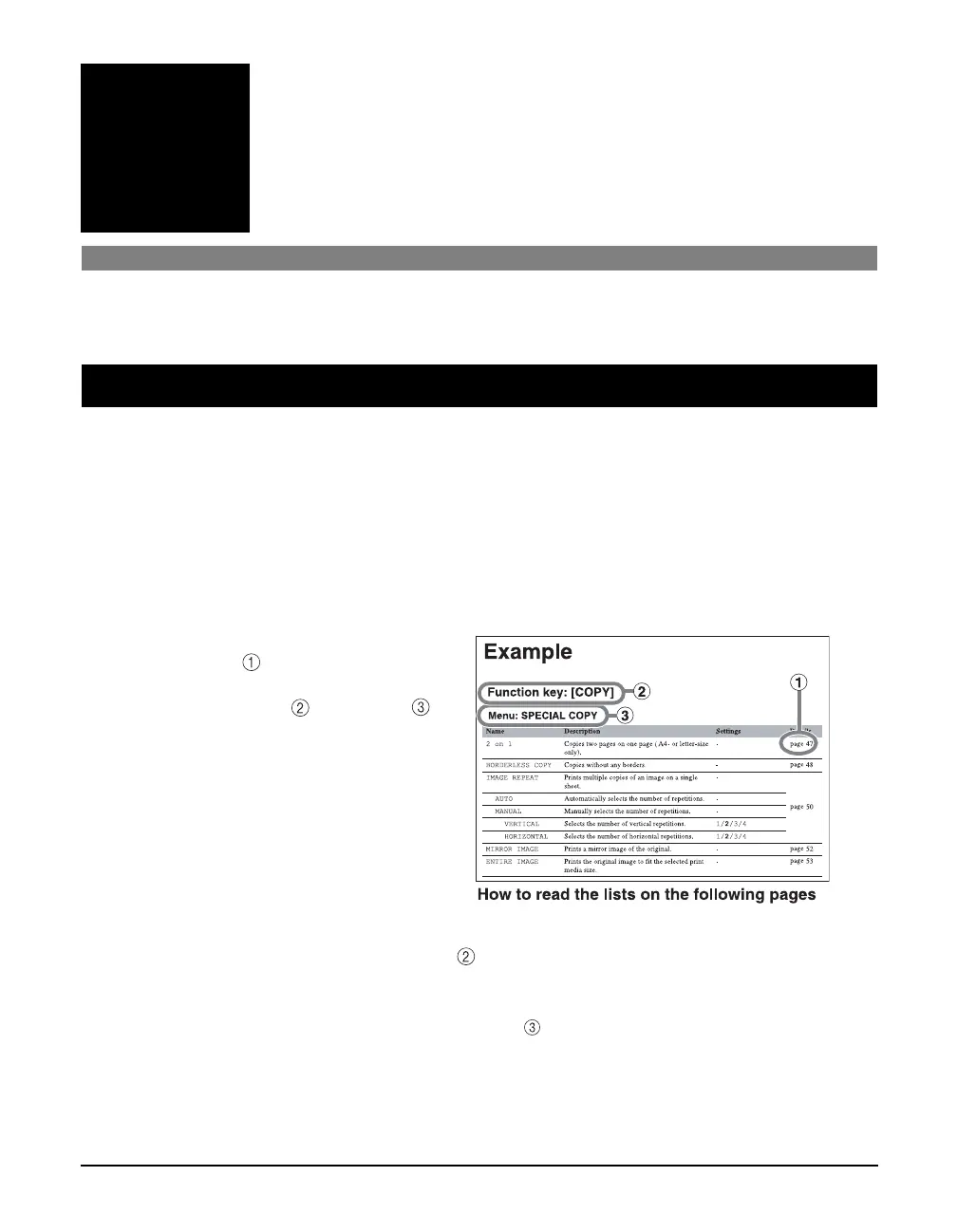
1 Refer to the function lists on the following pages to find the setting you
want to change.
2 If there is a reference for the
setting , refer to that page for
more details. If not, confirm the
function key and menu at
the top of the list where the
setting and the description of
the setting are located.
3 Press [COPY], [FAX], [PHOTO PRINT] or [Additional Functions],
depending on the function key .
z If you press [COPY], [FAX] or [PHOTO PRINT]:
1. Press [Menu] repeatedly until the menu .
2. Use [W] or [X] to select the setting you want to change.
3. Go to step 4.



 To Next Page