132
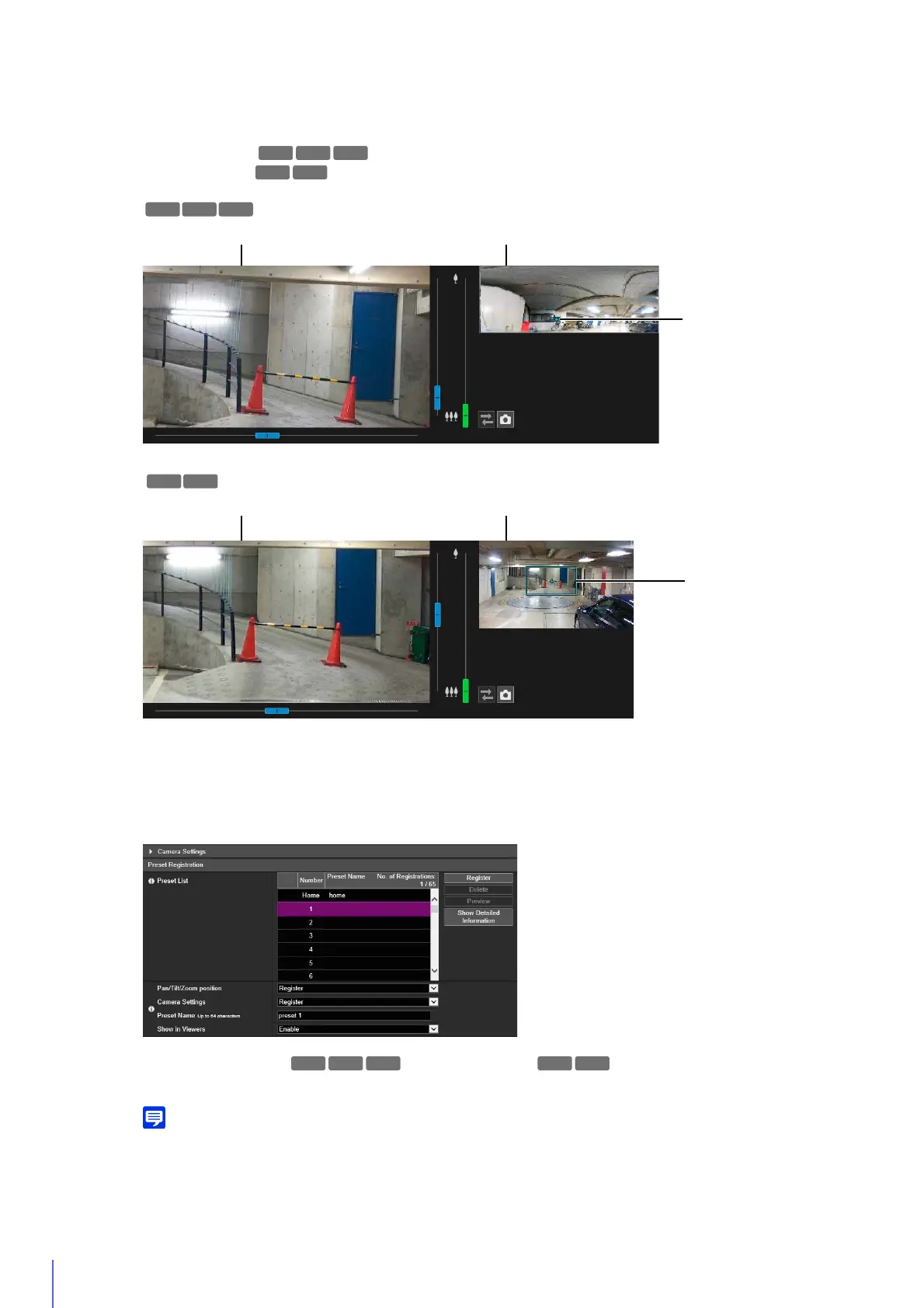
The camera angle can also be operated from the following screens.
Panorama screen
Digital PTZ panel
Set the items to apply in the preset. For a description of each item, please refer to “Camera Settings” (P. 113).
[Pan/Tilt/Zoom position] /[Digital PTZ Position]
Select [Register] to register the current camera angle as a preset.
If you selected [Home] (home position) in the preset list, [Pan/Tilt/Zoom position]/[Digital PTZ Position] is always registered.
[Camera Settings]
Select [Register] to register the current camera settings as a preset.
[Preset Name]
1
Operate the panorama image to set the angle you want to register as the preset.
2
Click [Camera Settings] to set the items as necessary.
3
Set the items of preset registration.
R13 R12
H651
R13
Video Display Area Panorama Screen
Preview Frame
H651H652
Video Display Area Digital PTZ Panel
Preview Frame
M50
H652 H651



 To Next Page