CTR9 Car-O-Liner Group AB
49023, EN - rev. 4, 2020-01 67
5 Welding menu
5.1 General
The following welding programs are available on the CTR9 welder:
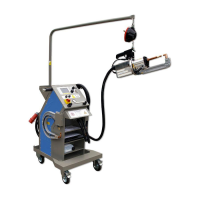
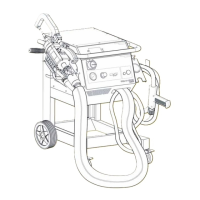
Two sided spot welding
Multi-function gun applications:
Dent puller, Welding of clip rivets, Welding of screws and
Carbon rod for shrinking, Welding of nuts, Stich welding.
A-Tong mode
5.2 Control panel and display
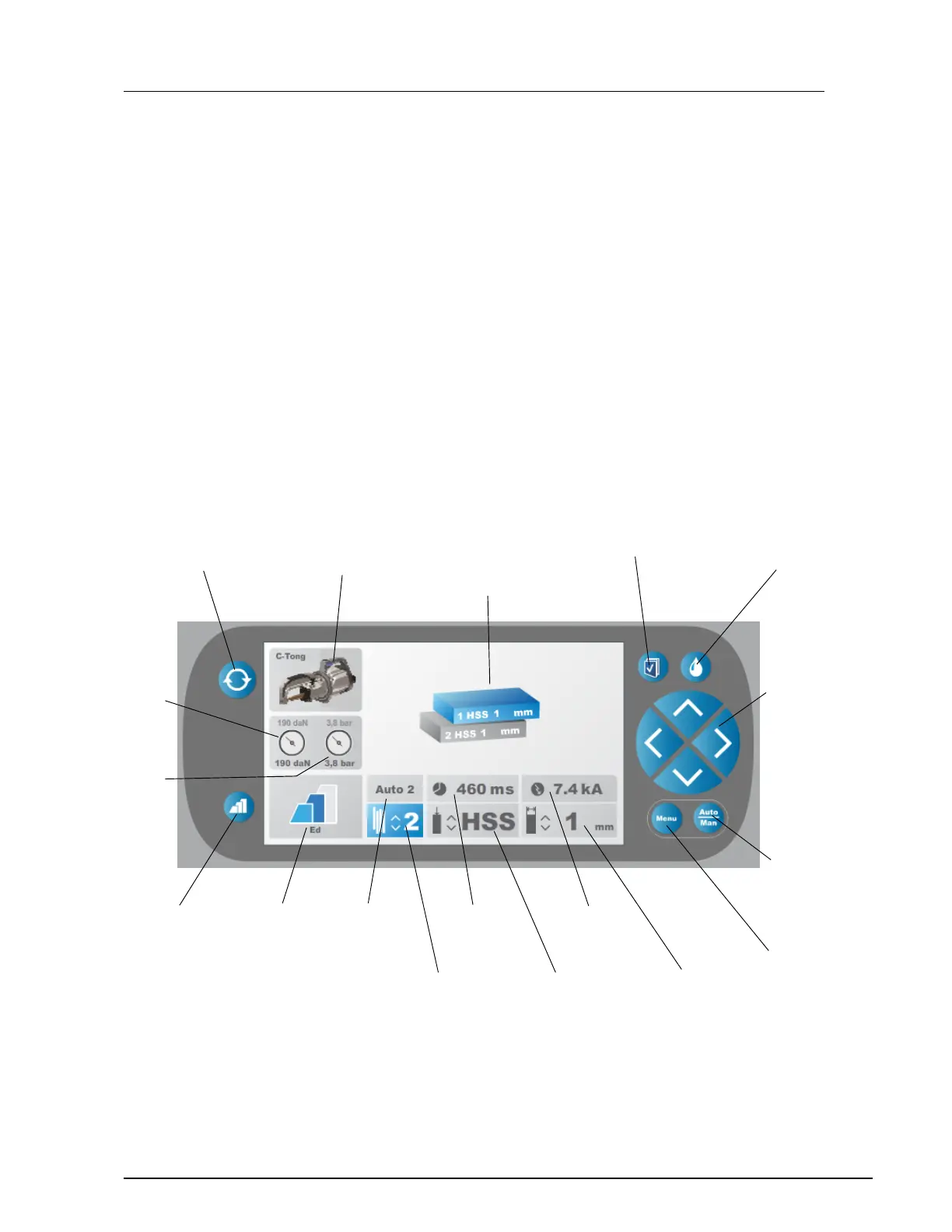
Figure 4.4 The CTR9 control panel and display
Coating selection
for pre pulse
Toggle between Zink coat,
Ed coat, Ed coat+,
Dry glue
Coating display
Displays the
selected coating
for pre pulse
Welding
time
Type of
material
Welding
current
Thickness
of material
Main display
Displaying selected
number of metal sheets,
material, and thickness
of material, tools for
Multi function
un etc
WeldLogger
ctivate the weld
logger
Water
For turning off/on cooling
water pump when chang-
ing electrodes
Welding
mode
Auto2
Number of
metal sheets
Measured
electrode force
(daN), bottom
and set value, top
Measured ai
pressure (bar),
bottom
and set value, top
Welding processes
Toggle between
Full auto
(default setting)
uto1
uto2
Manual
Set buttons
Use up/down but-
tons to set number
of metal sheets,
type or thickness
of material.
Use left/right but-
tons to change from
e.g type to thickness
of material or Enter
function.
Menu 1 / Menu 2
Displays menu 1
with previous log
files from Weld
logger or menu 2
with user settings
Active tool display
Displays active tool (C-Tong,
Multi function gun or A-Tong)
or Weld logger.
Change tool
Toggle between different tools
(C-Tong, Multi function gun, A-Tong)
and menu 2 for user settings.


 To Next Page