CTR9 Car-O-Liner Group AB
49023, EN - rev. 4, 2020-01 83
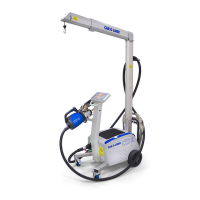
6.10 Multi function gun settings
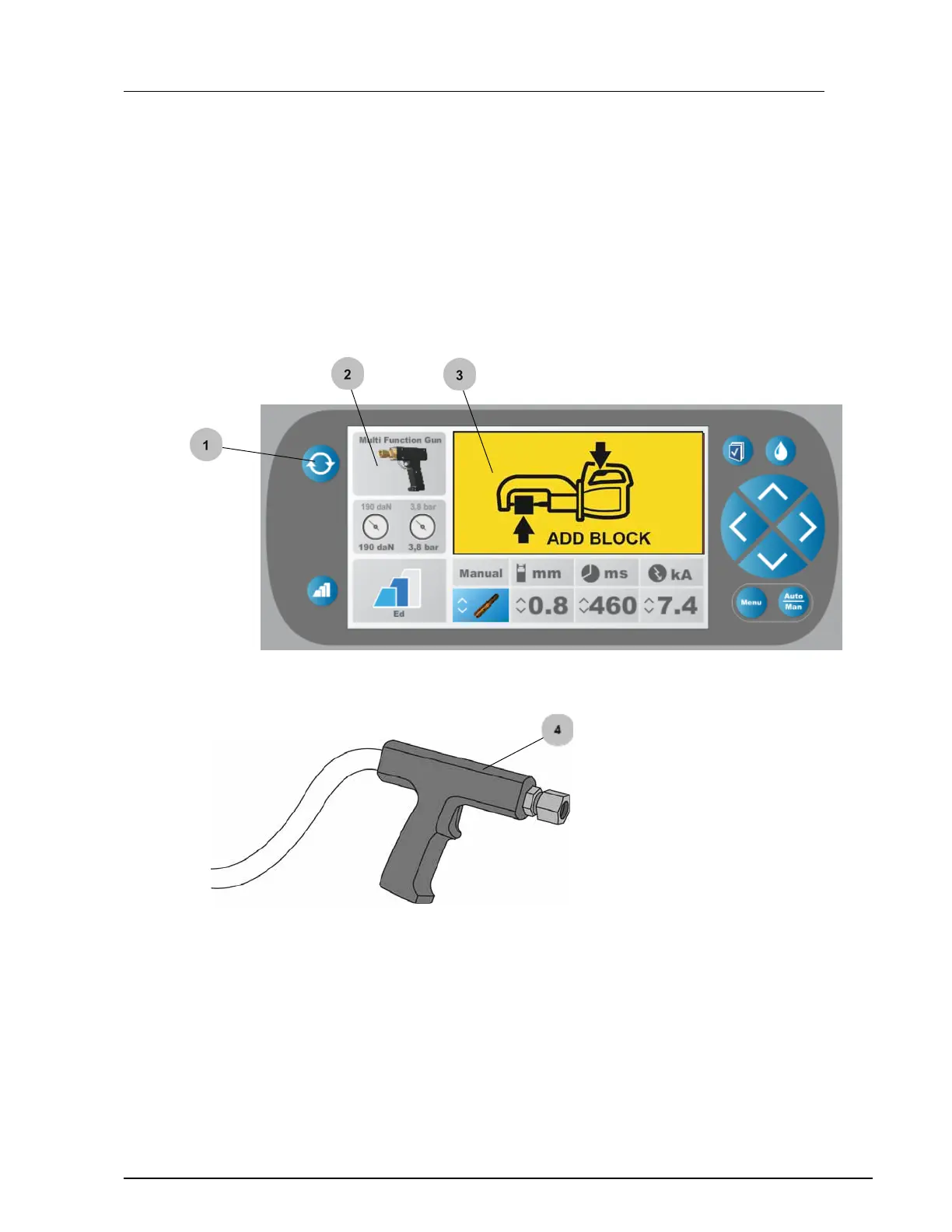
1. Select Multi function gun by pressing the "Change tool" button.
2. The Multi function gun is displayed.
3. Yellow box with "Add block" is shown.
4. Multi function gun must now be installed.


 To Next Page