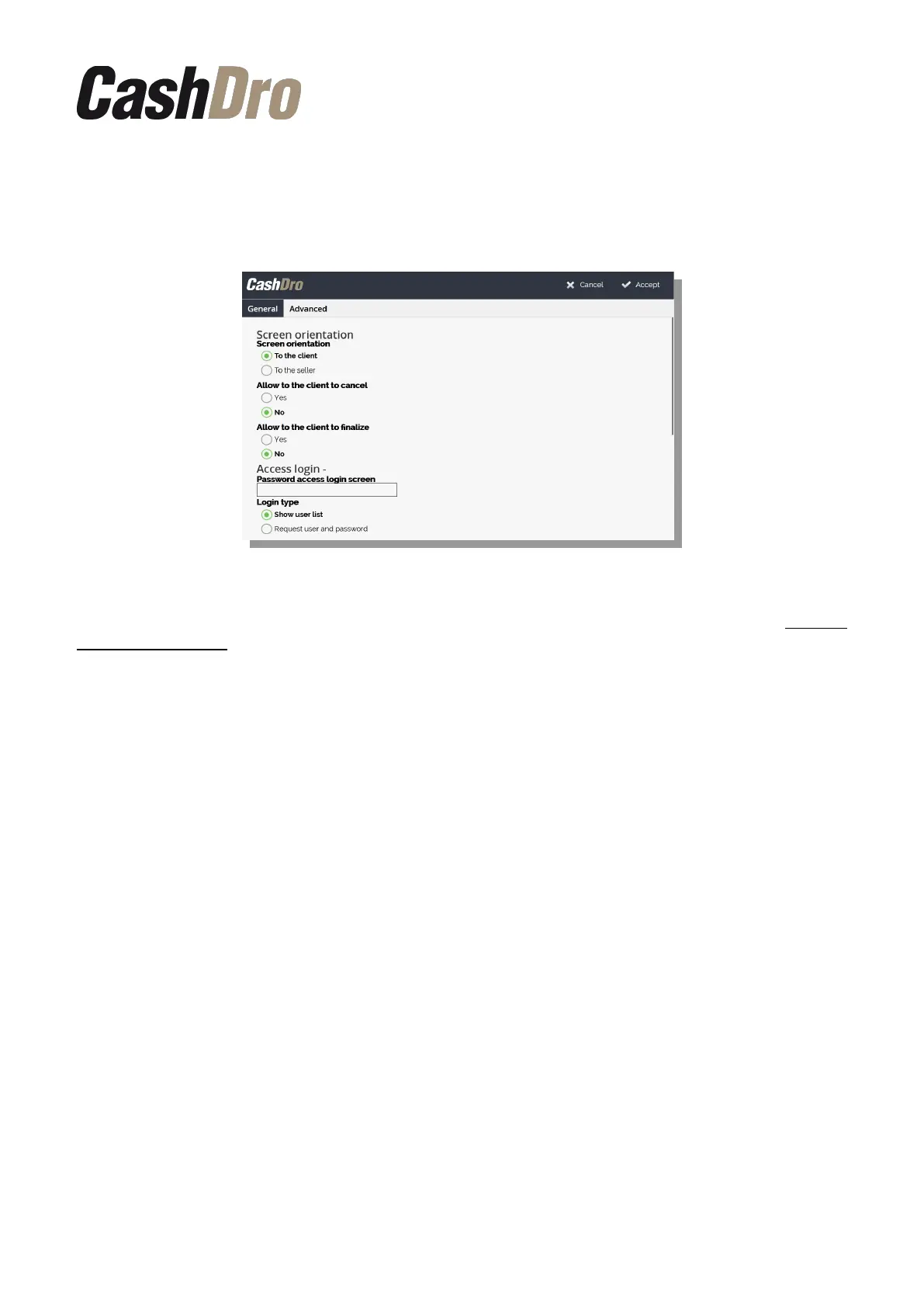
5.4 Screen orientation
We must define if the device will face the client or the seller. In order to configure this
parameter access the section from “Configuration-General Parameters”.
In case the device is configured to face the client, we can define also if we want allow Cancel
o Finalize an operation from 7” touch screen of CashDro3, which is explained in 12.6.1.2
Screen orientation.
When the screen is configured oriented to the client, CashDro3 doesn’t show alerts destined
to seller as some messages and the levels alerts bar.
Device Customization | 13



 To Next Page