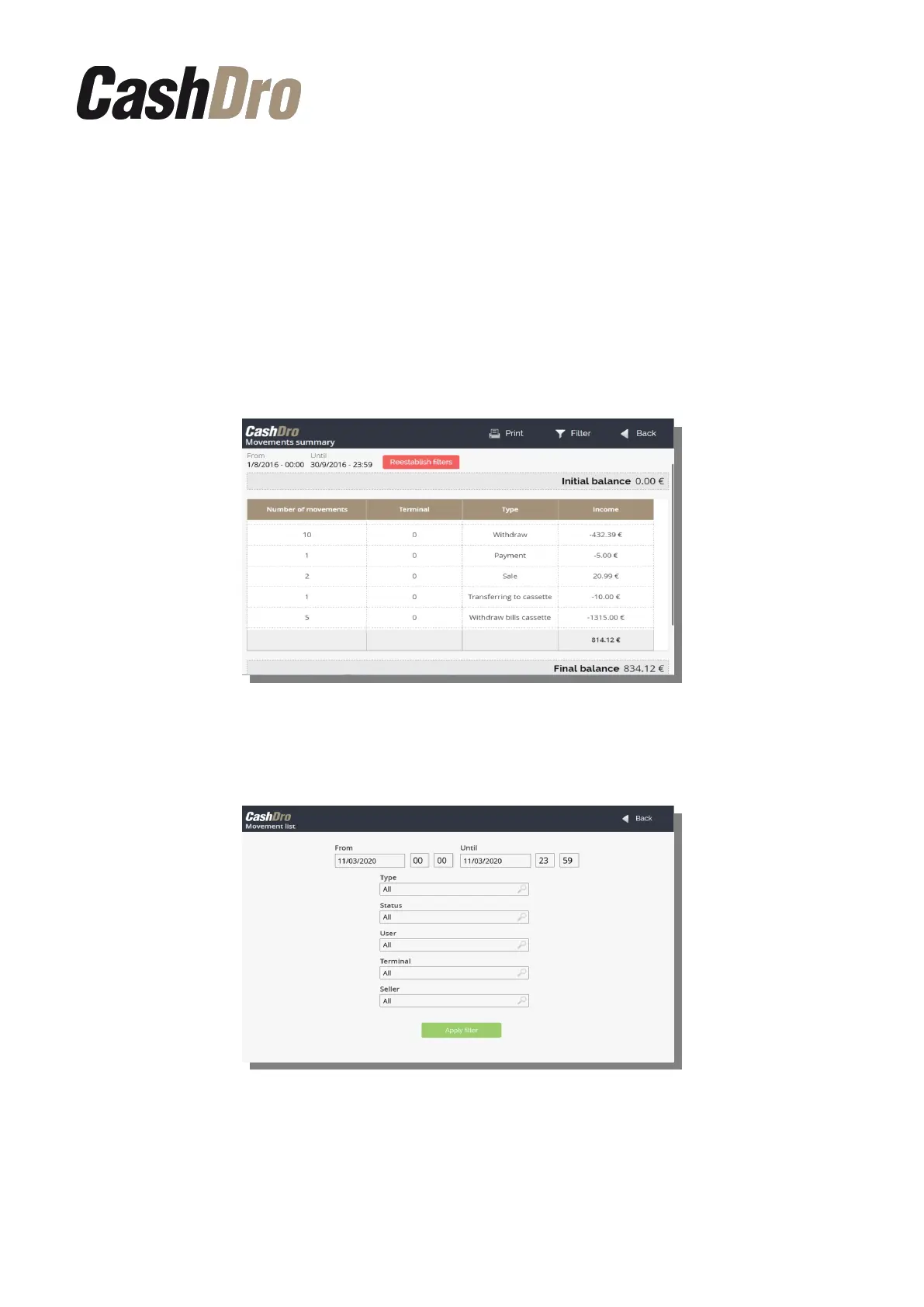
11.2 Movements summary
This consult is very useful in order to reconcile the information of point of sale cash closing
with the information of CashDro3, especially in installations where the money is collected in
different POS terminals and/or by different CashDro and there is a need to match information
from both.
It shows the accumulated amount for each type of operation per each terminal, besides the
initial balance and final balance, of all the operations selected to filter. By default the filter
selects operations of the actual day.
The button “Print” allows to print the consult by configured printer.
In order to modify the selection of operations to include to the consult, push the button
“Filter”. We can filter by operation type, user, terminal and seller.
11.3 Movements list
Shows the relation of all operations done with CashDro3.
In this list we can see the initial balance, final balance and the operations selected to be
filtered. We can see the number, date, operation type, operation amount, introduced amount,
Consults | 36



 To Next Page