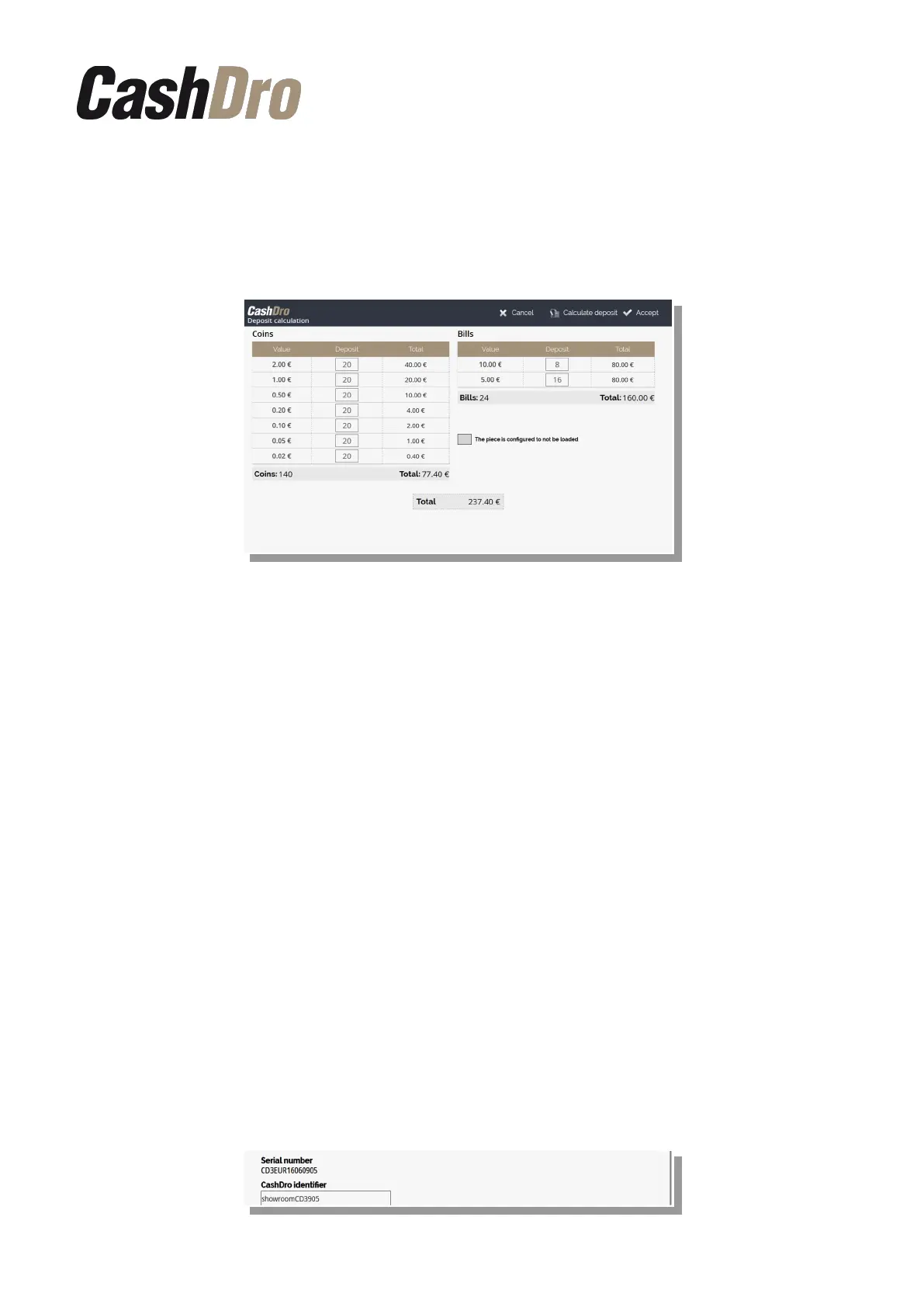
Choosing this option means:
1. CashDro will not show warning messages of the selected denomination.
2. The selected denominations will appear marked in gray on the “Deposit Calculation”
section.
3. Once the user does more than 100 sells, the denominations selected will not be taken
into account by the function “Calculate Deposit” and the corresponding amount will
be distributed between the other denominations.
In order to save changes, push the button push the button “Accept” in the top.
12.6 General parameters
This section is divided in two screens for better organization of the parameters:
• General
◦ It contains basic parameters
• Advanced
◦ It contains advanced parameters
12.6.1 General
12.6.1.1 Equipment identification
It is shown the serial number of the equipment.
You can identify the equipment with a name. This field is important in cases where the user
can send sales to different CashDro from the same POS or mobile solution. By default
CashDro3 fill this field with the serial number of the equipment.
Configuration menu | 52



 To Next Page