4. Software update
Every time we turn on CashDro3, it checks if a software update is available and if so, the
update process is activated.
There are two update modes: manual or automatic.
The update mode is defined by the manufacturer, according to the estimated update time.
When it is anticipated that the update time will be long, the update is defined in manual
mode, for the user execute it when he wants to. If the update time is short, it can be defined
in automatic mode.
4.1 Automatic update
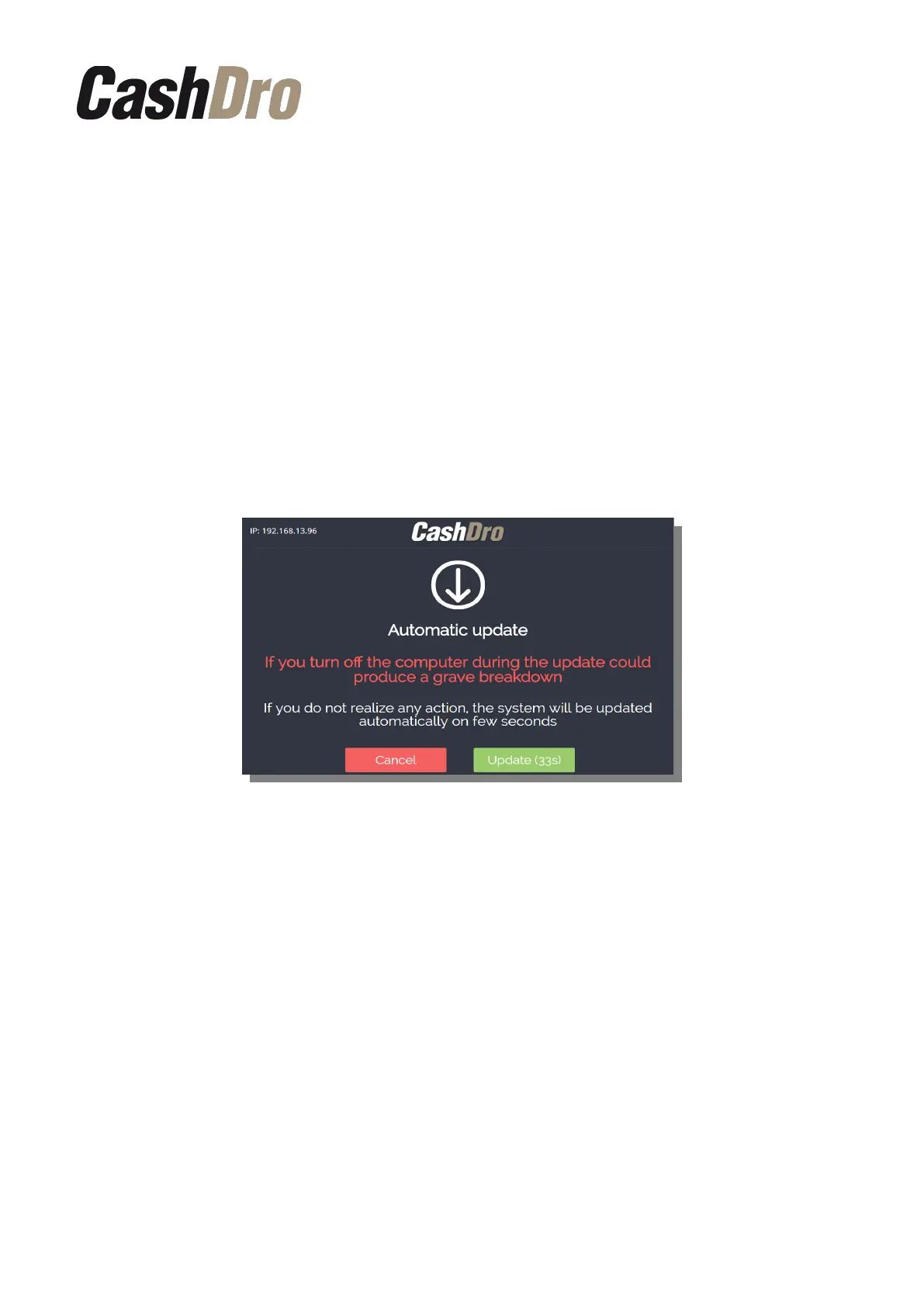
When turning on CashDro3, the equipment detects automatically the existence of an
automatic update and it shows a screen informing the beginning of the update process.
Two buttons appear on the screen, if you press the “Update” button the update process will
start. If you do not press any button, the update will start automatically after a few seconds.
If you don't want the update to start at this time, press the “Cancel” button.
The update screen appears again each time you turn on CashDro3 until update is done.
IMPORTANT: DO NOT TURN OFF THE EQUIPMENT DURING THE UPDATE PROCESS.
IF YOU DO SO, IT COULD CAUSE A SERIOUS FAILURE.
4.2 Manual update (only technical users)
The manual update process can only be done by a technical user with permission to access
the configuration. By default, the only user who has access is “Support”.
This update is launched when the estimated time is long. This way, the user can execute it
when he may have the necessary time to perform, so that during the update process you can
not use CashDro3.
Software update | 9



 To Next Page