If the number of pieces to return of a denomination is higher than the configured, CashDro3
dispenses using the inferior denomination. If the existing configuration does not allow to
dispense the exact amount, CashDro3 acts as follows, depending of have or not activated
the canceling and change controls:
• With control activated: The introduced bill is rejected
• With control deactivated: CashDro3 does not return any introduced amount and
generates a payment not available
Note: When you Cancel, if CashDro3 can return the amount with the same introduced
pieces, always will, without the maximum number of pieces into account. This control only
acts when introduced some unrecyclable bill and therefore the amount will not be returned
with the same introduced pieces.
Note: Then this happens after another bills were already inserted, CashDro3 will give back
only the last inserted bill. The user is who will decide to insert the bill or coin of another
denomination or to cancel the operation.
In order to understand the functioning, see the examples below with a CashDro3 that
recycles bills of 5€ and 10€:
• Case 1 : In the restaurant we define maximum of 5 units of 10€ bill to give as change.
Some group of clients come to have a dinner the bill reaches 355€. They pay with two
bills 200€. CashDro3 will give back one 5€ bill and four bills of 10€.
• Case 2 : In the same restaurant the client orders a drink and pays with one 200€ bill.
CashDro3 will give back the bill and will show the message “the bill is not accepted
because of lack of change”. CashDro3 would have to give the change in more than
5 bills of 10€ and that is why the maximum defined would be exceeded.
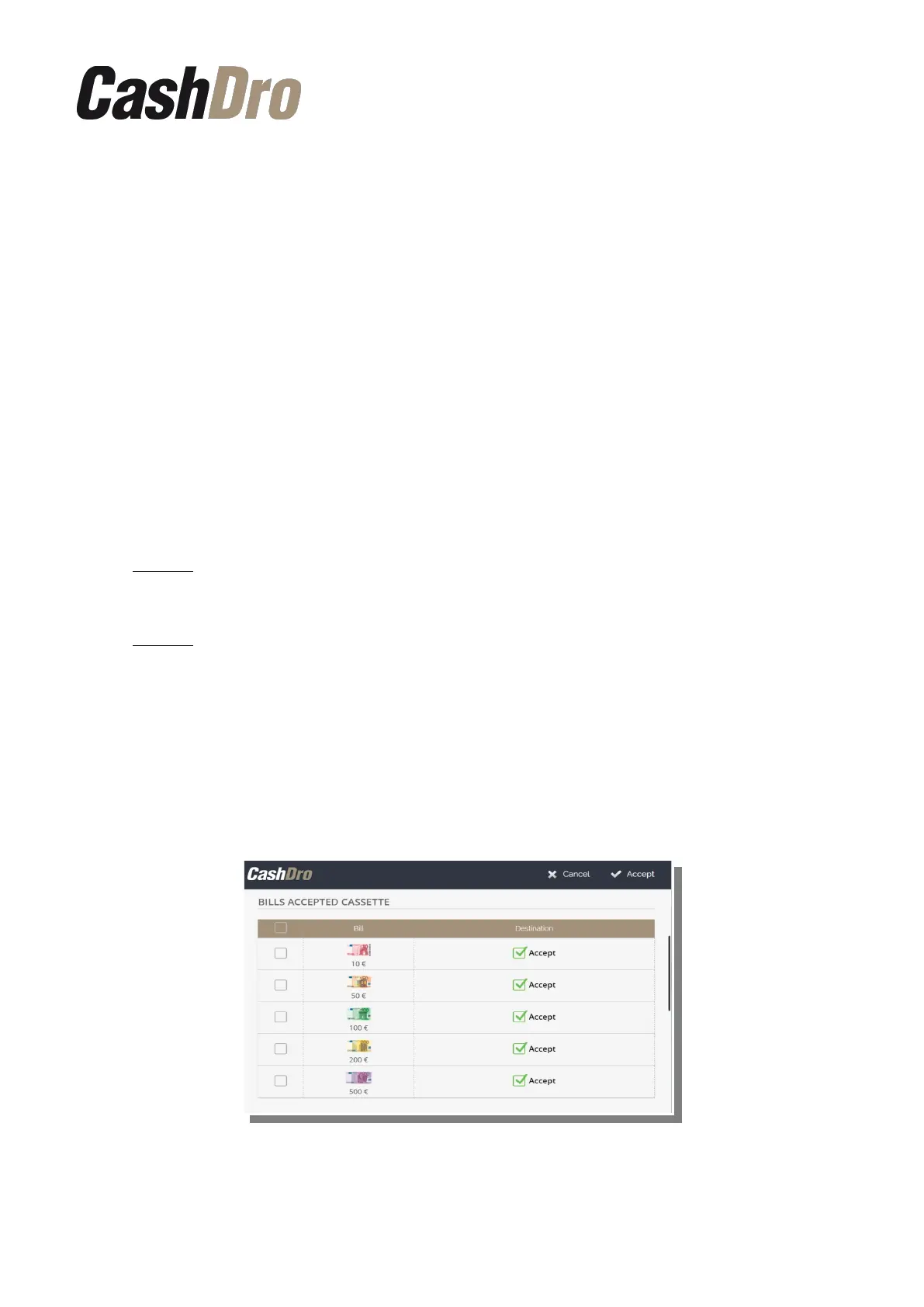
12.5.2 Bills accepted Cassette
We can also configure if we want for CashDro3 to accept some particular denomination of a
bill. For this it is enough to check or uncheck the check “Accept” for each denomination.
Configuration menu | 49



 To Next Page