7. Daily Cash Management
In order to have the correct cash management, we just need to follow the instructions from
levels warnings during the working day and in the end of the working day to do the POS
Closing and leave CashDro3 at the Deposit level for the next day.
7.1 Levels management during the working day
During the working day CashDro3 will inform you about the need to load or withdraw cash
through the warnings bars at top of the touch screen integrated to the device. When an alert
bar is shown, you only need to press on this bar and CashDro3 will initiate the corrective
action. We relate all alerts and actions taken in each case.
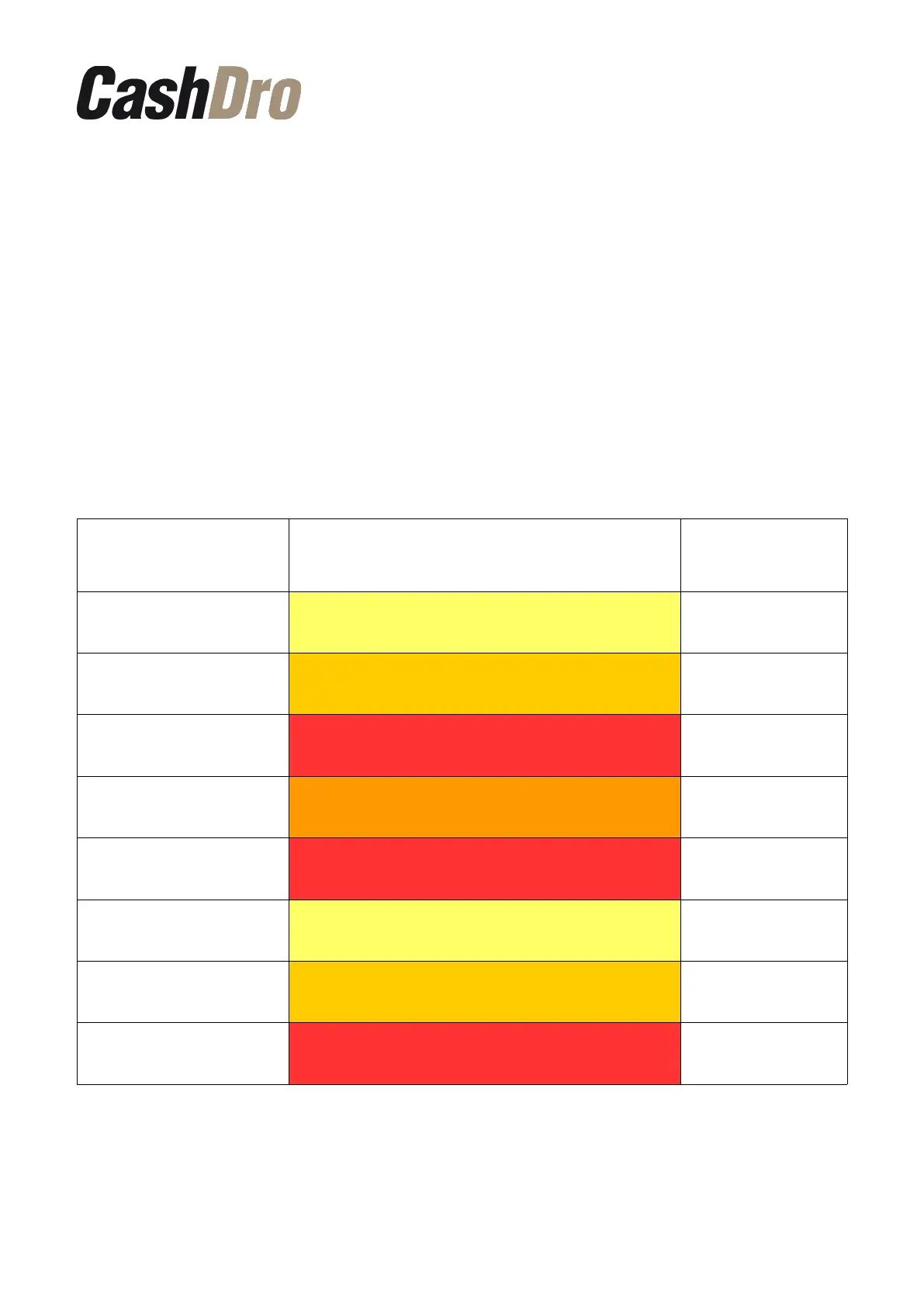
• Coin recycler
Situation Alert message displayed
Action when
press on the
alert bar
Any denomination with
exceeded level
Coins level unbalanced. Please touch on this bar to
adjust levels
Levels adjustment
Any denomination with
level under minimum
Coins/Bills level under minimum. Please touch on
this bar to adjust levels
Levels adjustment
Any denomination
inhibited (<3% of total
Inhibited coins. Please touch on this bar to adjust
levels
Levels adjustment
Any denomination with low
level (< 5% of total coins)
Coins level unbalanced. Please touch on this bar to
adjust levels
Levels adjustment
Any denomination without
levels
Level of coins reached zero. Press on this bar to
load coins
Levels adjustment
Number of coins in
recycler >= 1300
Coin dispenser is near full. Please touch on this bar
to remove coins cassette
Levels adjustment
Number of coins in
recycler >= 1400
Coin dispenser is near full. Please touch on this bar
to remove coins cassette
Levels adjustment
Number of coins in
recycler >= 1500
Coin dispenser is full. System stopped. Please touch
on this bar to remove bills cassette
Levels adjustment
Daily Cash Management | 19



 To Next Page