11.4 Not available change
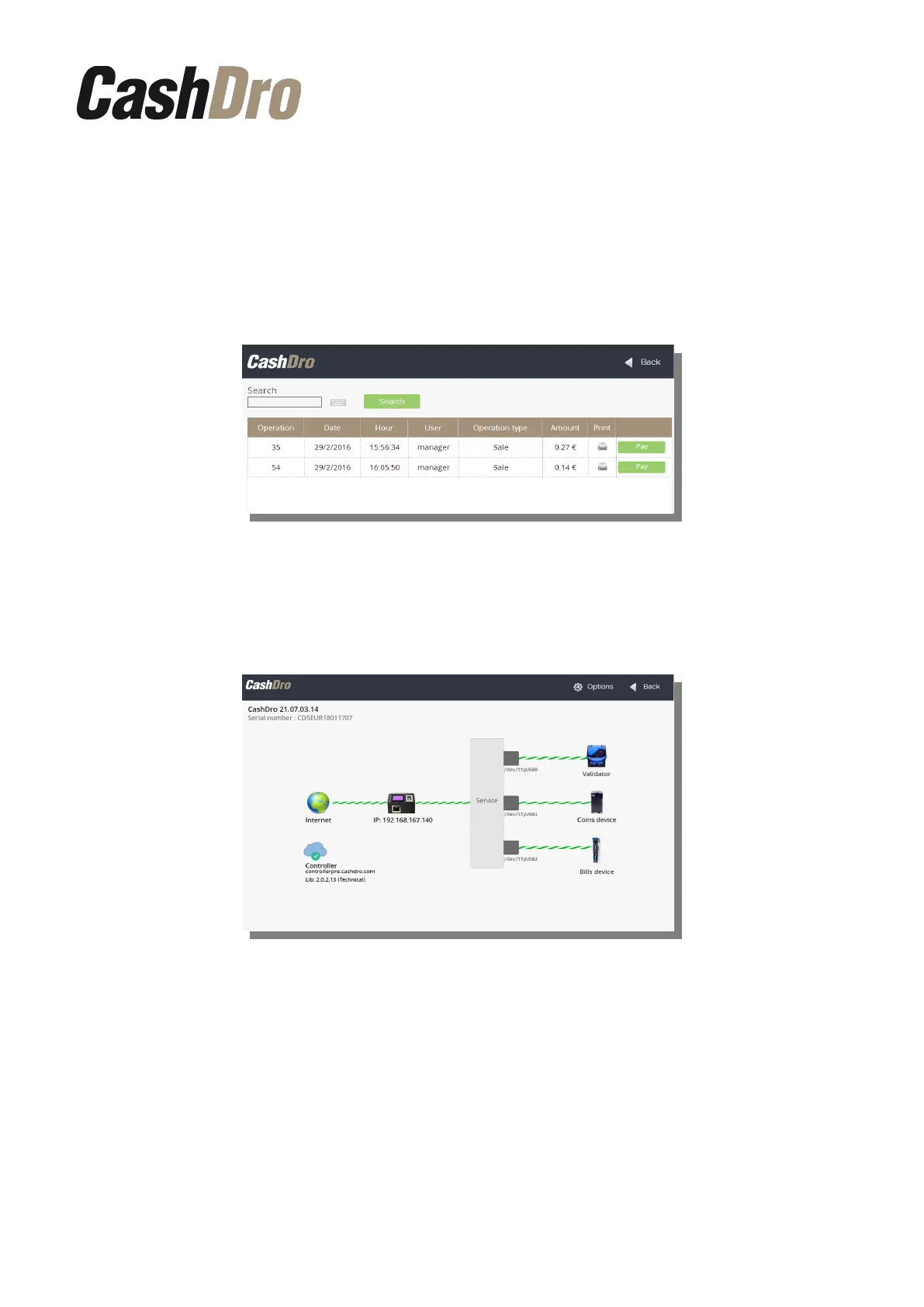
It during the collection process, CashDro3 can't give the exact change to the client because
of shortage of cash, CashDro3 will register not available payment and, if such printing is
configured, the will print a document to the client as a prove.
The seller later will be able to pay the amount of not available payment to the client from the
menu section, pushing a button “Pay” that is locate din the right of the record.
11.5 Diagnostics
In this part we can see the synoptic schema that informs us about the device status. If the
device doesn't have any problem, the scheme will look as it is shown below:
This this screen we can see the version of CashDro software, device serial number and the
IP address.
Pressing on any device it displays a window with all data about this.
Consults | 38



 To Next Page