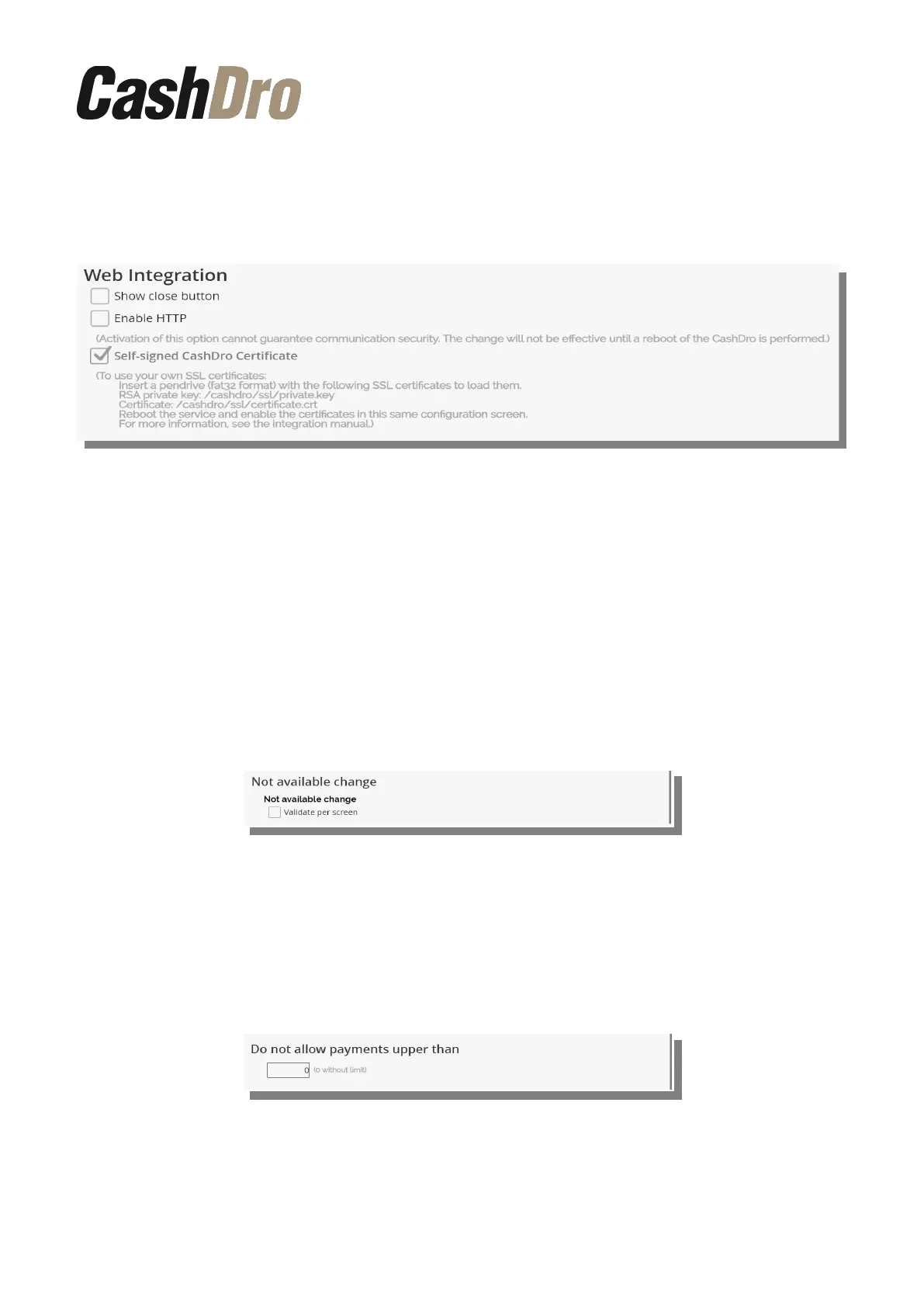
12.6.1.5 Web integration
The options included in this section are related to the integration of external software with
CashDro.
The option "Show Close button" allows you to show a button to be able to close the
external browser from which you are working, when it does not include any button to close.
The following two options, “Enable HTTP” and “Self-signed CashDro Certificate” (SSL
certificate), are options specifically aimed at developers who integrate their software with
CashDro. For more information on these options, consult the "CashDro Integration by Web
Service".
12.6.1.6 Change not available
If we mark this option the information about the not available payment appears in the screen
and the user have to validate its visualization pressing “Accept” button.
12.6.2 Advanced
12.6.2.1 Do not allow payments upper than
This parameter allows to define the maximum amount to be dispensed by CashDro3. It is a
parameter with general character applied to any user.
12.6.2.2 POS Closing
If we activate this option, CashDro3 does not allow making POS Closing if there are missing
levels, so obligates to replenish missing before making POS Closing.
Configuration menu | 55



 To Next Page