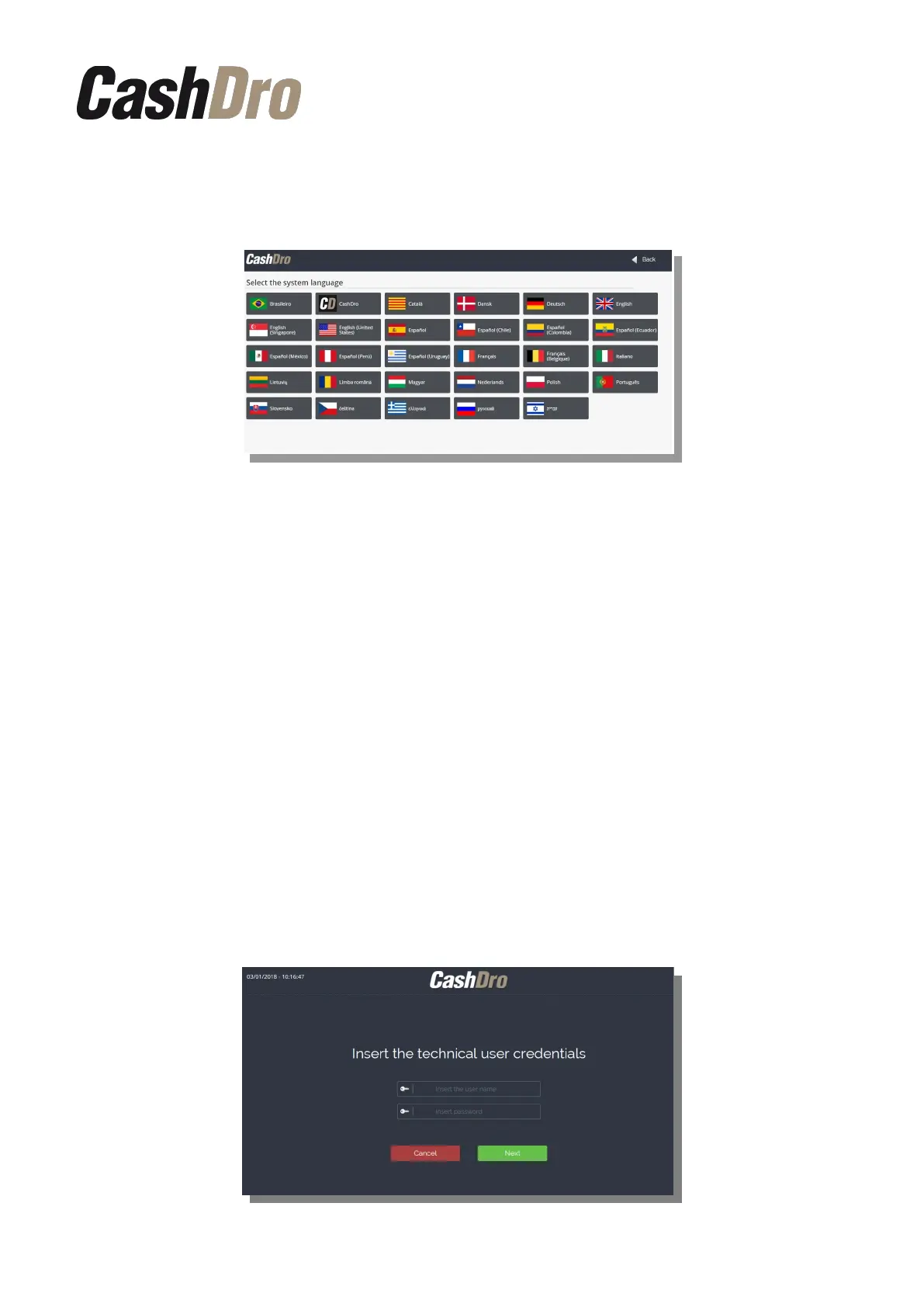
12.7.3 Configure language
Allows to choose the language. For this you must click on the desired language.
In the login screen you always can choose between three languages: the language
configured, English and the language “CashDro” that shows the labels of each text and is
used to make translations.
12.7.4 Configure remote support
It allows to configure the user, the Password and the server to connect CashDro3 with the
remote support from manufacturer. These data comes already configured by default.
12.7.5 Configure time zone
Allows to modify the timezone configured during the initial register process.
12.7.6 Factory restore
This option restores the configuration of the factory. CashDro3 will start showing again the
initial configuration assistant and registration like it would be used for the first time.
Only a technical user with permission can realize the update.
Attention: This action deletes all the existing data history.
Configuration menu | 60



 To Next Page