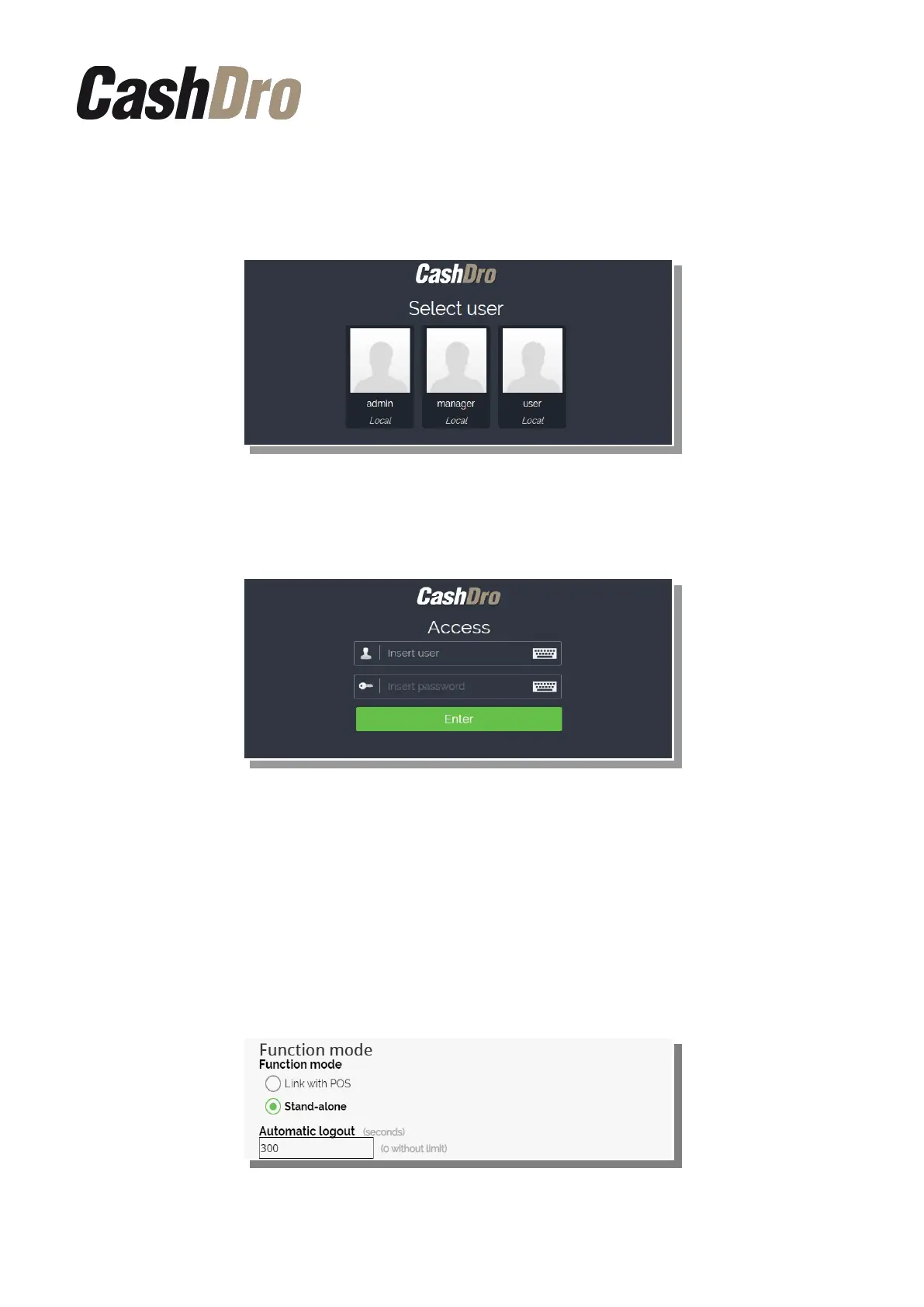
• “Show list of users”: Shows the screen of users created in order to choose one of
them by pushing on it. The list is always ordered by names. By pushing on it a numeric
keyboard appears in order to enter the Password.
• “Request user and password”: The list of users does not appear. The name and
password of the user must be typed.
12.6.1.4 Function mode
We can configure CashDro3 two different ways according the type of installation:
• Link with POS: CashDro3 works linked to a sales software and therefore all sale are
performed in that software. In this function mode we can configure the seconds of
automatic logout, thus after this time a session in menu screen without activity, is
closed automatically.
• Stand-alone: CashDro3 works without connecting any sales software. In this mode it
is shown the button “Sale” in the menu Operations of CashDro3.
Configuration menu | 54



 To Next Page