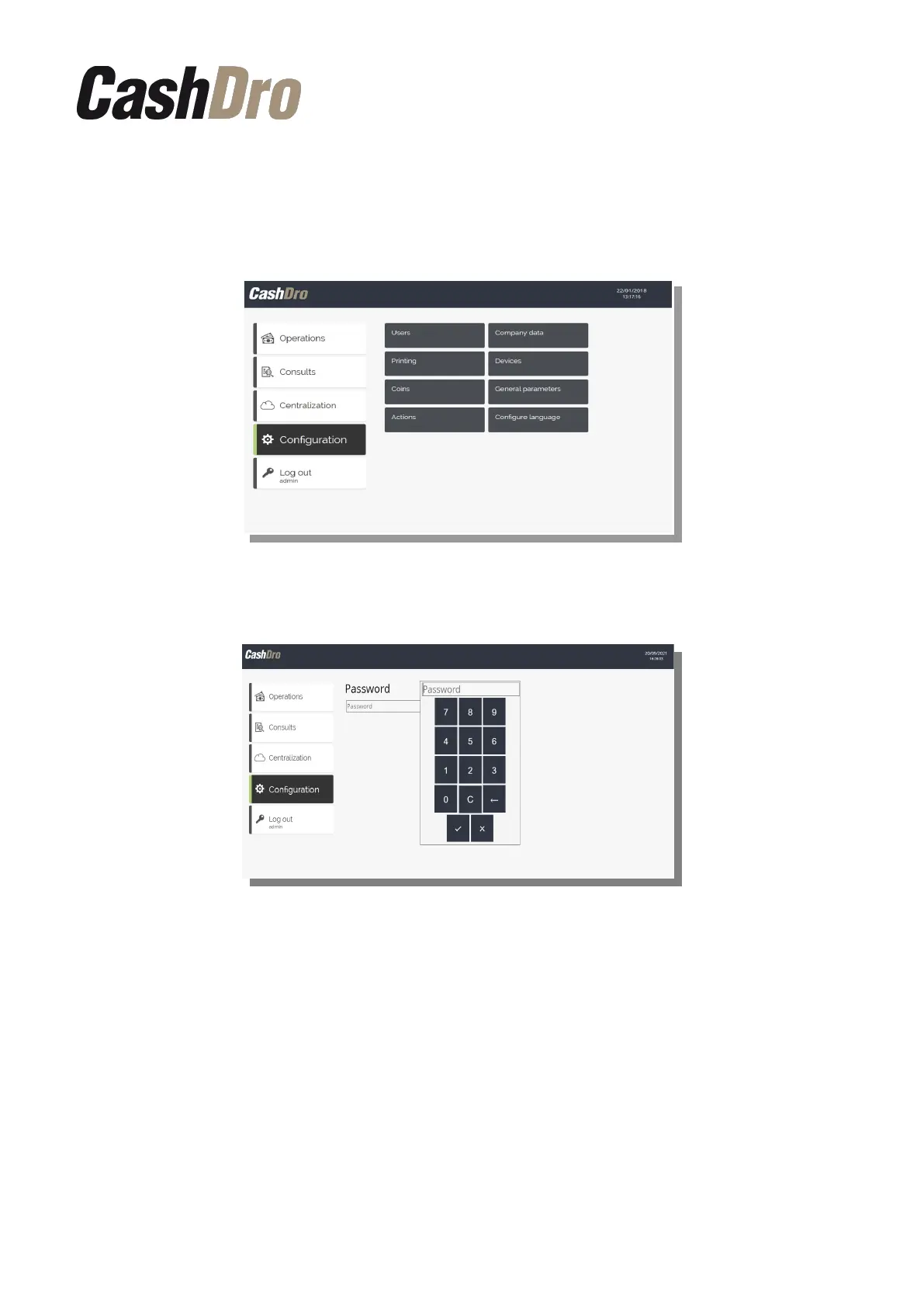
12. Configuration menu
Although some of them have already been seen in previous chapters of this manual, all
sections of the configuration menu are detailed bellow.
Access to the "Configuration" menu by non-technical users implies entering a password:
Note: This access password is for the exclusive use of the installer and should not be
provided to the end customer. (Consult factory if you do not know this password).
Furthermore, non-technical users can only access the following configuration options:
“Users”, “Set language” and “Empty database” (only accessible to non-technical users).
12.1 Users
By default only the technical (“support”) and administrator (user “admin”) user can access
at this section.
The administrator user (user "admin") can only view, create, modify and delete general users
Configuration menu | 43



 To Next Page