12.3 Printing
In this section we can configure the proofs printing generated by own CashDro3.
We can define the printing mode, the receipts to be printed and the information to be
displayed in each of them.
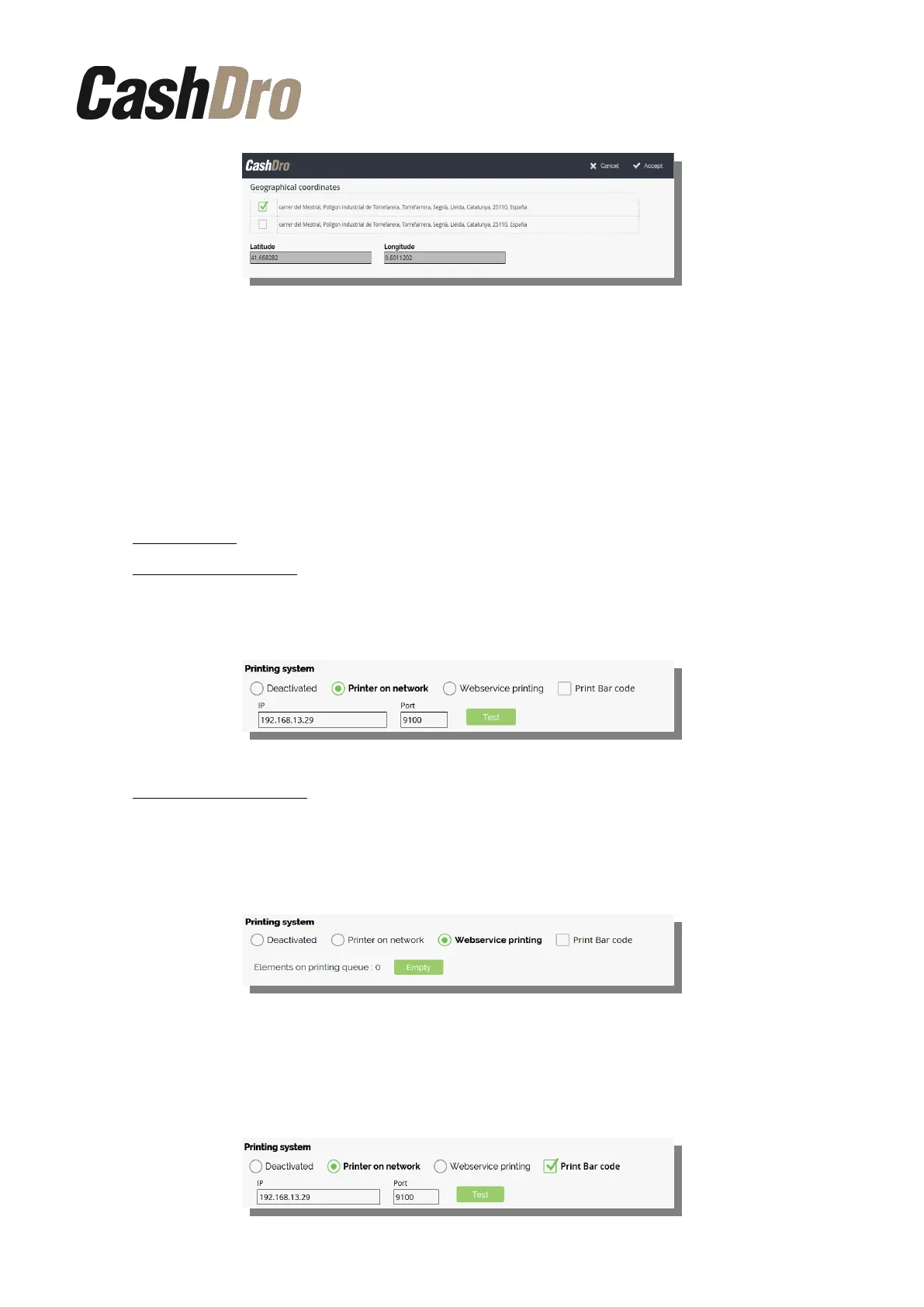
12.3.1 Printing system
We can define one of the following options:
• Deactivated: CashDro3 will not generate any printing order.
• Printer on network: CashDro3 will print directly in a printer on network. We must
indicate the IP direction and port of the printer. Press the “Test” button to check that
the printer is properly connected and configured.
• Web service printing: Allows to configure a printer connected to POS by USB, serial,…
as printer also for CashDro proofs.
The no printed proofs will remain in queue. We’ll can delete the printing queue anytime
pressing the “Empty” button.
At the top of this section, the "print bar code" option is also available. When selected, all
CashDro proofs will incorporate a barcode with the CashDro serial number in code 128
format.
Configuration menu | 46



 To Next Page