12.7 Actions
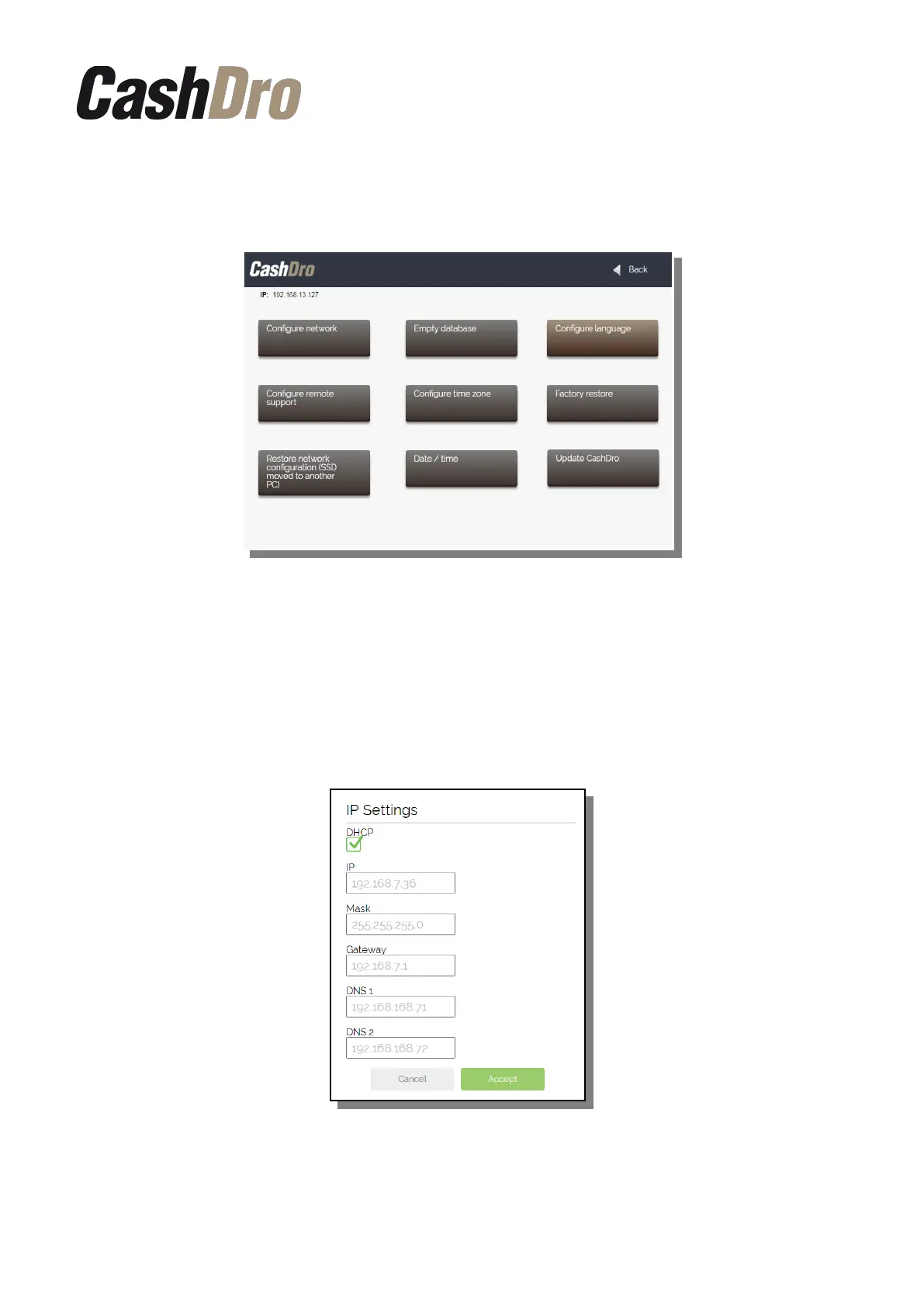
In this section are included different actions that can be performed by the user.
12.7.1 Configure network
In this screen we can manually define the configuration of network.
By default it comes configured with DHCP mode, so is to say, when connecting CashDro3 to
a router or switch the IP is assigned automatically.
It is recommended to assign to CashDro3 a fixed IP once it is connected in its final location.
For this it is needed to unmark the “DHCP” and to define the IP address manually.
12.7.2 Empty database
Cleans the history of transactions and leaves the configuration.
Configuration menu | 59



 To Next Page