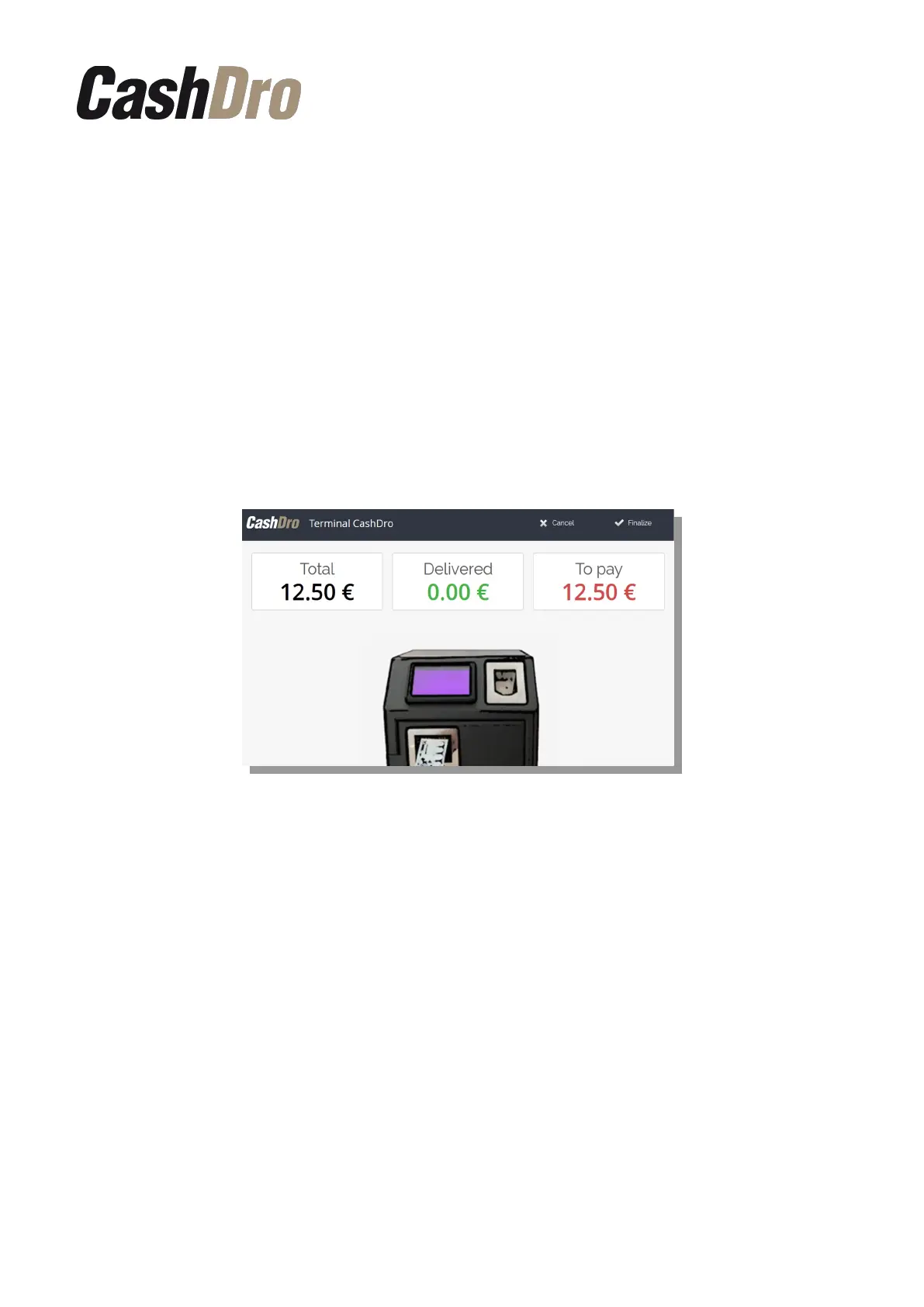
As soon as the amount entered in CashDro3 exceeds or equals the sale amount, the team
will automatically complete the operation and pay the change if applicable.
8.2 Point of sale software integrated through web service
It is possible to use the CashDro3 collection screen in an integration process with a POS.
This integration must be done through the use of webservices and the integrator will be able
to load on the POS screen the same payment screen shown on the CashDro3 touch screen.
After the sale is totalized, in the touch screen integrated to CashDro3 will appear the screen
that will guide the user during the payment process and during the process of change giving.
If the device is configured to work facing the seller, the buttons “Cancel” and “Finalize” will
be shown. If the device is configured to work facing the client, we can configure from section
“General Parameters” in Configuration if we want these buttons to be shown in the touch
screen integrated to CashDro3 or not.
Sale Process | 23



 To Next Page