3. Initial Device Registering
CashDro3 has two external cables:
• Power supply cable
• Ethernet cable
Verify that both cables are connected to the power supply and to the internet network
respectively.
CashDro3 must have internet connection in order to carry out following functions:
• Initial configuration and registration of the device
• Software update
• Change of any internal device
• Monitoring and remote support
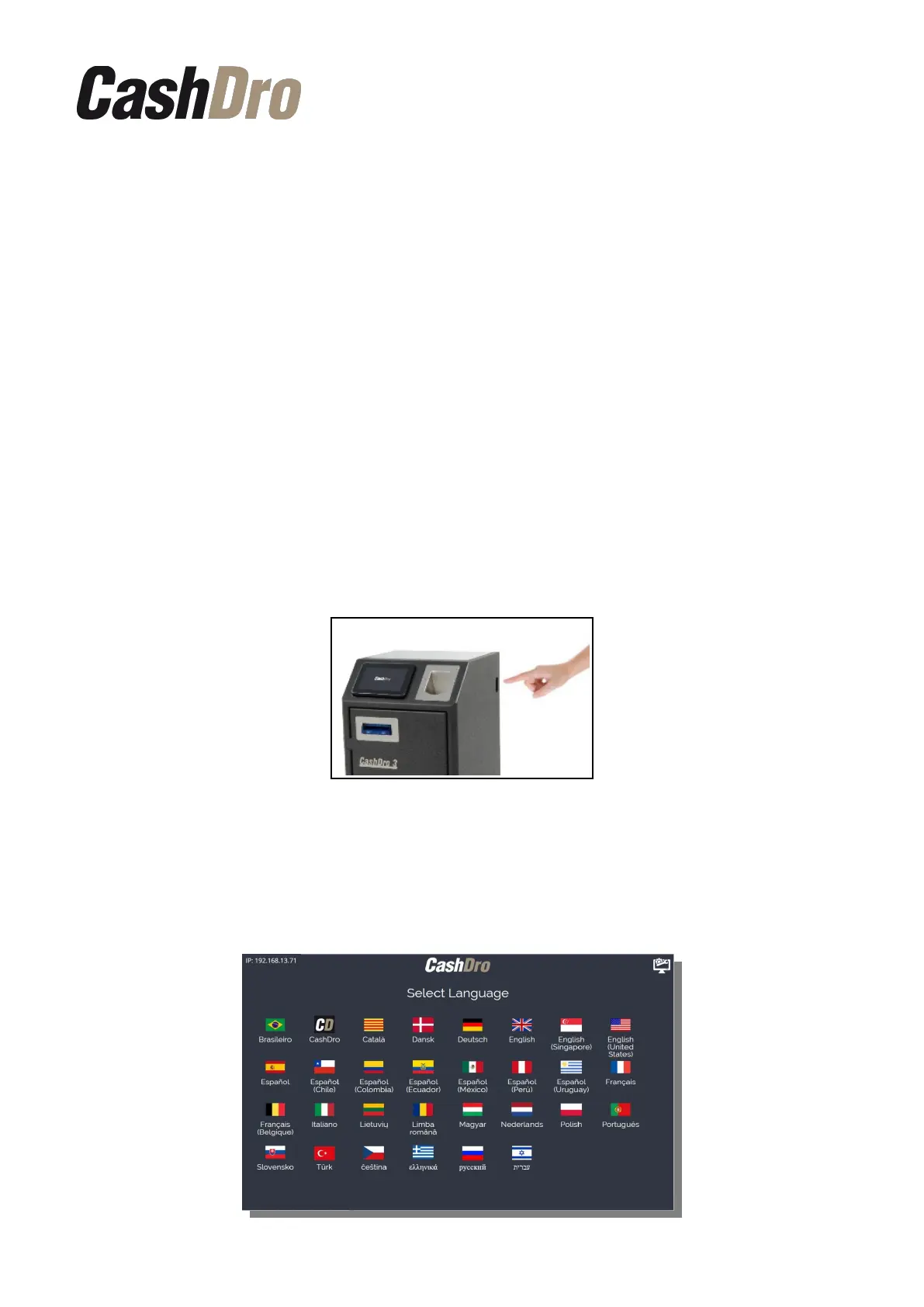
In order to turn on CashDro3 press the switch that is located in the right side of the device.
When CashDro3 is switched on for a first time, the user is guided through the number of
steps that allows to customize the device. Firstly, the language of the software must be
chosen.
It is also needed to choose region, country and time zone.
Initial Device Registering | 3



 To Next Page