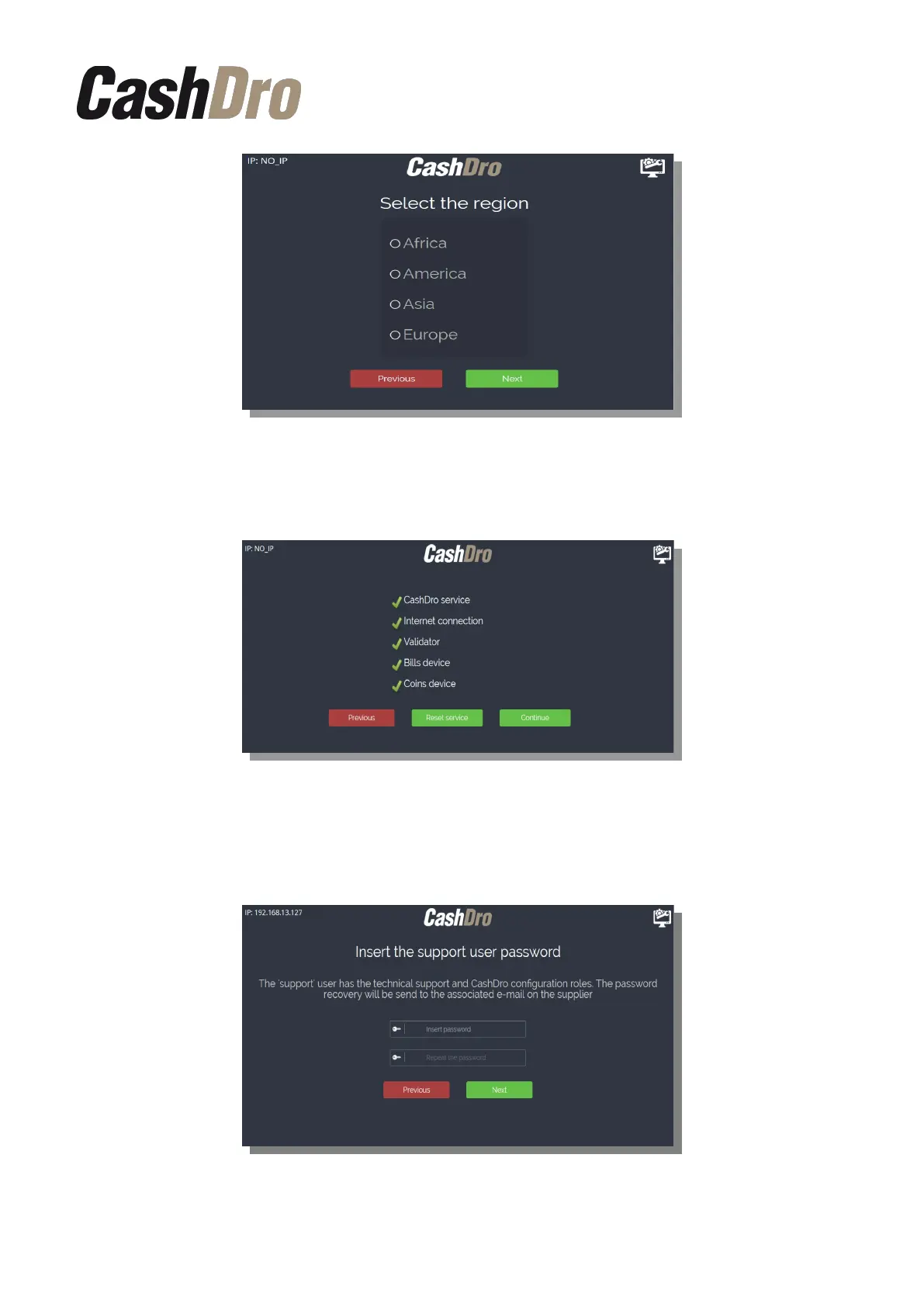
When these steps are performed, CashDro3 makes necessary adjustments, tests that all the
devices are functioning correctly and shows this screen.
After pressing “Continue” on the following screen it will be required the password for the
user “support”, who manages the technical support, configuration of the device and the
management of the technical users.
Initial Device Registering | 4



 To Next Page