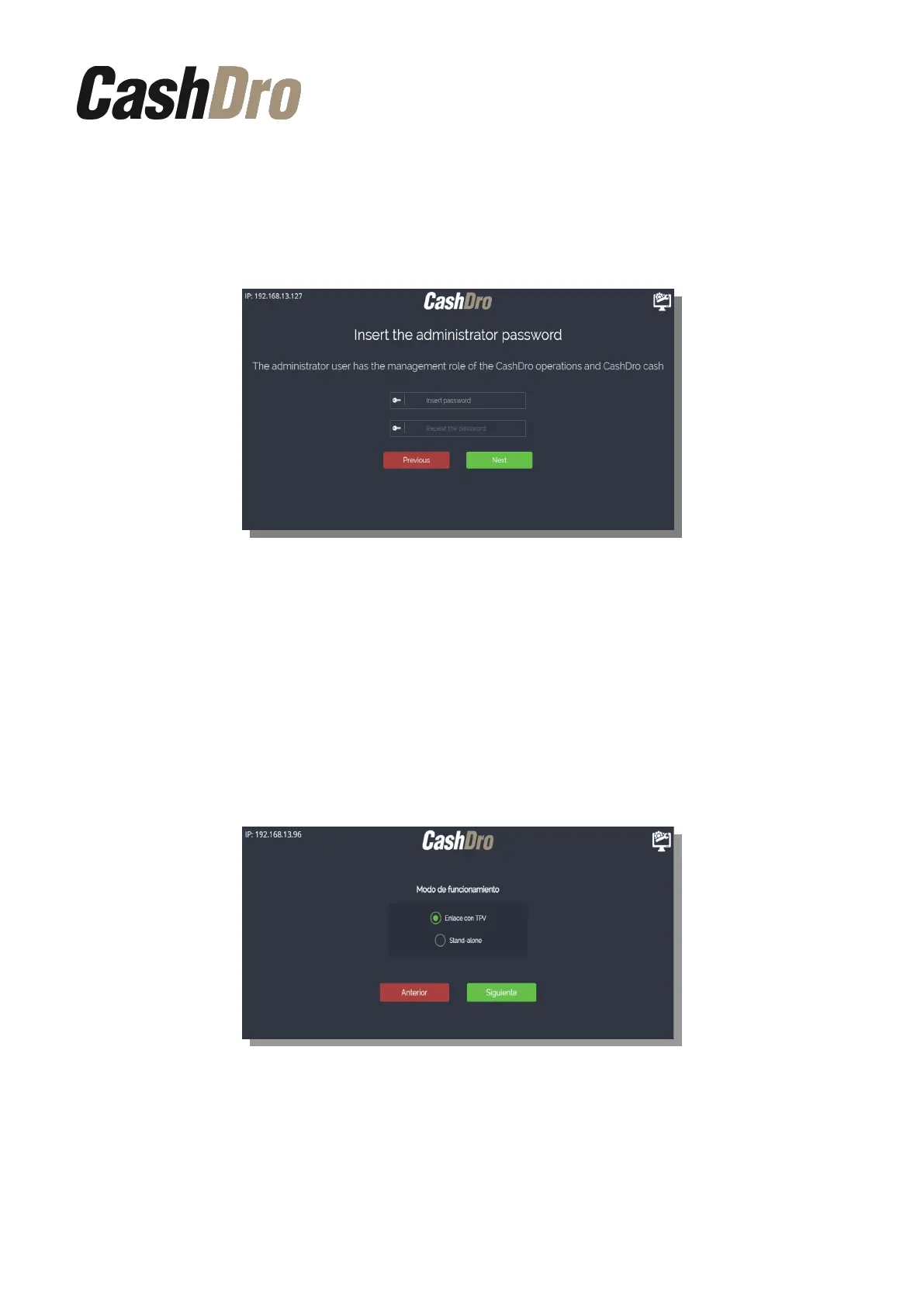
It is recommended that this password is entered by the technical personnel who manages
these functions.
On the next screen the Administrator’s password will be asked (user: “admin”). This user will
be used by the client and has the function of managing the device non-technical users.
Therefore:
• The user “support” will be used by the certified technician and will manage the
technical users.
• The user “admin” will be used by the client and will manage all the device non-
technical users.
Later we must indicate if the equipment will work linked with a POS or autonomously (Stand-
Alone).
Later we must enter the email address that will be associated to the admin user. CashDro3
will send immediately a verification code to this email address. This verification code is
needed to complete the next step.
Initial Device Registering | 5



 To Next Page