9. CashDro Menu
To access the operations, consults and configuration of CashDro3, it will be necessary to
identify yourself by selecting a user and entering the corresponding password.
9.1 Menu options according to user type
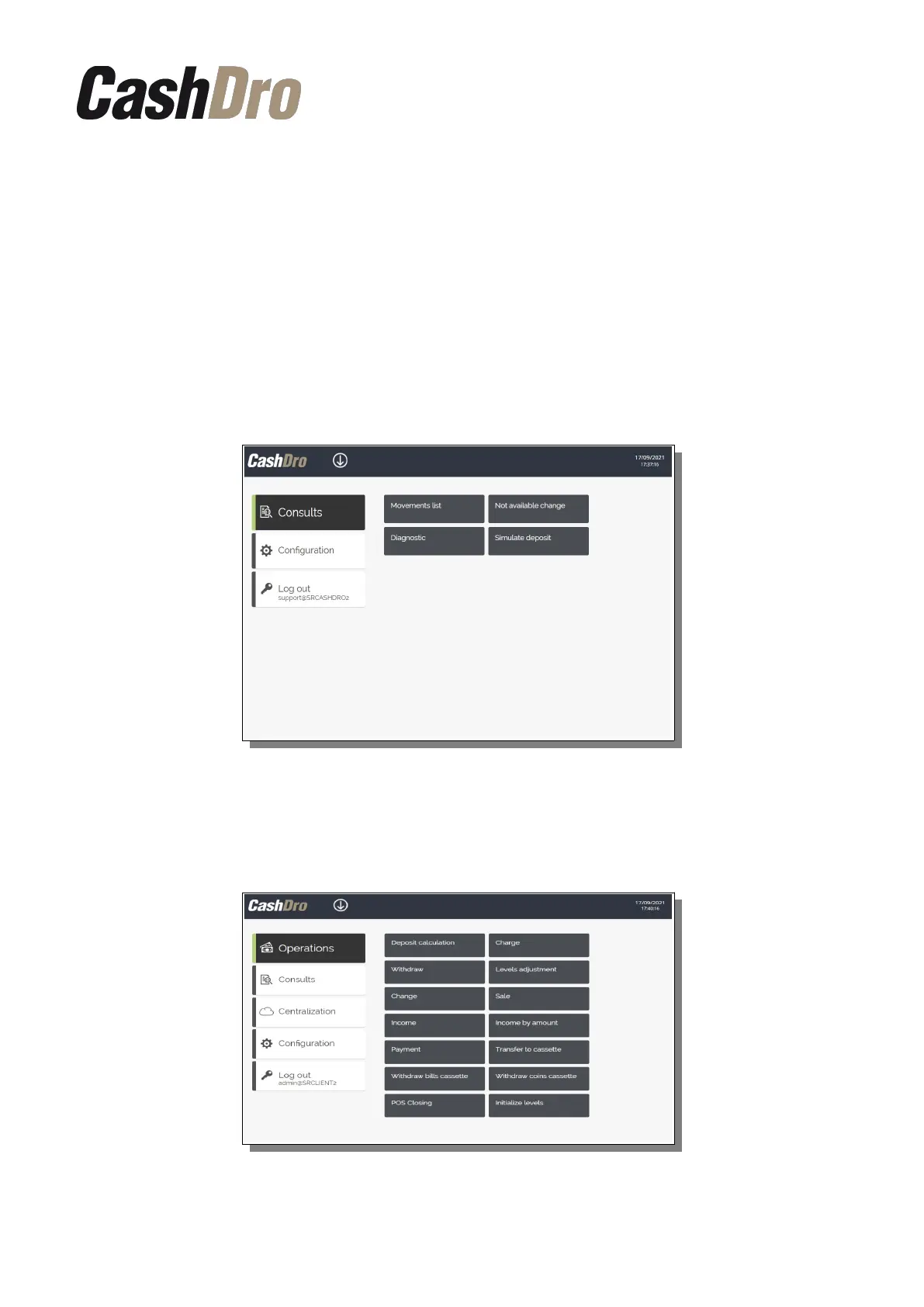
Depending on the type of user, technical or non-technical, the menu options that CashDro3
will display will be different.
• Technical users will access a menu of options directed towards the configuration and
maintenance of the equipment. They will not have access to operations.
• Non-technical users will access a menu of options directed towards the execution
and consultation of operations and will have restricted access to some configuration
options.
All the options on these menus are detailed in the following chapters.
CashDro Menu | 24



 To Next Page