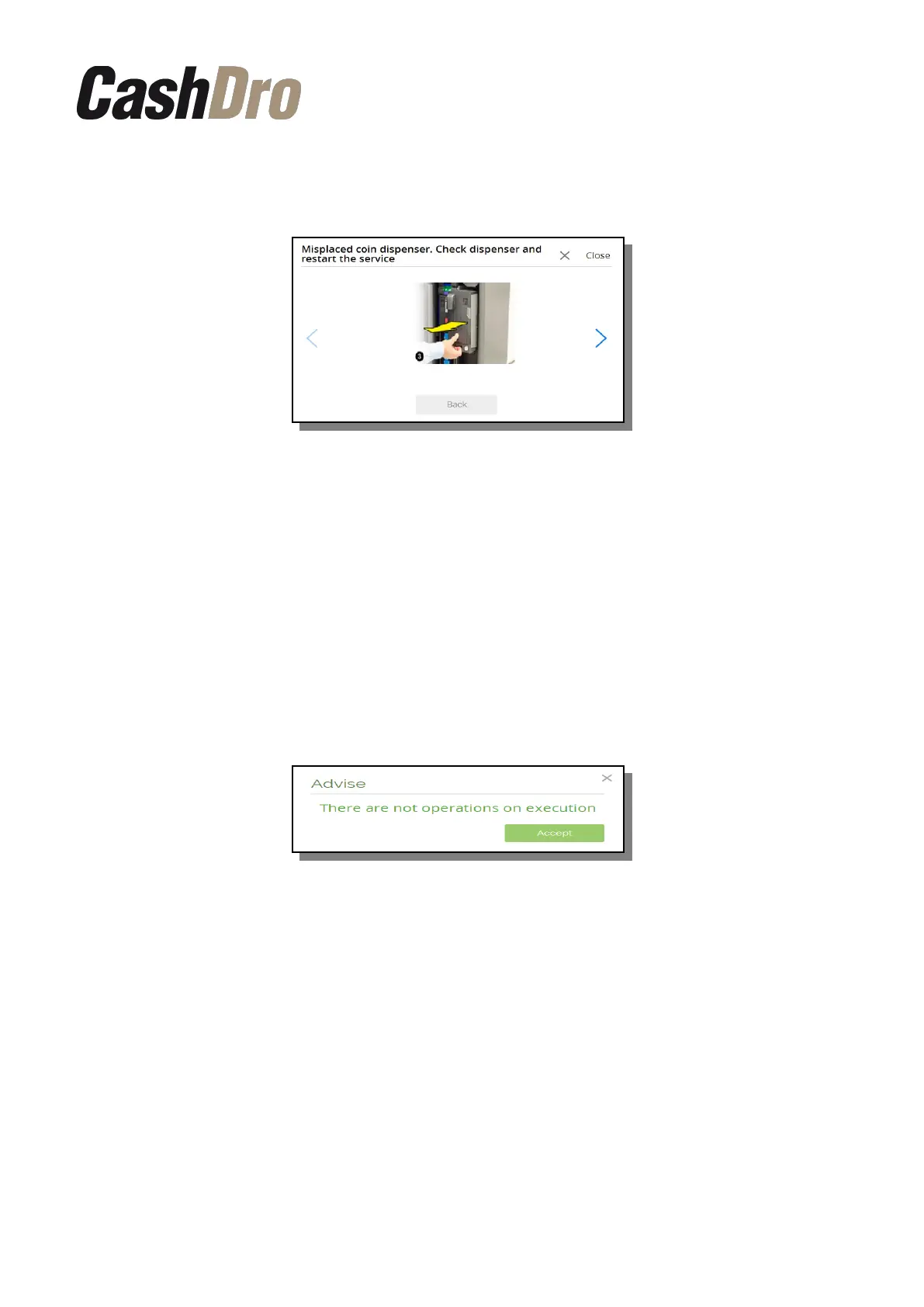
When in the message appears the sign of information “i”, the screen with the steps how to
solve the incident will appear after pushing on this “i”.
These instructions always will consist of steps that the user can make without the help of a
certified technician. CashDro3 will guide the user though the sequence of images.
In case that the problem is not solved after carrying out of the steps indicated, the user must
contact the provider so that the problem would be solved by the Certified Technician.
By pushing on the “Options” in the top of the screen, the menu with the following actions will
appear:
11.5.1 Operations in progress
This option informs if there is some operation that is executed at this moment. If there is no
operation in progress, the following message will appear.
11.5.2 Reset machine
Resets internal CPU and the devices (bills device, coins dispenser and coins validator).
11.5.3 Reset service
Resets the devices (bills device, coins dispenser and coins validator).
11.5.4 Connect with support
In order to connect the device to the remote support it is necessary to enter to this section of
menu and to enter the port indicated by the technician.
Consults | 40



 To Next Page