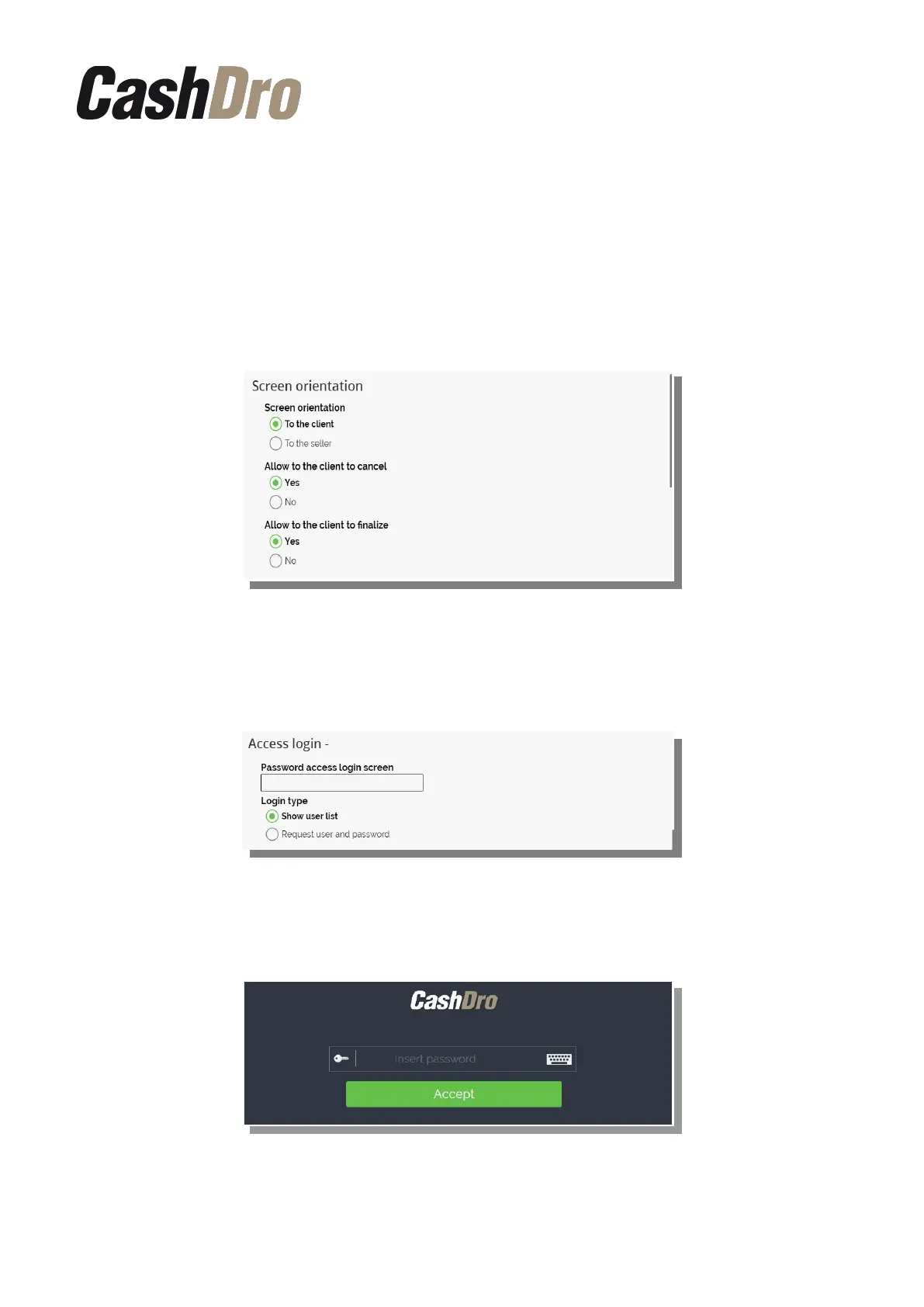
12.6.1.2 Screen orientation
We can configure if CashDro3 is oriented to client or to seller. Depending of the option
chosen, we can define also if we want that options “Cancel” and “Finalize” are visible at
touch screen of CashDro3.
The option “Cancel” returns all introduced amount until this moment.
The option “Finalize” does not returns any amount and allows to collect the remaining
amount with other type of payment.
12.6.1.3 Login Access
We can activate the “Password of access in login screen” in order to restrict the access to
the users screen. This login is different from the identification of the user.
If we introduce a Password, CashDro3 always displays a screen to introduction of this
password before displaying login screen.
The user screen might be shown in two different ways:
Configuration menu | 53



 To Next Page