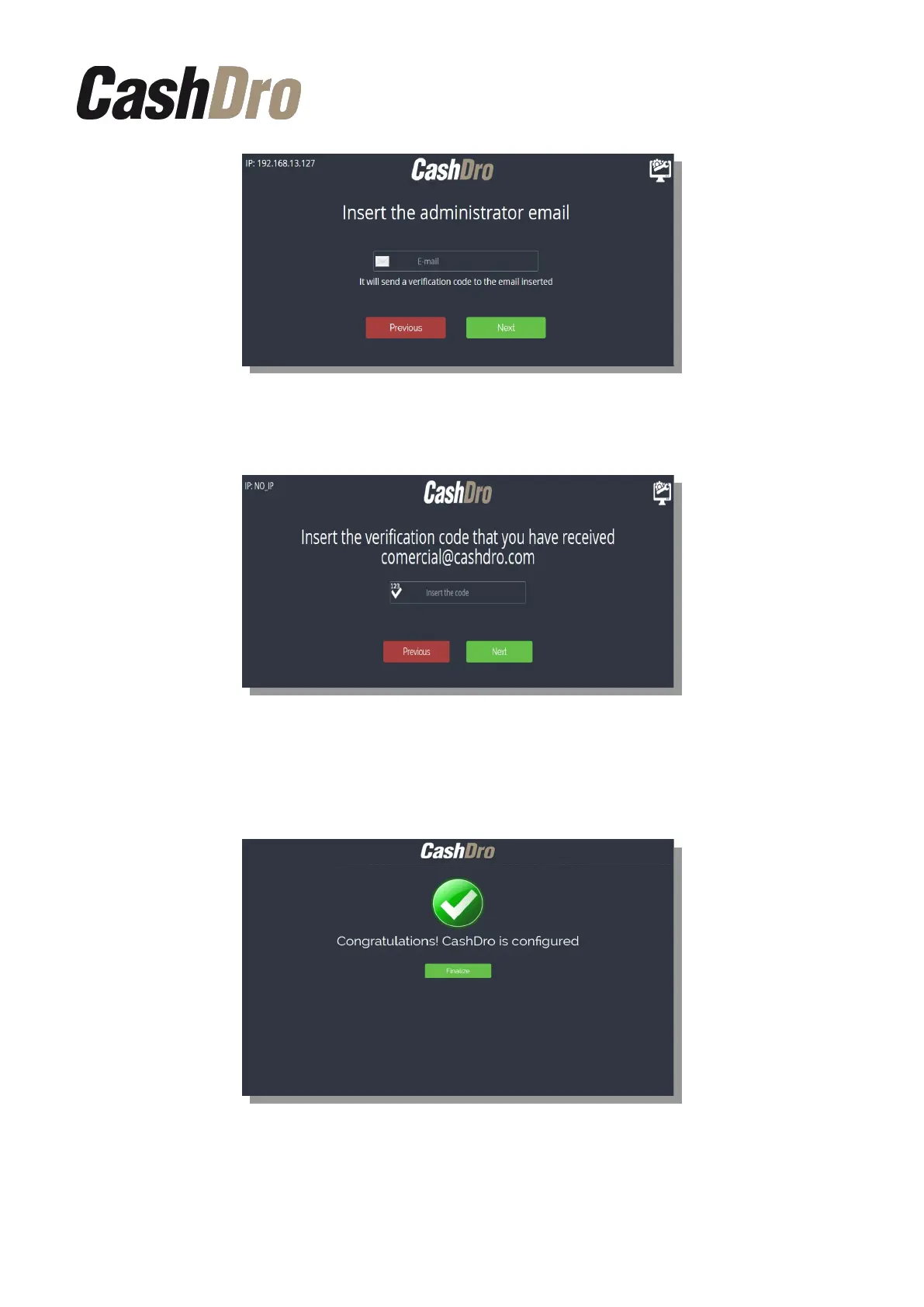
Enter the verification code received by email.
After the verification code is introduced, CashDro3 will initialize the devices and internal CPU
and the following screen will appear in touchscreen indicating the end of the CashDro
configuration.
CashDro3 is ready to work. When pressing “Finalize” the service will restart and CashDro
will request the authorized technical service credentials.
Initial Device Registering | 6



 To Next Page