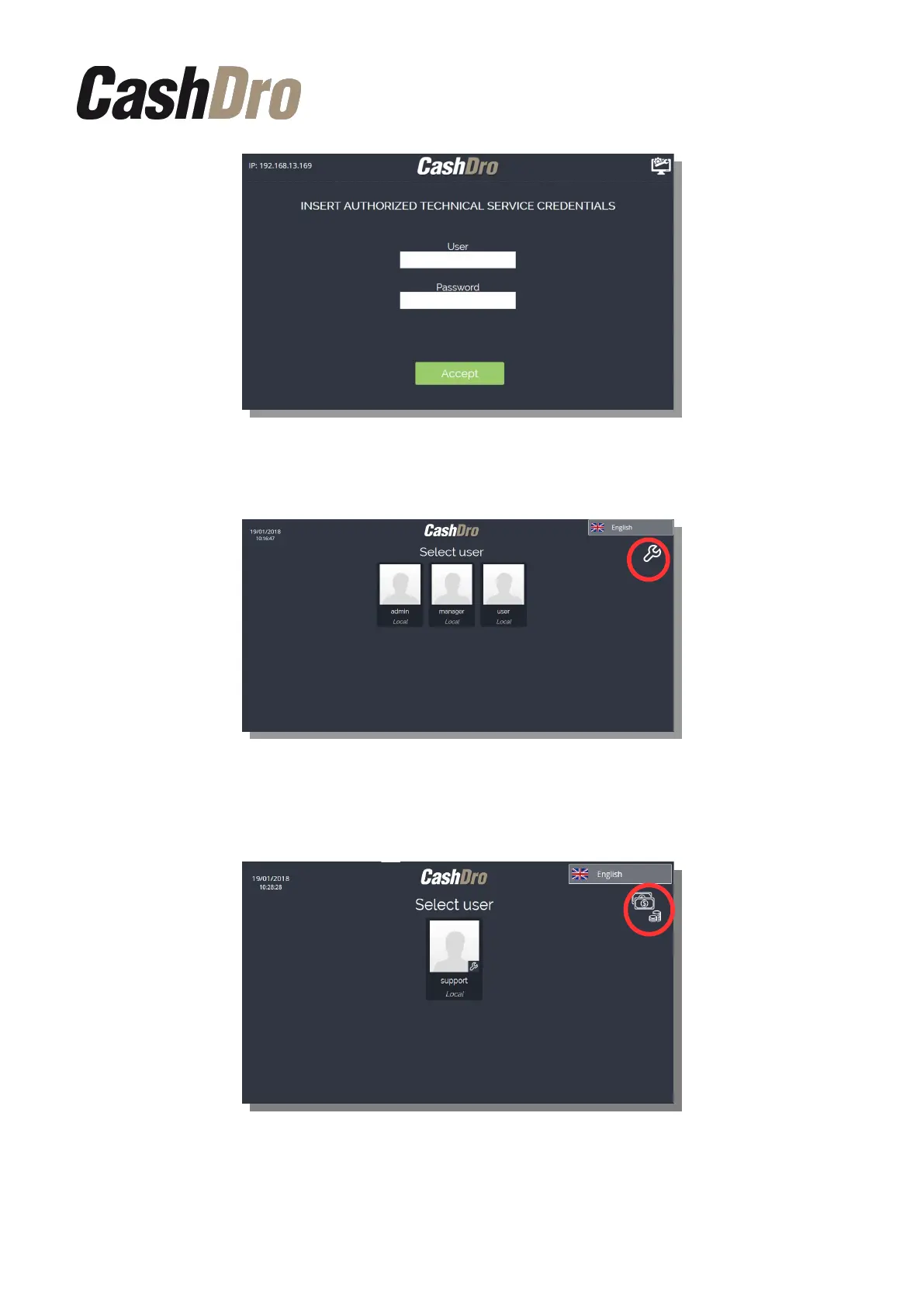
Once validated the credentials, the selection of users screen will appear.
To access to technical users, press on the top-right corner icon. Pressing again in the same
icon, the system comes back to the first screen of non-technical users.
To access the menu select a user and enter his password.
Initial Device Registering | 7



 To Next Page