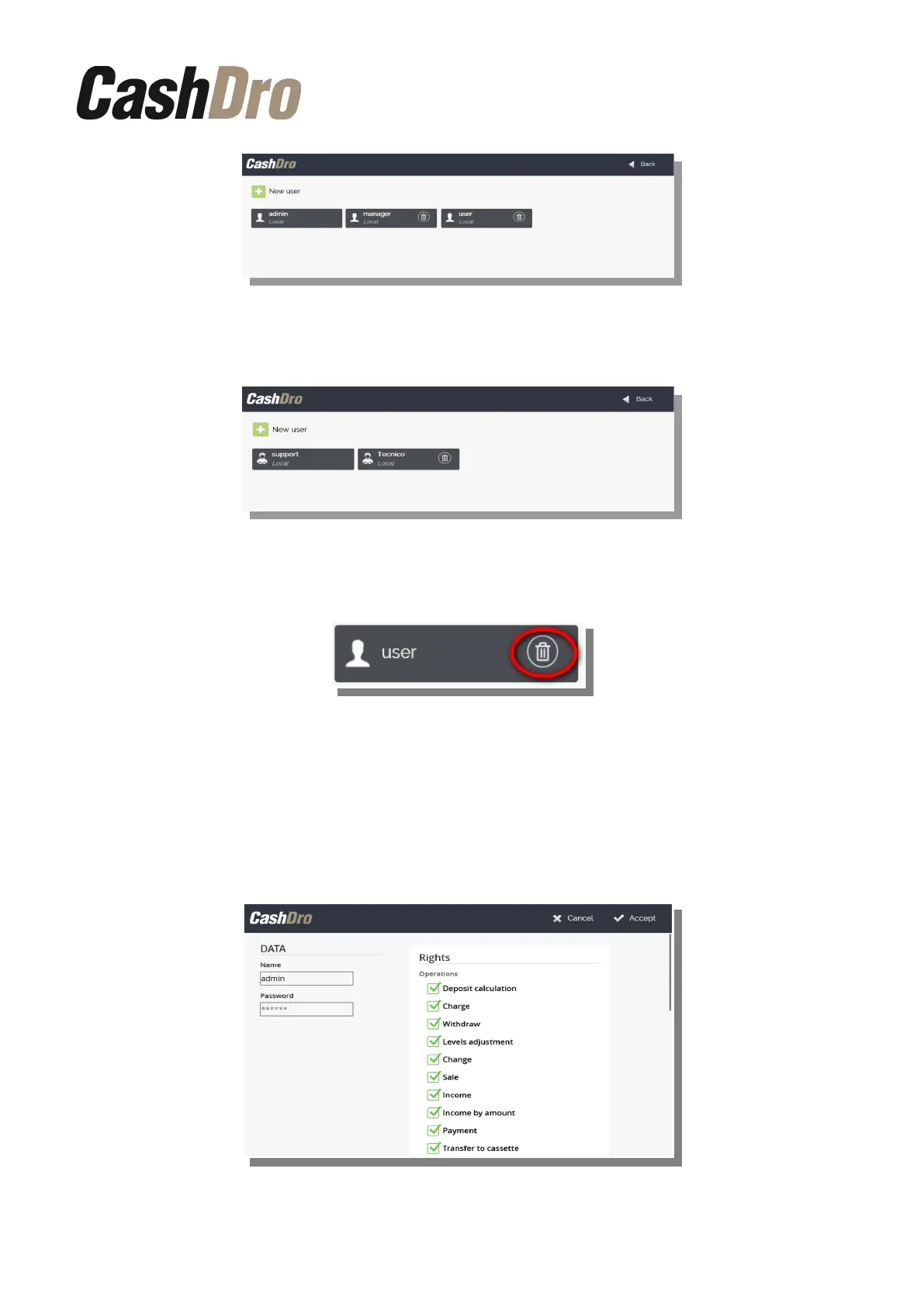
The technical user (user: “support”) can only view, create, modify and delete technical users.
In order to delete a user, push the recycle bin icon in the user list screen.
The administrator (user “admin”) and the technical user (“support”) can not be eliminated.
In order to create new users push on “+ New user”. If we access to the configuration as
administrator (user “admin”), we can only create users of its same profile and if we access
as the technical user (“support”) we can only create technical users.
In order to modify a user that is already created push on it.
Configuration menu | 44



 To Next Page