manual “CD3-Recycler denomination change manual” in private area of website
www.cashdro.com).
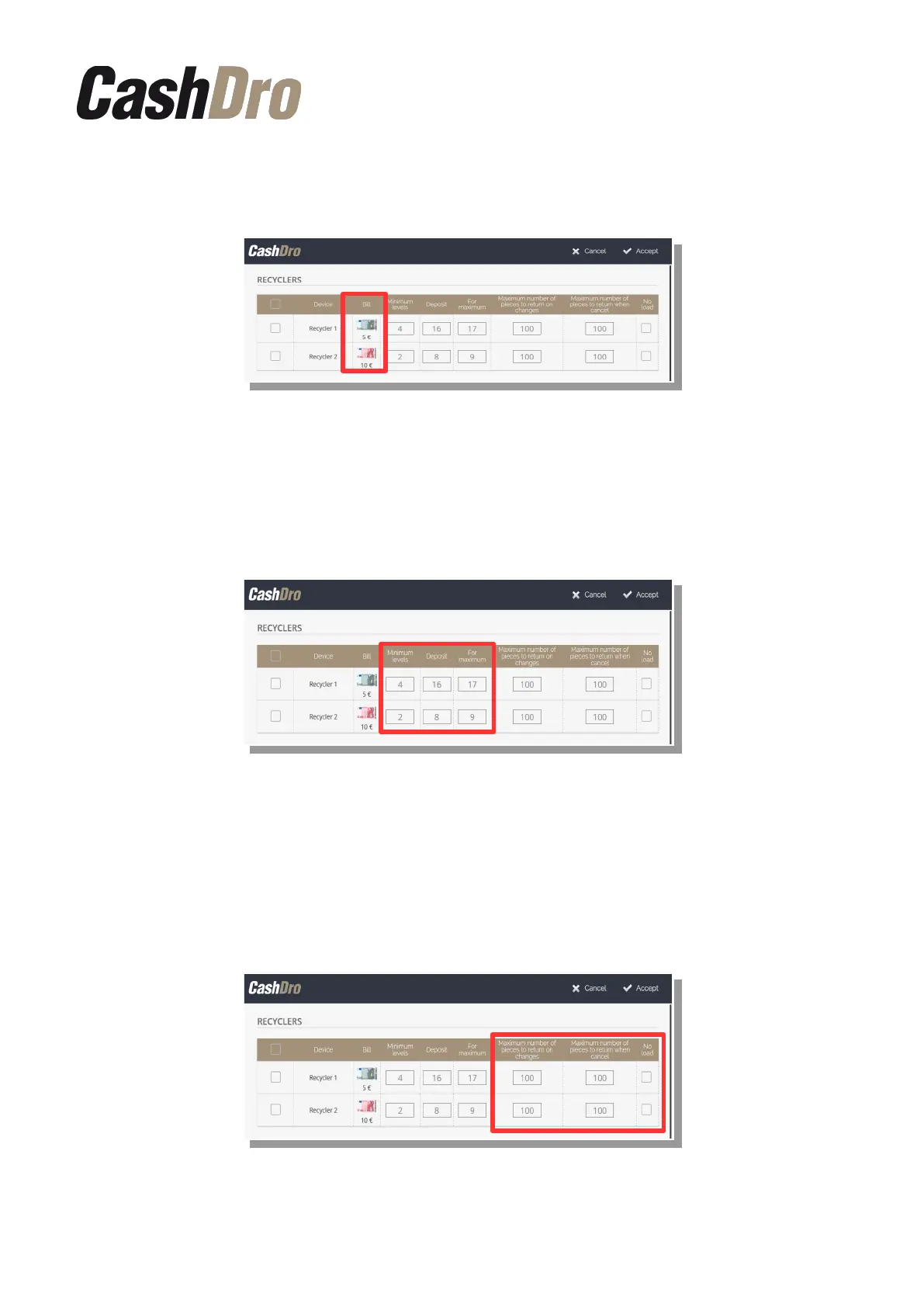
In this screen we can visualize the columns “Minimum level”, “Deposit” and “Maximum
level”. These columns are only for visualize and they are not editable. For modify these
values we have to access to section of menu Operations-Deposit calculation. If we are
working in automatic mode for maximum and minimum calculation, the maximum and minim
levels are never editable because they are calculated automatically by CashDro3.
In the last two columns we can define by each bills denomination, the two following
parameters:
• The maximum number of pieces to return when dispensing changes in collection of
sales and payments.
• The maximum number of pieces to return when cancel an operation. This parameter
only acts in the collection of sales.
•
By default, CashDro3 has configured these values to 100.
Configuration menu | 48



 To Next Page