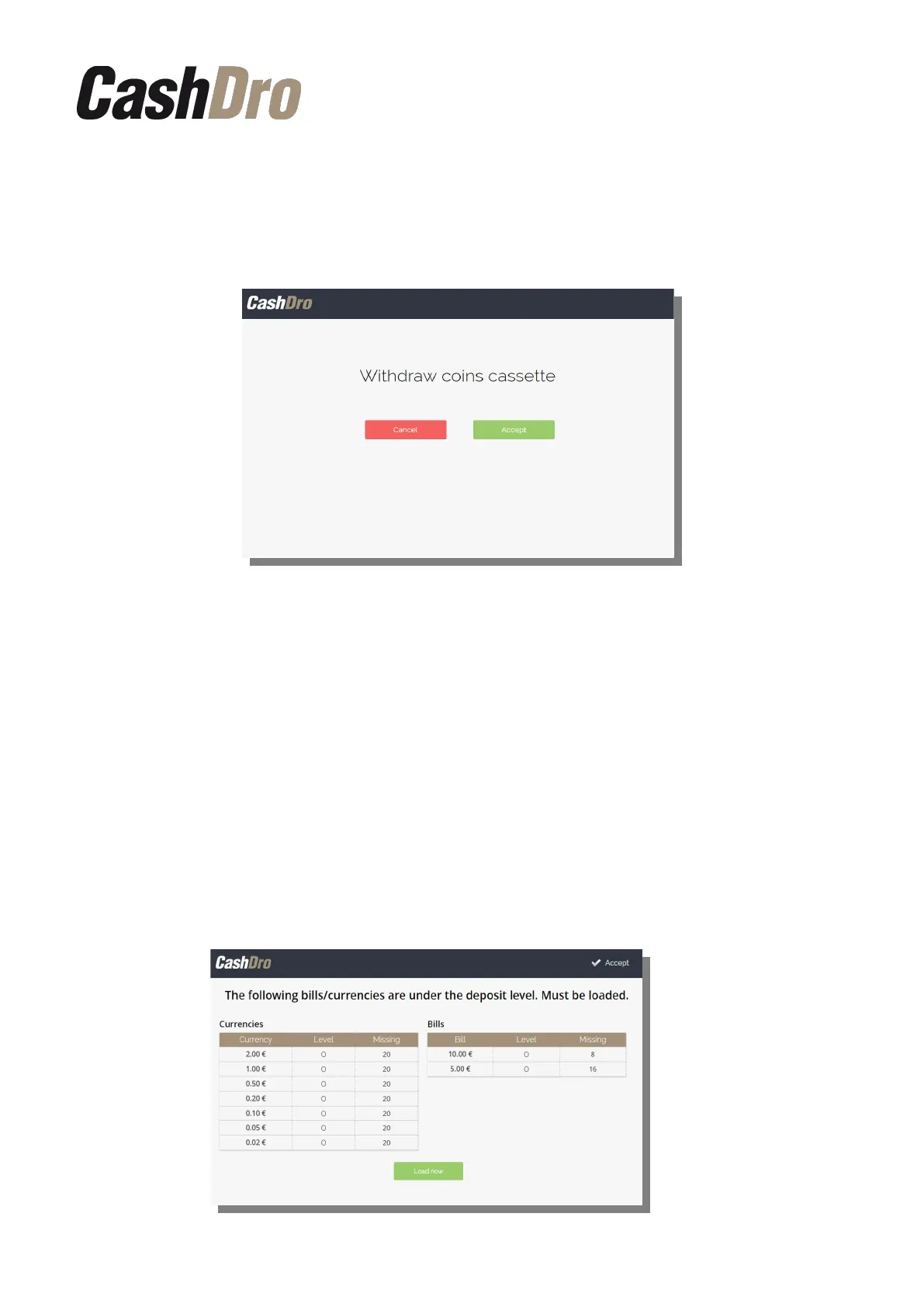
3. Withdraw coins cassette.
After withdraw bills cassette is activated the withdraw coins cassette. We can press
“Accept” and do it or “Cancel” if we want to realize the withdraw in other
moment.
Note: the stacker withdrawal operation puts the counting to 0 and it is
assumed that all the bills/coins deposited inside the stacker were taken out
manually.
We can take out all bills/coins from the current stacker and put back this stacker to
CashDro3 or we can use another empty stacker instead of first the one.
4. Charge of bills and coins that are under the deposit level (missing levels).
Finally, CashDro3 shows the Charge screen to replenish all levels that are under
deposit level. If we don't have in this moment the bills and coins to charge, we can
do it later accessing to “Charge” in menu “Operations”.
If when execute POS Closing any denomination is under deposit level, this screen
will not be displayed.
Operations | 33



 To Next Page