11
1. Main I1 welding current (if OFF PULSE is set).
Peak current (if SLOW PULSE is set).
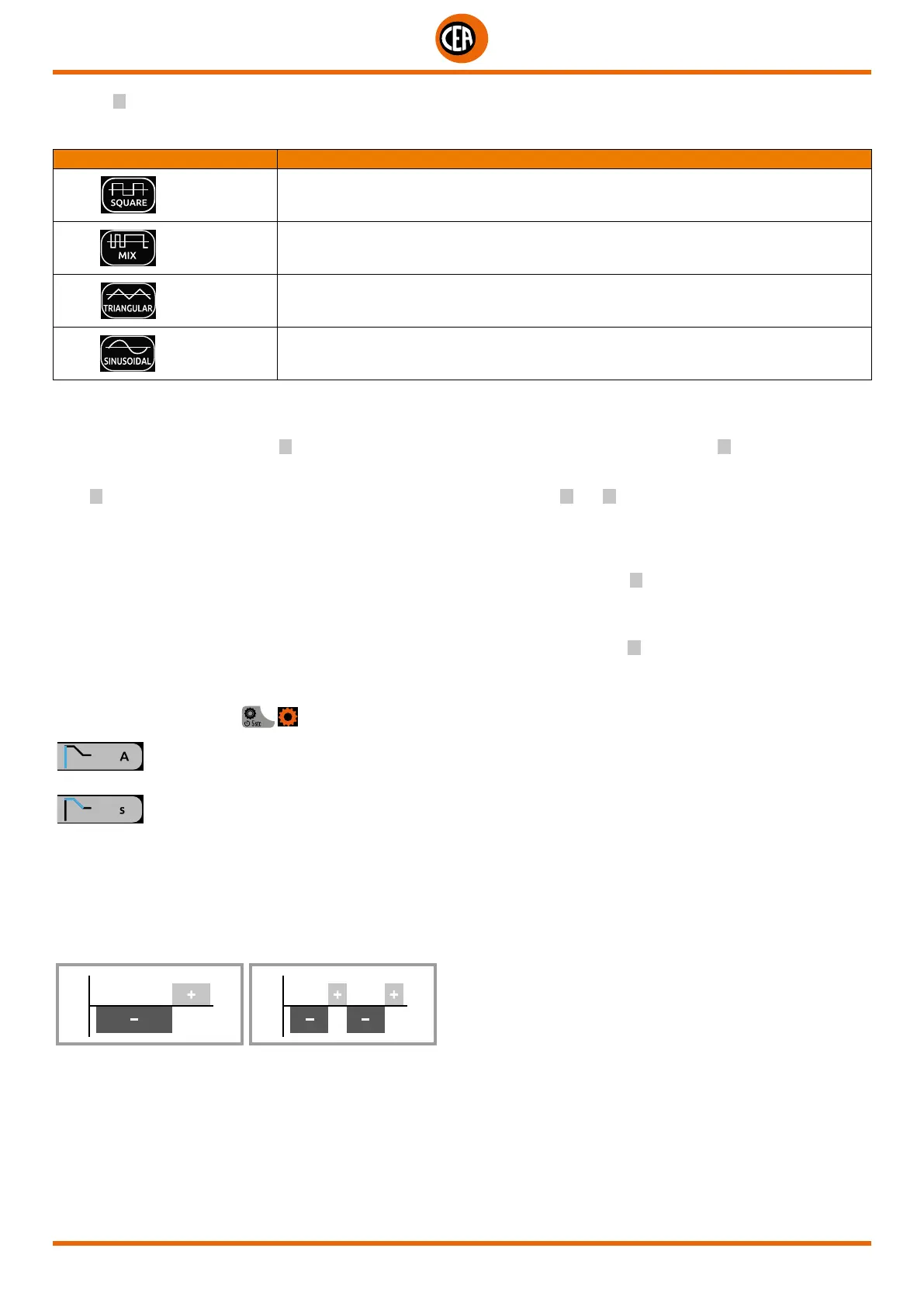
Depending in the type of AC wave shape selected, for pre-setting and welding, the display will indicate the following current value:
TYPE OF TIG AC WAVE WELDING CURRENT VALUE
DYNAMIC TIG
Peak current
SPEED TIG
Peak current
COLD TIG
RMS Current
SOFT TIG
RMS Current
2. “Absolute” basic current value in Ampere (default) or as % of the peak current (if SLOW PULSE is set).
3. Duration of the peak current (if SLOW PULSE is set).
4. Duration of the basic current (if SLOW PULSE is set).
5. (When CYCLE is set) “Absolute” I
2
cycle current value in Ampere (default) or as % of the main current for I
1
welding, or of the peak
current when pulsation is set.
When the CYCLE function is active, when the torch button is pressed and released within less than 1 second the welding current goes
to the I2 CYCLE. value, and by repeating this operating you can switch between the I1 and I2 . current levels an infinite number of times.
When the torch button is held down for more than 1 second, you exit the cycle.
This welding mode is especially indicated for welding profiles with different thickness, where continuous current variation is required.
Also, when welding aluminium, it allows you to have a higher initial current, thereby facilitating pre-heating of the workpiece.
6. PRE-GAS duration.
7. “Absolute” initial welding current value in Ampere (default) or as % of the main current for I1 welding, or of the peak current when
pulsation is set.
8. SLOPE UP duration.
9. SLOPE DOWN duration.
10. “Absolute” final welding current value in Ampere (default) or as % of the main current for I
1
welding, or of the peak current when
pulsation is set.
11. POST-GAS duration.
12. Select the diameter of the electrode to achieve the best control of ignition in synergic mode (default).
If the “CONFIGURATION”
menu is used to select manual ignition, you can set:
Ignition current
Duration of the ignition time
NOTE: If the value of these 2 parameters is too low, this could prejudice ignition.
13. Frequency of the AC welding current.
This controls the frequency for the various wave shapes, for better directional control, reducing the thermally altered area, with great-
er penetration and lower electrode consumption. The high frequency makes it possible to weld very small thicknesses with excel-
lent results, while the low frequency is ideal for welding average thicknesses, or where edge preparation is poor.
I (A)
t (s)
I (A)
MIN 40 Hz
MAX 250 Hz
t (s)













 To Next Page