23
Electrode Welding (MMA DC)
Via the welding process configuration menu, set MMA DC, the TYPE OF ELECTRODE and the PULSATION TYPE.
The possible parameter combinations are as follows:
WELDING PROCESS TYPE OF ELECTRODE
PULSED MODE
OFF PULSE SLOW PULSE
MMA DC
BASIC X X
RUTILE X X
CrNi X X
CELL X X
SPECIAL X X
When the
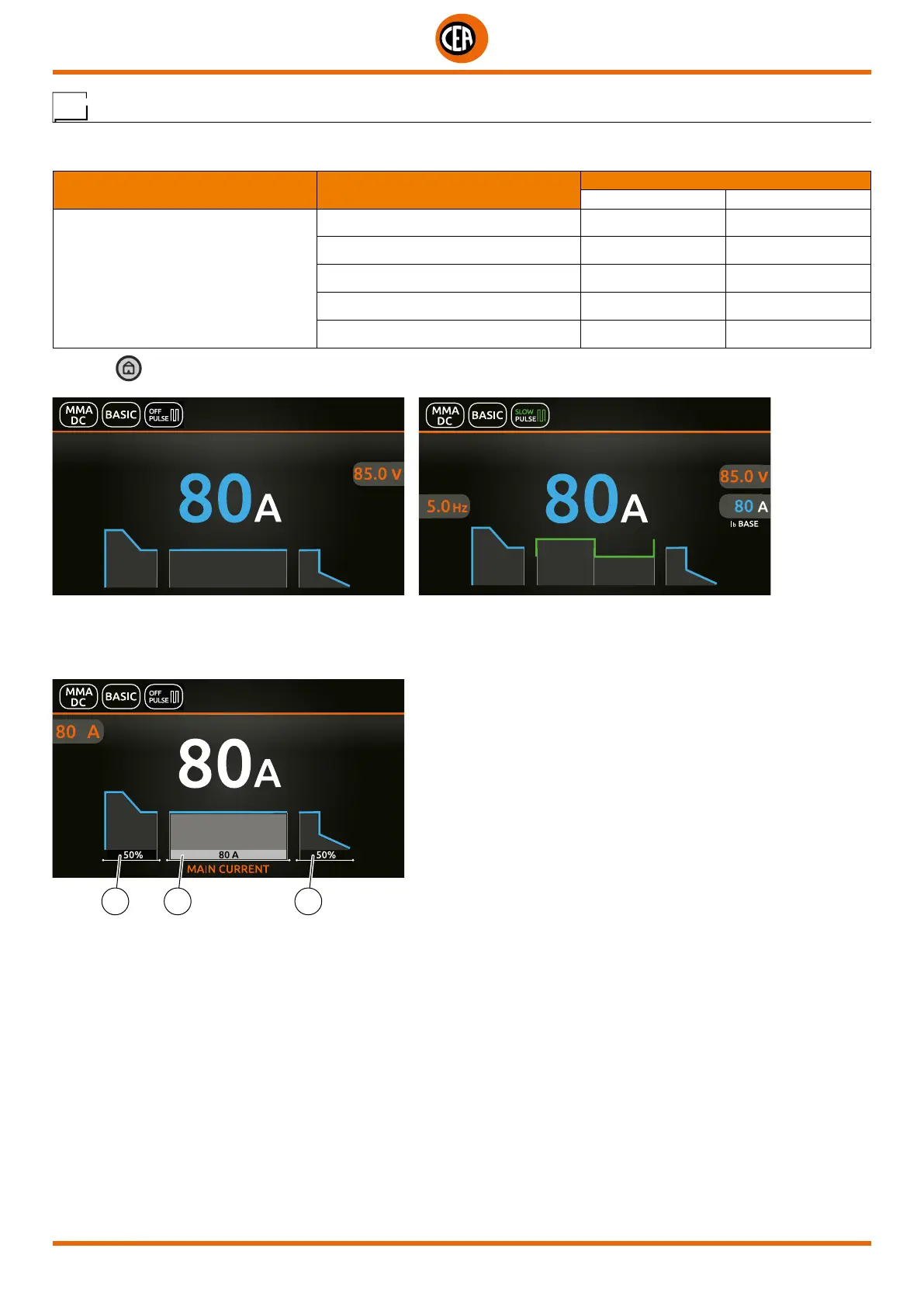
key is pushed, the welding page opens (a configuration is shown below with PULSE OFF and a SLOW PULSE config-
uration):
Push the knob to enter the SET page.
Push and rotate the knob to set the following parameters:
Configuration with PULSE OFF
2 1 3
1. Main welding current.
2. HOT START – Increases the welding current, on a percentage basis, for a time interval that can be set at the start of the welding
process, thereby reducing the risk of poor melting at the start of the joint.
3. ARC FORCE - Regulates the dynamic characteristics of the arc, in percentage terms.













 To Next Page