34
JOB - Viewing the parameters set for a saved program
Proceed as follows:
1. Load the program (JOB) saved, as described in the previous chapter.
J-01
JOB 01
JOB
2.4
Ø
12.0 v
80A
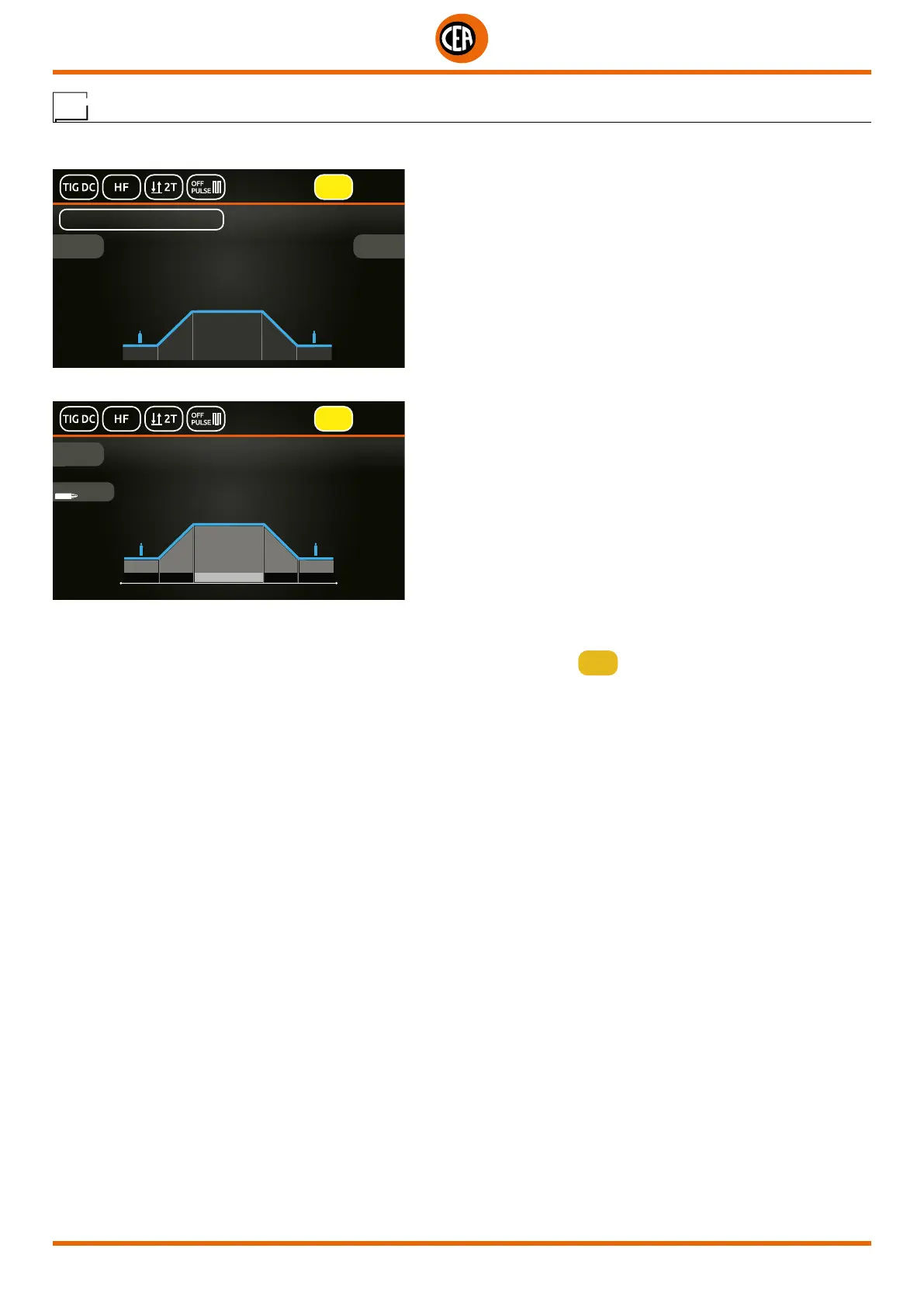
2. Push the knob to enter the SET page. A graphic of the welding process for the JOB loaded will be displayed.
JOB
80 A
80A
MAIN CURRENT
80A 0.0 s 6.0 s0.0 s0.25 s
Ø
2.4mm
IGNITION
3. By rotating the knob you can view all the parameters of the JOB loaded.
4. By pushing the knob on a parameter of the JOB loaded, you can edit its value.
NOTE: If the parameters set are changed, you automatically exit the JOB loaded (the
JOB
symbol disappears from the display).













 To Next Page