43
Locking / unlocking the display panel using a password
A password can be set for unlocking the display panel.
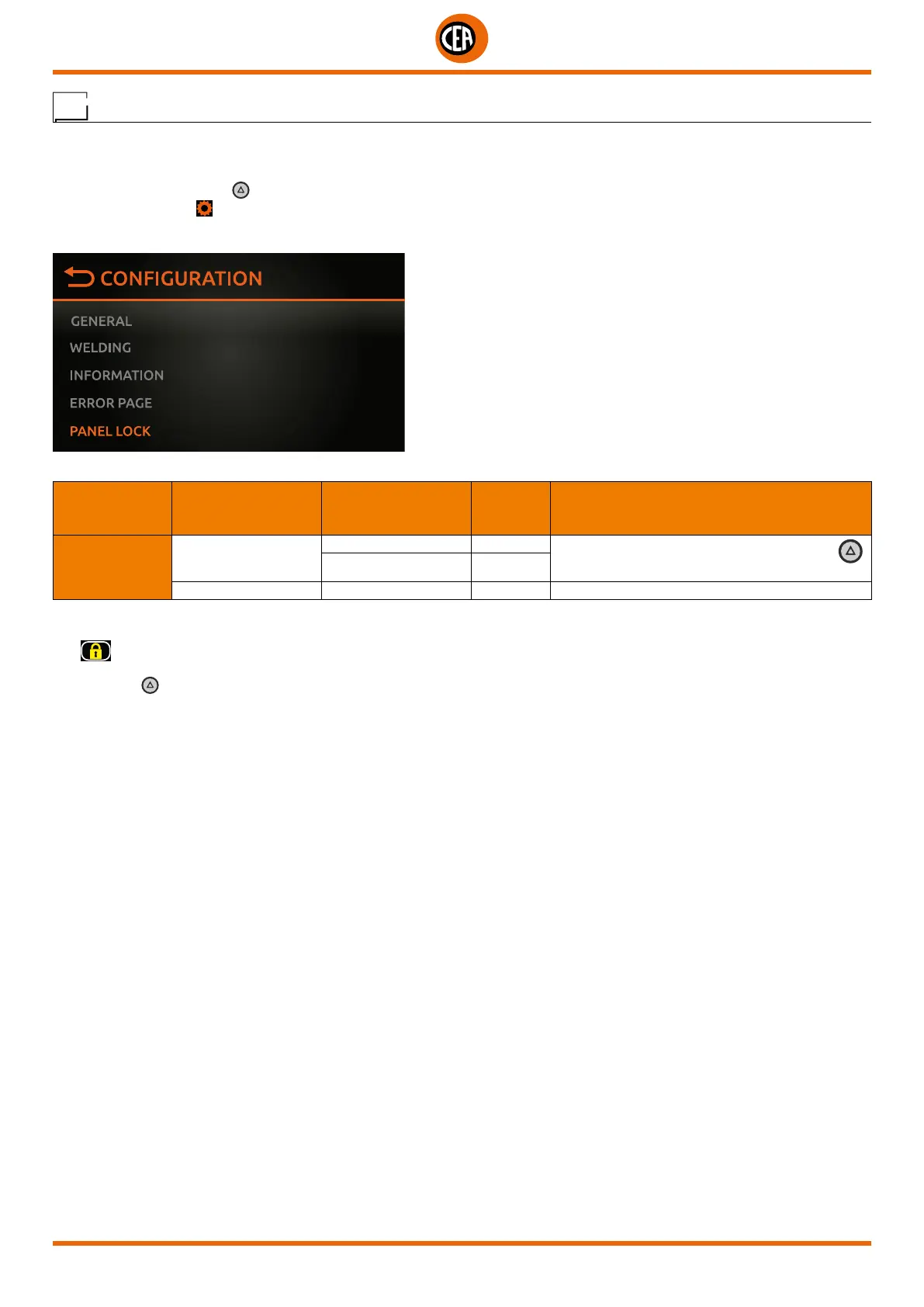
To access this information go to the “CONFIGURATION” menu and select the “PANEL LOCK” menu.
You can access the “CONFIGURATION” menu by:
• Holding down the SET key for 5 seconds.
• By selecting the icon
from the process setting page.
• Select the “UPANEL LOCK” menu.
Select the “PANEL LOCK” option.
MAIN MENU MAIN SUB-MENU
PARAMETERS /
HIGH - LOW LIMIT
DEFAULT
VALUE
NOTE
PANEL LOCK
LOCK PANEL
NO X
Locks the panel. To release, hold the SET key
down for 5 seconds
YES
SET UNLOCK CODE Used to set a personal panel release code
Set the required password for unlocking, and activate the “LOCK PANEL” function.
The
icon appears on the display, meaning that the display is locked, and the operator cannot change any welding parameter.
Push the SET key again to exit this functi8on, and the display panel will be unlocked.













 To Next Page