33
JOB - Creating and saving welding programs
The welding machine allows you to save up to 99 welding programs (JOBS).
Once you have defined the parameters the operator requires to do their work properly, you can save them by creating a welding pro-
gram (JOB), by proceeding as follows:
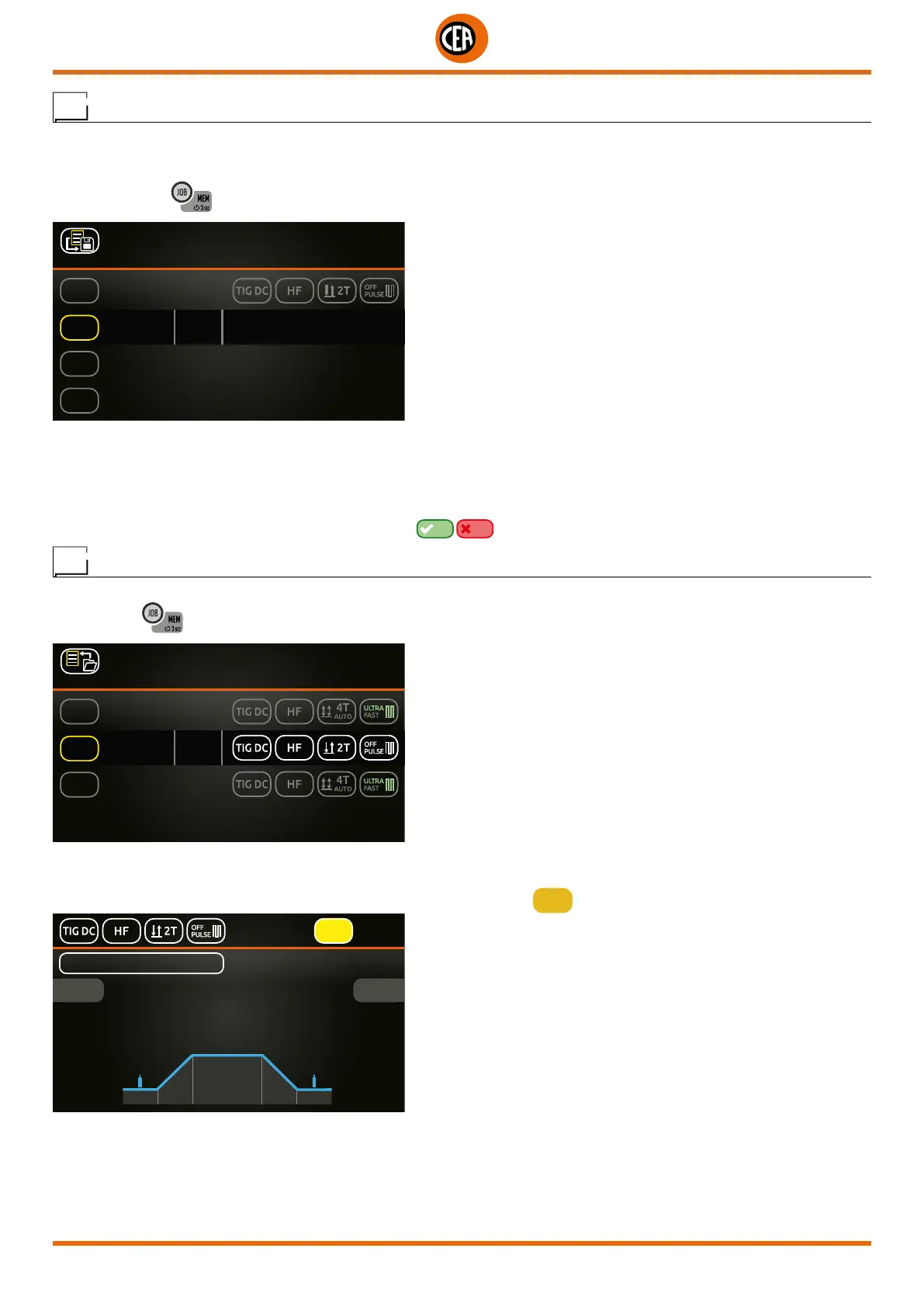
1. Hold down the
key for at least 3 seconds, until the figure shown below appears on the display.
1 SAVED JOBS
PRESS KNOB TO SAVE
J-01
J-03
J-04
JOB 01
........
........
80A
J-02
........
2. The software proposes saving as the first free welding program that is free (e.g. J-02...).
3. Push the knob to save.
You can overwrite a program already saved (e.g. J-01 JOB 01 - see figure above). To do so, proceed as follows:
1. Rotate the knob to reach the program to be overwritten.
2. Push the knob to save.
3. Follow the guided procedure to confirm the overwriting
YES NO
.
JOB - Viewing and loading a saved program
Proceed as follows:
1. When the
key is pushed the page that contains a list of the saved programs (JOBS) is displayed.
2 SAVED JOBS
PRESS KNOB TO LOAD
MAN
J-02
MANUAL 120A
J-01
PRESS KNOB 2 sec TO EDIT
JOB 01 80A
JOB 02 120A
2. Rotate and push the knob to load the JOB required (e.g. J-01 JOB 01).
3. You can now weld using the parameters saved in the JOB saved.
4. The main welding screen will display the name of the JOB loaded and the
JOB
symbol.
J-01
JOB 01
JOB
2.4
Ø
12.0 v
80A
5. Rotate the knob to scroll the list of JOBS saved and enable them.













 To Next Page