27
Configuration menu
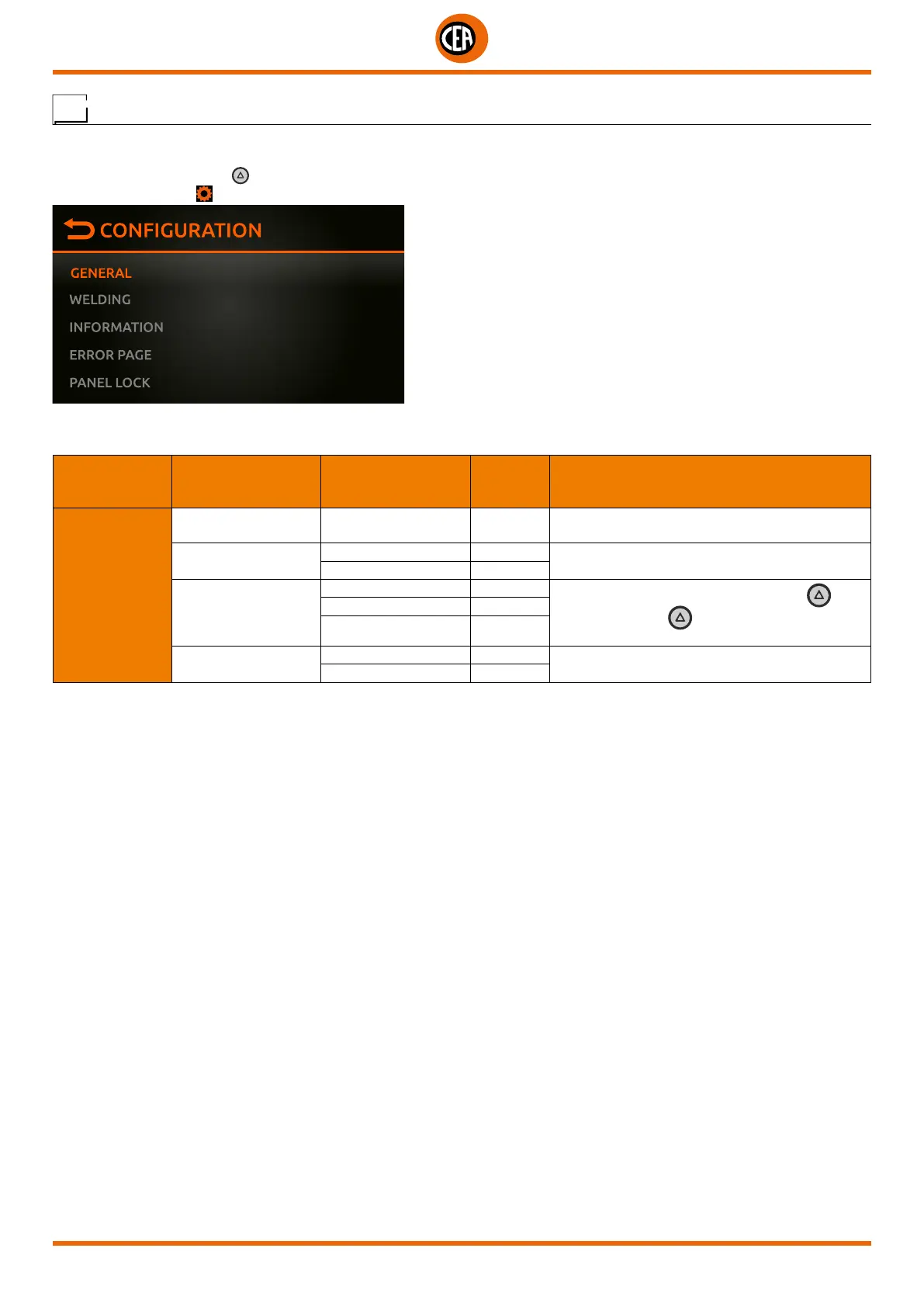
All the welding machine configuration menus are shown below.
You can access the “CONFIGURATION” menu by:
• Holding down the SET key for 5 seconds.
• By selecting the icon from the process setting page.
All the welding machine configuration items are shown below.
For the numerical parameters, the current default and high and low limits are shown.
MAIN MENU MAIN SUB-MENU
PARAMETERS /
HIGH - LOW LIMIT
DEFAULT
VALUE
NOTE
GENERAL
LANGUAGE
ENGLISH-ITALIANO
FRANCAIS ….
ENGLISH Set the language
SOUND
ON X
Set the sound when a key and the knob are
pushed
OFF
SET BUTTON
GAS FLOW TEST X
Set the chosen option for the SET button
Push the SET key a second time to exit the
option chosen
LOCK PANEL
LOAD JOB
FULL RESET
NO X
Reset the welding machine to the default settings
YES













 To Next Page