32
Factory default
WARNING: This operation results in complete resetting of all parameters to the factory settings. We recommend saving the JOBS and
SETTINGS on a new “FAT32” USB stick, set aside for this purpose.
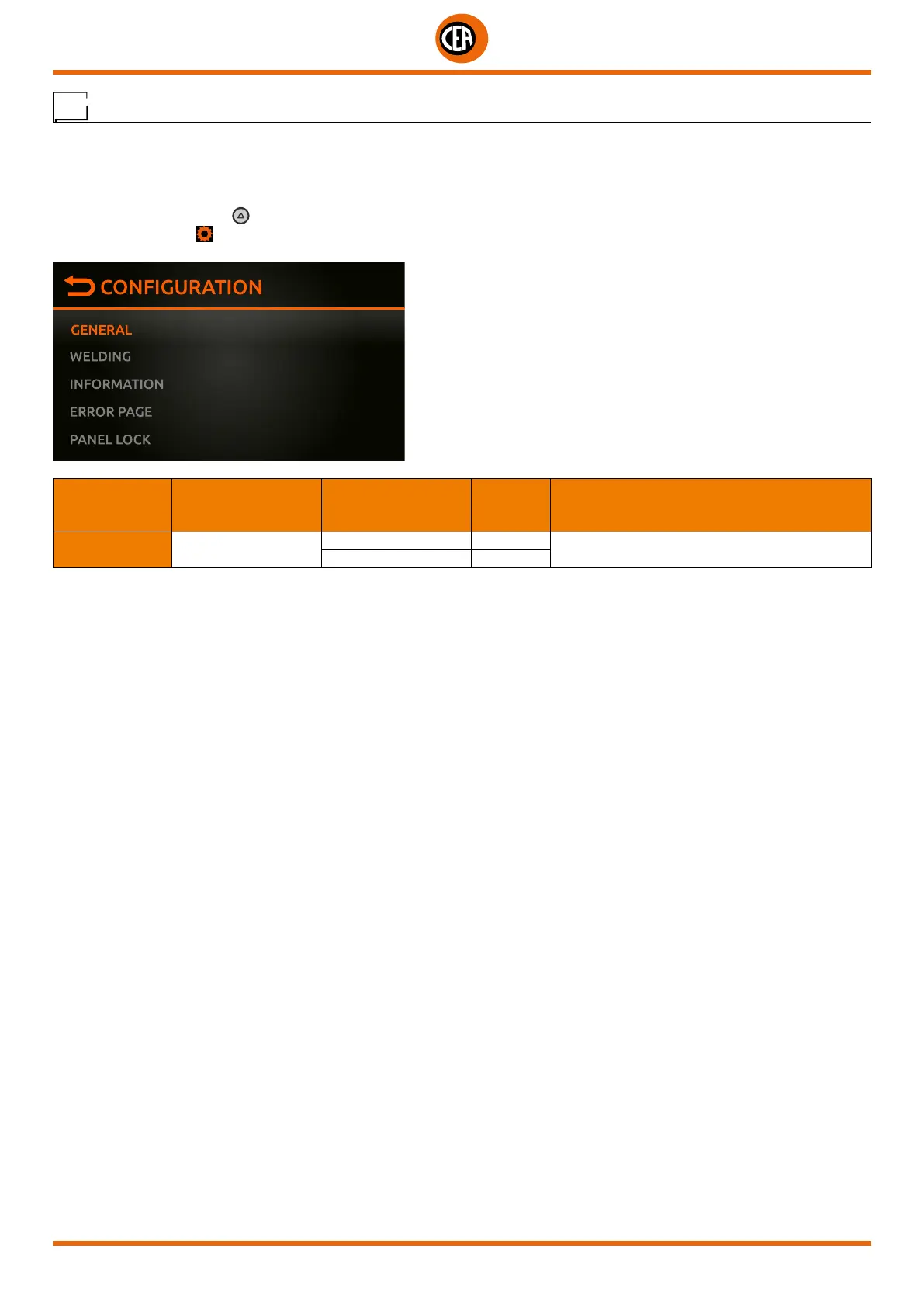
To do a total reset, go to the “CONFIGURATION” menu and select the “GENERAL” menu.
You can access the “CONFIGURATION” menu by:
• Holding down the SET key
for 5 seconds.
• By selecting the icon
from the process setting page.
• Select the “GENERAL” menu.
MAIN MENU MAIN SUB-MENU
PARAMETERS /
HIGH - LOW LIMIT
DEFAULT
VALUE
NOTE
GENERAL FULL RESET
NO X
Reset the welding machine to the default settings
YES













 To Next Page